I have focused on many apps and sites with a wide variety of content. Things like newspaper sites and multimedia magazines. Today we’re covering two apps which focus on doing one thing and doing it well: presenting long-form reading. The Atavist and Palimpsest have created ideal environments for reading both magazine articles and nonfiction stories.
THE ATAVIST
The Atavist is basically a publishing house for original, bestselling nonfiction stories. The content tends to be longer than most magazine articles but shorter than a book. Created by Jefferson Rabb, the app reflects his creative and innovative style reflected in his other well-known digital work for writers like Harkuki Murakami and Jhumpa Lahiri. The Atavist app is available for the iPhone & iPad, but the individual articles can also be purchased on the Kindle and Nook.
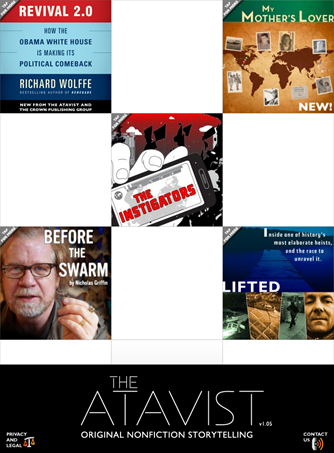
Stories from The Atavist are all researched, reported & crafted by reporters and writers who specialize in longform content. Most stories are narratives which focus on some kind of human drama: a crime, a science mystery, an adventure, etc.
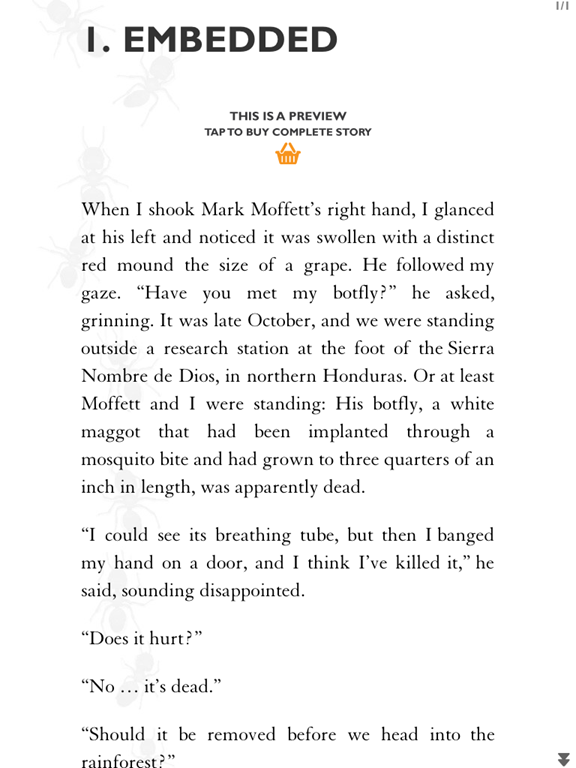
Let’s start with the reading experience because it’s just so great. Most of the stories have a preview that you can read, and when you decide to purchase one they are between $1.99 & $2.99. Each story has a cover from which you can decide whether you want to listen to or read the story. Stories have full-text search and the ability to change font sizes for ease of reading, too.


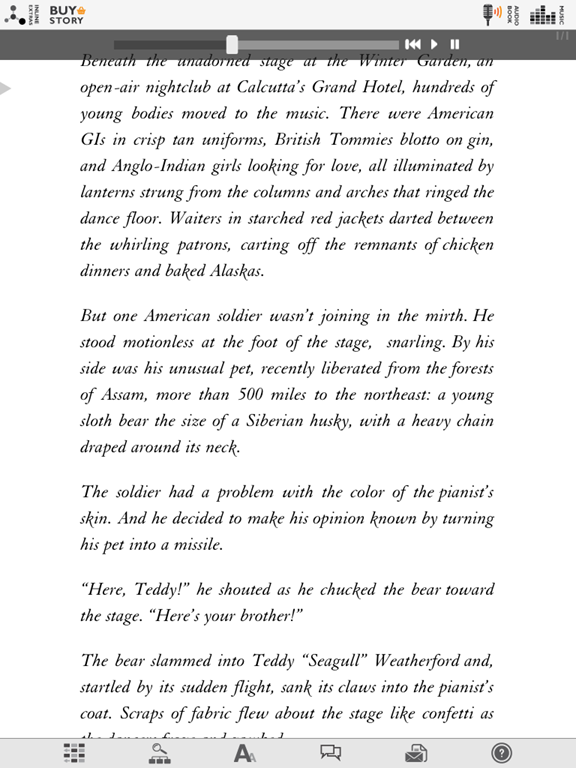
Each story on the iPad is laced with video, audio, imagery and additional layers of information. I read of it being referred to as “cinematic journalism” which is a great way to describe the experience. Piano Demon, shown above, has lovely accompanying piano music (which you can turn on and off) while you read. You can also turn on and off the inline elements, which might display things like an interactive map, an image describing a referenced work, relevant definitions of obscure terms and more. You can share the articles with friends and post comments and read those left by others as well.
Or not. The Atavist does an excellent job of giving you an isolated reading experience if you want that, or a social and interactive reading experience if that’s your preference. You have options, and that is one thing that is missing from so many digital reading experiences. I’m tired of being told I need to share and comment and tweet. I don’t. I just want to read. That might make me an old curmudgeon, but I’m still an old curmudgeon who is willing to pay for stuff to read if you consider the quieter reading experience in your apps. Now get off my lawn. </rant>
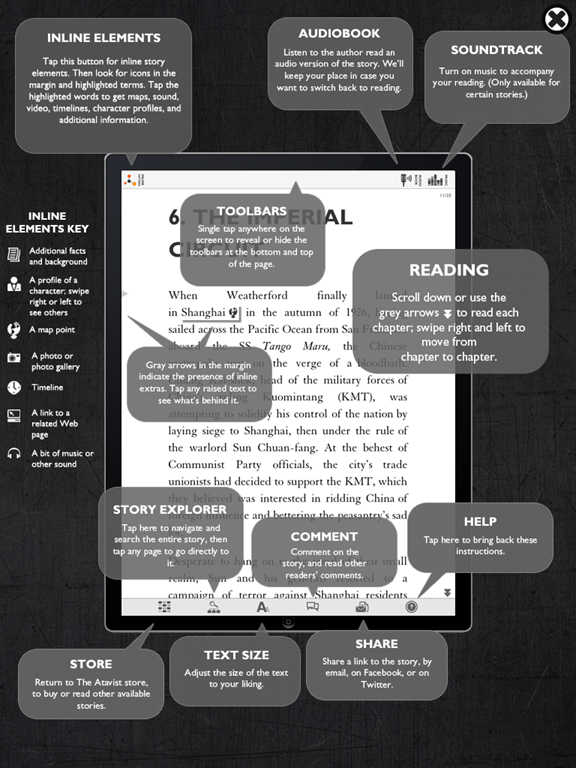
I love audio books, so for me one of the nicest options is the option to have the audio version read to you as the page scrolls. It’s a real voice, like real audio books, not a computer-generated voice as with the Kindle’s “Read to Me” functionality (which I do use frequently, but I prefer a human voice).
To support their publishing, The Atavist has built its own custom content CMS called Periodic Technology. You can read more about their platform here as it’s available for licensing and includes many of the nice features you see in the app itself. After spending the last few days at Content Strategy Forum 2011 in London to deliver a workshop on publishing narrative content and listening to everyone complain about how inadequate their CMSs are, this one might be worth a look if you’re doing digital publishing.
Overall I am a huge fan of this app and the very high quality stories, each of which is worth every penny. The Atavist publishes new content every so often, and the best way to stay up-to-date on that is to follow their Twitter account. Or install the app & make sure to turn on the notifications so you get a pop-up when a new story arrives.
PALIMPSEST
Palimpsest, which as shown on the splash screen above means a manuscript which has been scraped for reuse, is different from The Atavist in that it does not produce original content but rather hand-picks it from excellent sources. Palimpsest articles might have been originally published in The New Yorker (there are Malcolm Gladwell articles, for example), Vanity Fair, GQ, The Atlantic and many other sources.
The user interface is quite simple – it’s basically just the content. One article at a time, and when you’ve finished that article or if you decide to skip it, you can move along to the next. It’s incredibly easy to use and works very well.
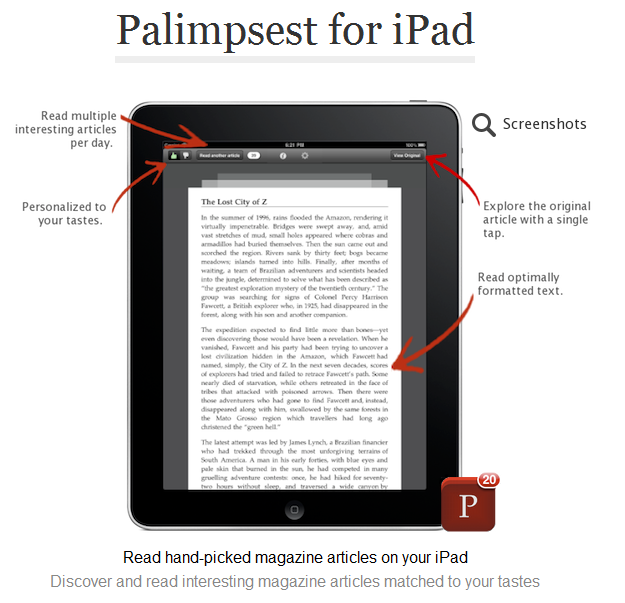
When you open Palimpsest, you are provided with several feature-length magazine articles which are curated for you. As you use the app and indicate what you like and don’t, your tastes and preferences are taken in to account to provide further articles.

Reading the articles consists of a delightfully focused interface. The articles scroll and the scroll bar gives you a vague idea of how long the article you’re reading is. If you want to view it in its original source (which is loaded in the background for you if you’re online), click the “View Original” button to be taken to a web view where you can see the article on its initial place of publishing. You can change article text or send it to your Instapaper account if you prefer to read it there.
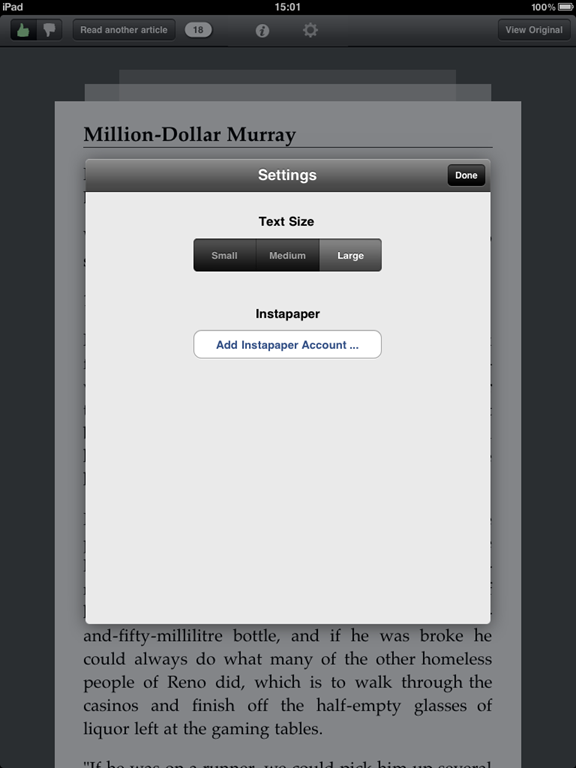
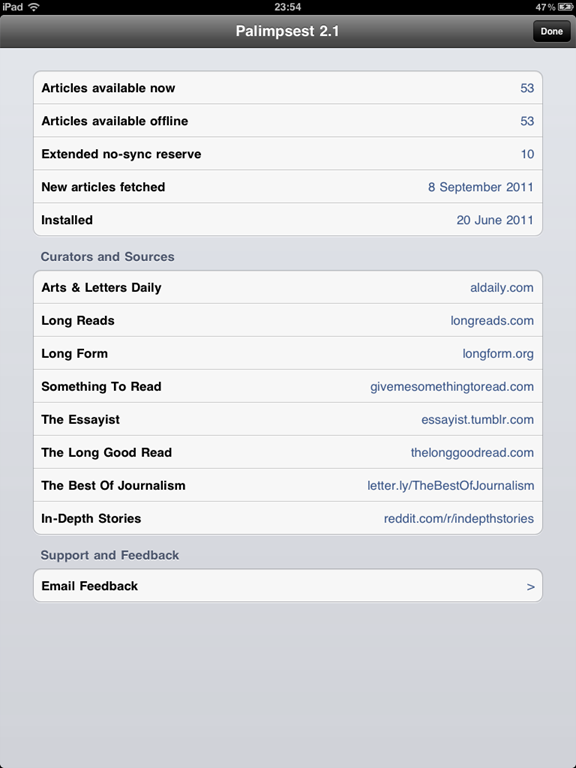
An information tab tells you how many articles you have, how many are available offline, when the last batch was fetched, and from where content is currently being curated. The offline part is useful because if you don’t have a data plan or you’re offline for several days at a time, you can still enjoy several new long-form articles.
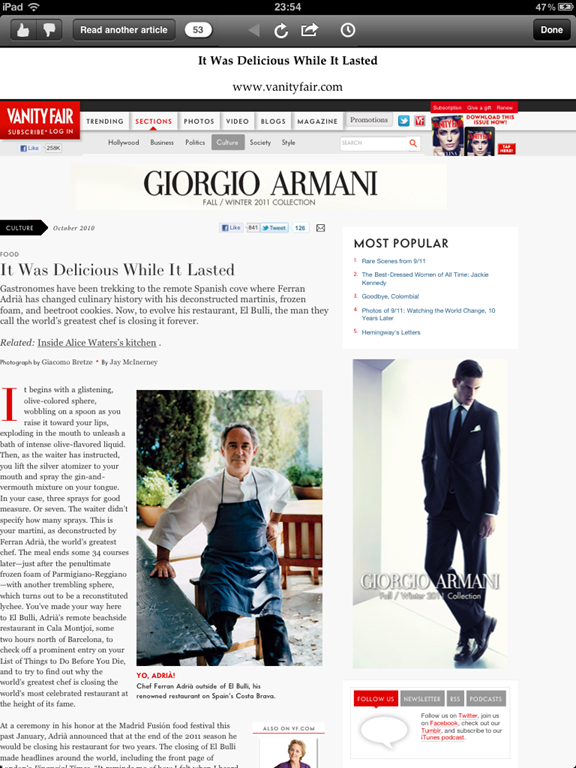
Palimpsest is perfect for travelling since it works so well offline, but it’s also perfect for finding great articles for you that you might not have found otherwise. It removes the clutter and distraction in the interface, but still lets you enjoy things like photos if you like by clicking on the original source. The more you use it, the more interesting and relevant the sourced articles will be for you.
*Late post this week due to being in the UK the last week for dConstruct and CS Forum*