 When iOS5 features were shown earlier this year at Apple’s WWDC, Newsstand was one of the most interesting and talked about ideas. Now that iOS5 is live, it’s time to give it a test drive and see if it meets publishers’ expectations.
Apple describes Newsstand as “A custom newsstand for all your subscriptions.” Newsstand is more of a wood panel folder than an app on your device. Opening Newsstand on your device will reveal any magazine or newspaper apps you have downloaded. Alerts should tell you when new issues arrive, and a blue banner should go across issues you haven’t yet read. New covers should automatically update in the background. This hasn’t been the case for me, however, my covers only seem to update when I launch the title, prompting a new download and a cover update.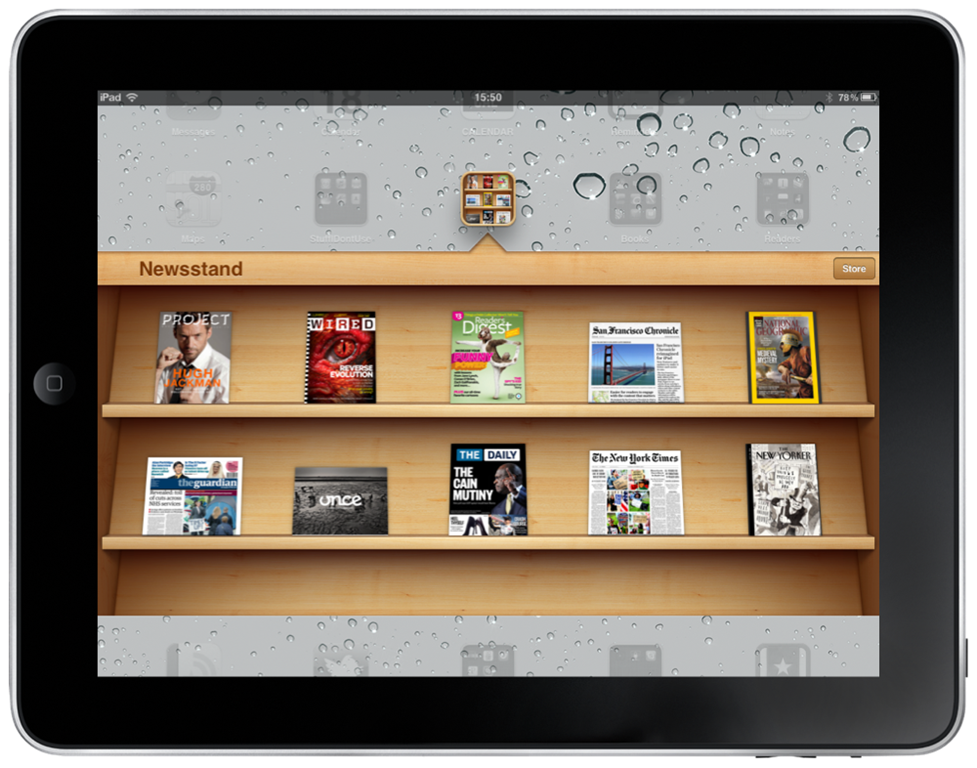
UPDATED COVERS
As I mention above, my covers aren’t updating in the background by themselves (maybe it’s a first-gen iPad thing?). But there is something very nice about giving publishers the freedom to not be restricted to a square icon for their cover. Magazines and newspapers each have a very different feel for their cover pages, so I love how, for example, Once Magazine’s cover shows up in landscape mode, The New York Times looks like a NYT cover, and National Geographic has its own familiar branding.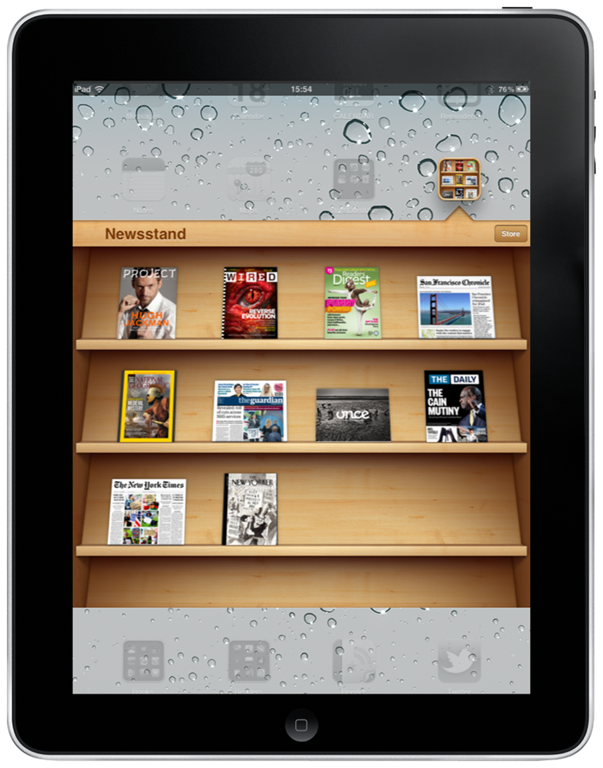
It feels a little weird that tapping that cover, for many magazines (not for news apps like The Daily and The New York Times), takes you not directly into the issue you just clicked, but rather into the magazine’s app where you can purchase or download more titles. I ran into a lot of crashing bugs as I was reviewing and problems where every time I opened the app I had to re-download the current issue. I’m hoping these will get sorted out soon.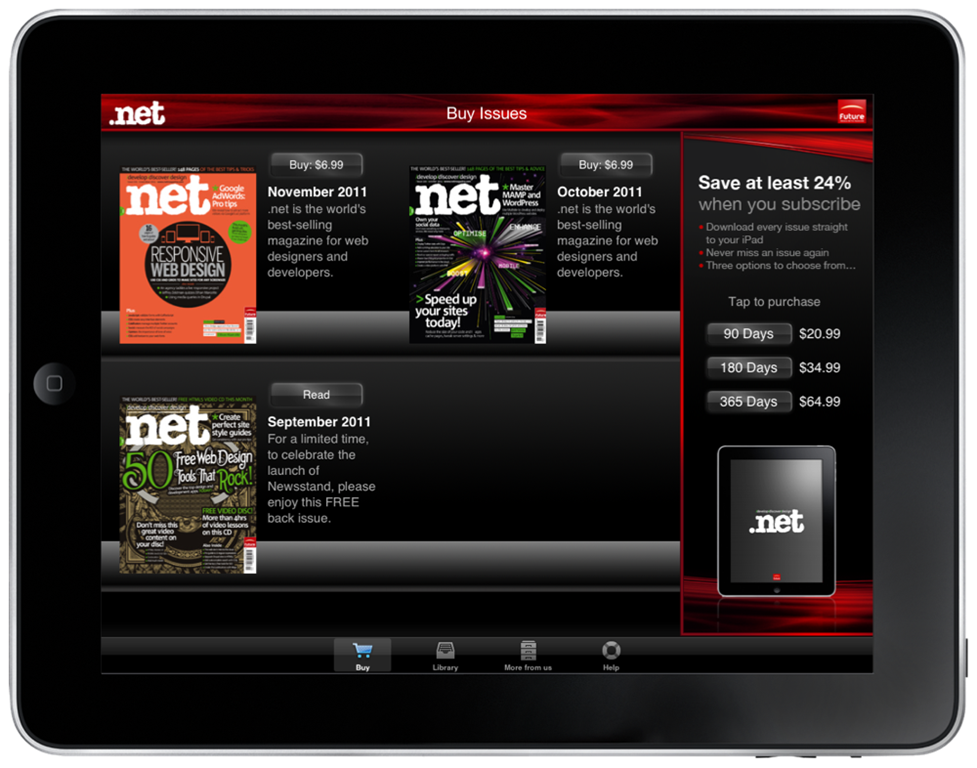
HOW DO I ADD NEW MAGAZINES OR NEWSPAPERS?
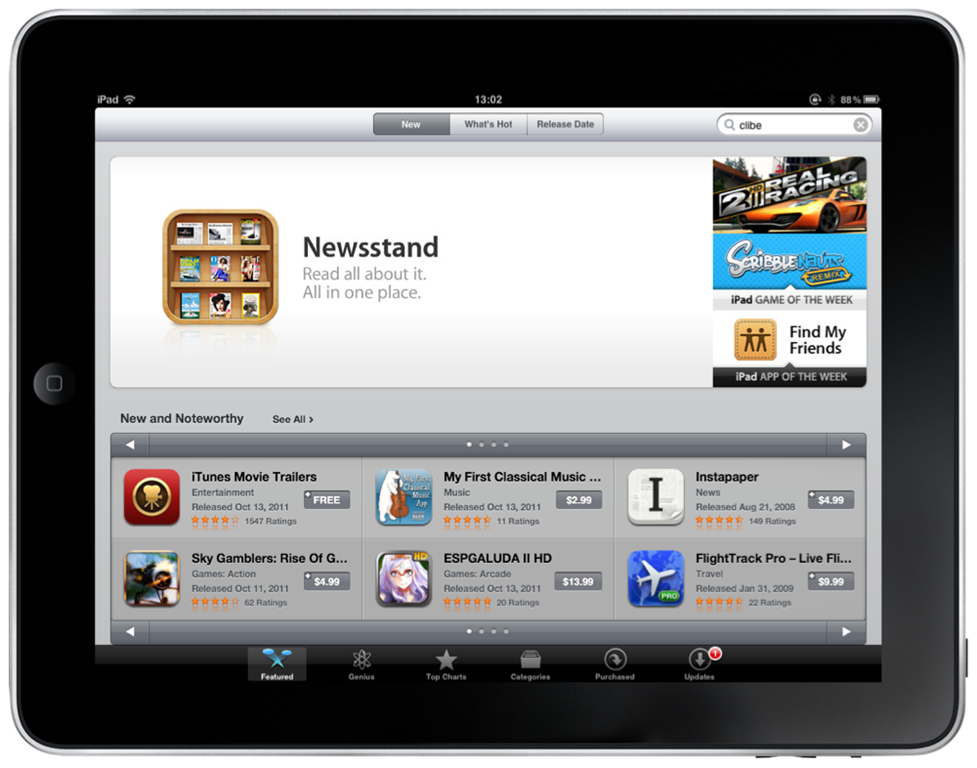 Don’t yet have anything in your newsstand? You can get new magazines and newspapers by clicking the small “Store” button when you open the Newsstand folder, or you can visit the App Store. You can click on Categories->Newsstand or click the giant Newsstand banner on the front page to see all of your choices. Selection isn’t amazing just yet, but it’s new so I imagine a lot of publishers are still finalizing and testing their apps. You can get the bigger, hyped apps like The Daily, The New York Times, The Guardian, Reader’s Digest and other titles. More will trickle in every week.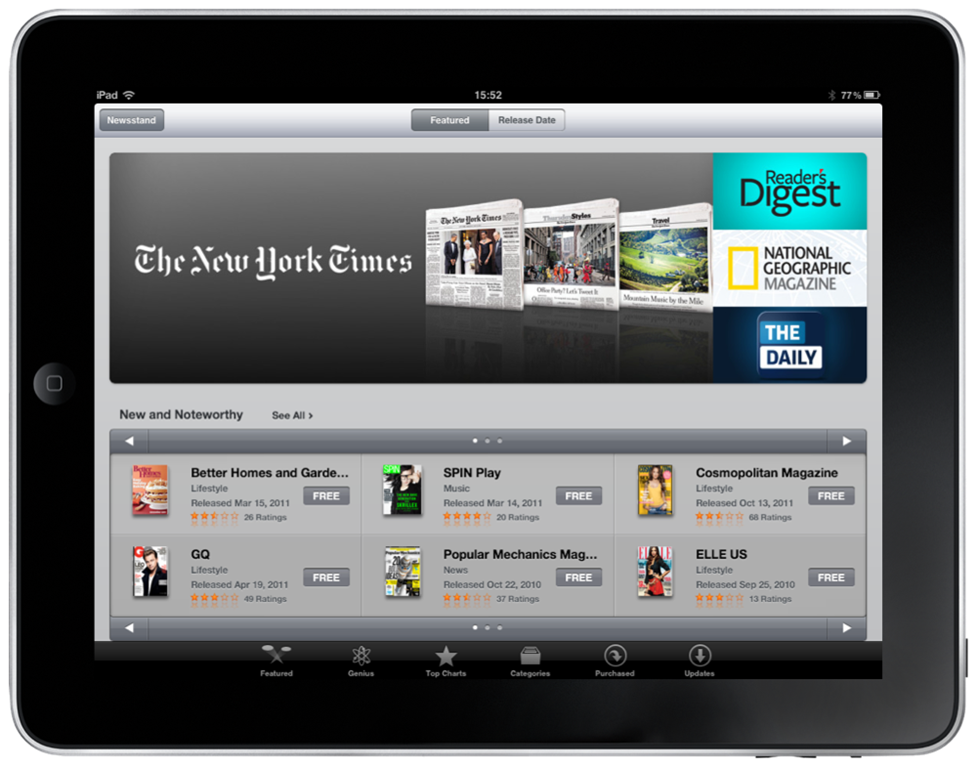
WHAT’S IN A NAME?
Newsstand strikes me as an odd name for this. Newsstands in airports and train stations are always bad news for my wallet. I constantly find new titles, spot an eye-catching headline and buy magazines I haven’t heard of. My iPad Newsstand, however, is a small collection of stuff I already have spent money on. There isn’t any serendipitous finding of exciting new authors or insights. It’s subtle, but this is more like my bedside table or magazine rack in my office. A newsstand, to me, is an exciting place with opportunities for discovery (and, as I mentioned, dropping lots of cash).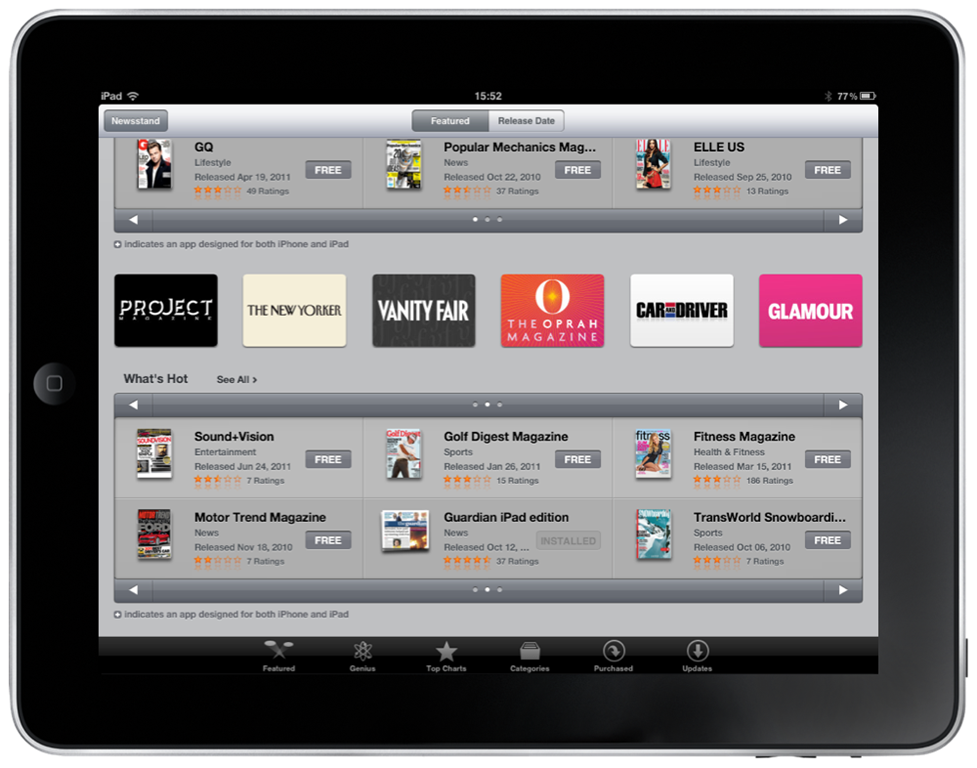
What would be more interesting for me (and cause me to spend more money) would be if there were an element of “You liked reading The New York Times recently, why not try The Guardian for iPad?”, ala Amazon recommendations. Maybe each time I open up the Newsstand there are suggestions or notices about new titles or new issues. Right now it’s cumbersome and when I do make the effort, there just really isn’t that much I want to read. So perhaps as new titles are added to the collection it will improve. I will wait and see. I do think they’re missing a trick by making it a good five or six clicks to find something new to buy, though.
SHOW ME THE NUMBERS
It’s barely a week old, so it seems a bit early to expect that Newsstand presence would make a dent in anyone’s numbers. At the same time, I mentioned there aren’t many folks there so early adopters always have an advantage of more eyeballs sooner.
Strangely enough, I notice I see barely anything in the Newsstand Store on my iPad and iPhone, maybe 20 titles max. But if I look at Newsstand on iTunes on my desktop, it lists many more titles. Perhaps there’s some admin work happening to make more things visible in the device stores soon.
Future Publishing seems to be happy with the numbers so far anyway. They launched more than 50 titles last week and have seen more than two million downloads in the four days they’ve been live.
There are plenty of app store analytics services you can use to track opens, downloads, subscriptions. I don’t know if any of these have been enhanced (or shut down) with the launch of Newsstand, so I will take a look and find out. A huge downside to publishers using the App Store is the lack of information about subscribers and customers. If Apple doesn’t assist with this problem, there will likely be more publishers going the way of the Financial Times and building web apps to maintain better relationships with their audience.
HOW TO GET MORE READERS
One of the toughest things for consumers reading magazines on an iPad is knowing whether they’re actually going to enjoy reading it or whether they’ll look at it once, find it awkward or unusable, and never open it again. A great editorial team also requires a great tech team to make it work. An excellent idea which many successful titles do is a free sample download so you can understand their app and content. Wired does, National Geographic does, Project does, and hopefully most news and magazine apps will move in this direction soon.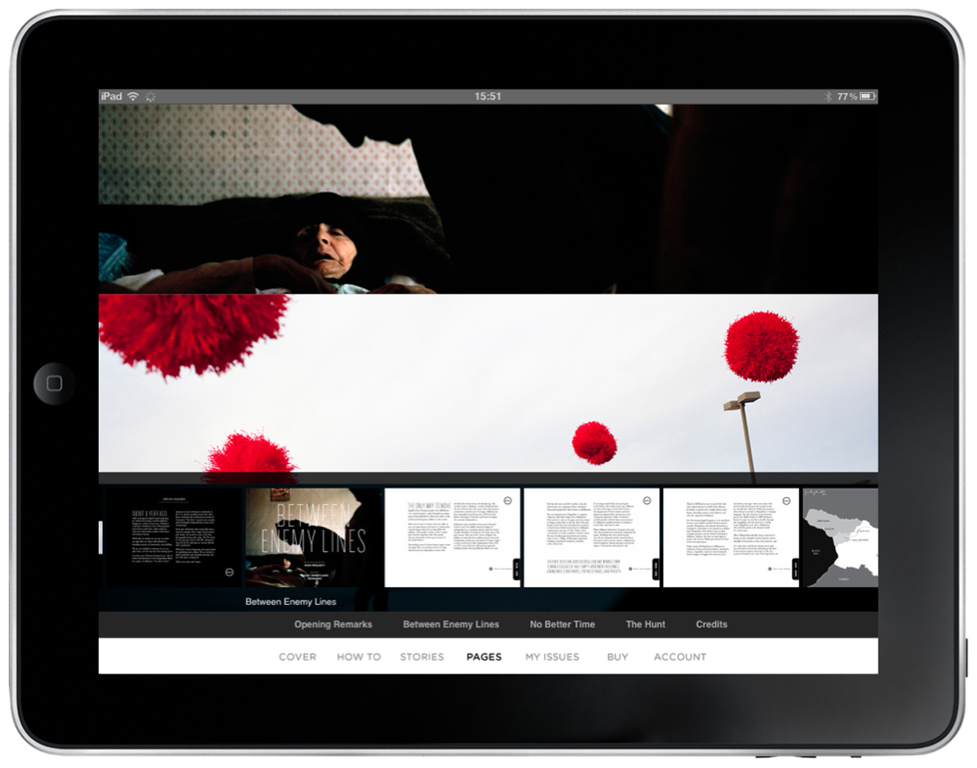
Another thing to consider is offering less choices. In a project I worked on recently, we had a lot of discussions about price points. We ended up with two options, a monthly and an annual subscription. A surprisingly high number of people opted immediately for the cheaper-in-the-long-run annual subscription. The more choices you offer the more you will confuse your customer, so pick one or two good value options and stick with them.
SUMMARY
The best thing about Newsstand for publishers is that it puts a reminder on the screen of every iOS device to read, subscribe, check out news and magazines. There are a lot more optimizations Apple can and should make to help publishers sell more subscriptions such as recommendations and a “genius” type of search tool in the Newsstand section of the App Store. With numbers like Future has reported, good things are in store for publishers using Newsstand.