Tuesday Newsday: The Irish Newspaper Edition

A few weeks ago, I did an analysis of some worldwide news source apps and websites, one of which was The Irish Times. Apparently many people had not seen The Irish Times’ iOS app and I received a lot of feedback from people on the blog, on Twitter and in person expressing disappointment and, in one instance, embarrassment, in local newspapers’ lack of tech savvy and design.

I wanted to know if The Irish Times were unique in their approach and who in the Irish newspaper scene was creating the most cutting-edge and user-friendly experiences. Today I’m looking at the other two big, daily Irish broadsheet newspapers, The Irish Independent and The Irish Examiner, and next time I’ll cover some of the newer, digital-only initiatives.


Irish Independent front page

THE IRISH INDEPENDENT

The Irish Independent was formed in 1905 as the direct successor to the Daily Irish Independent.  Today it is published daily by Independent News and Media (INM), an international newspaper and communications group.  Independent Digital is the digital consumer division of INM and operates websites such as Independent.ie, and Herald.ie, with Independent.ie being the flagship brand.

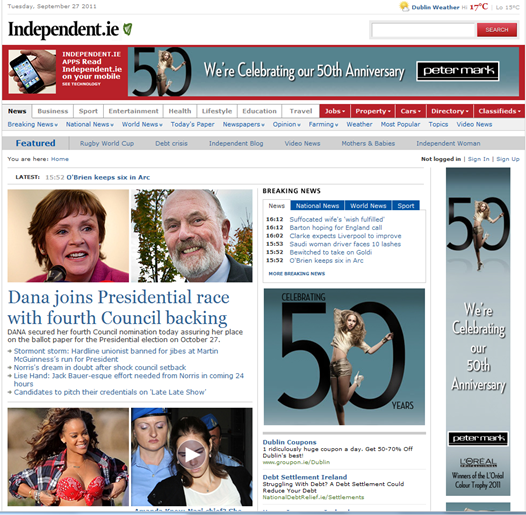
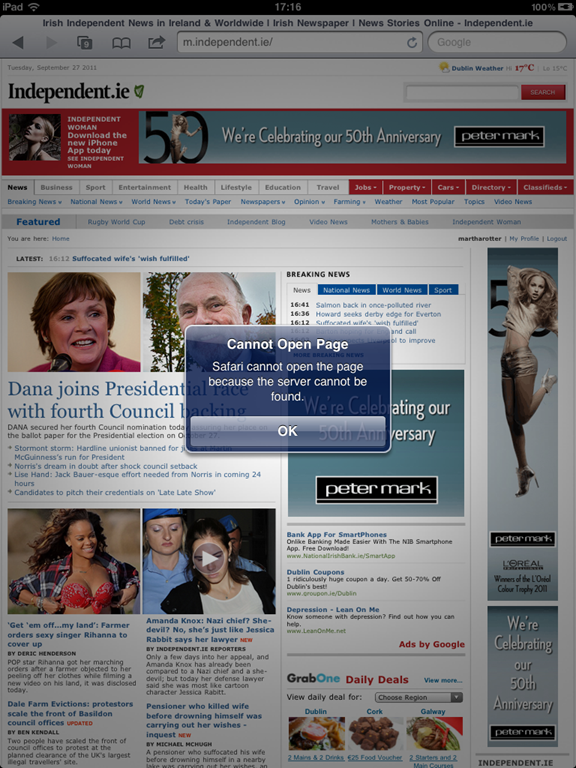
Looking at The Irish Independent’s website, my first thought was, “Thank goodness they have an iPad app”(this turned out not to be as big of a relief, but more on that later). There is just so much content and so many ways to read it, and the site does not adjust well for an iPad-sized device.  Trying to navigate to http://m.independent.ie gives you the following error.

Navigating to m.independent.ie

On the bottom of the front page of the main site (and you do have to scroll for a while, there is a lot of content there!) you’ll see this:

imagewhich shows you that you do have some options to view using mobile devices.  The RSS page has links to feeds for basically every category such as Personal Finance, Horse Racing, European News, etc. The Mobile page lists their various custom apps, including iPhone, Nokia, Samsung Wave (!) and iPad versions.  I looked on the Windows Phone Marketplace as well but didn’t see any official or unofficial Independent apps (WP7 developers, take note!).

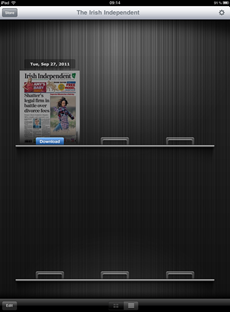
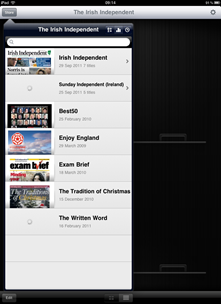
Irish Independent iPad App     Irish Independent iPad App

Unfortunately, the Irish Independent is using the same software The Irish Times are using for their iPad app. I really hope this isn’t setting the precedent for Irish news experiences, that would be so sad. The silver lining is that since both of these apps use external payment systems, it’s just a matter of time before they’re kicked out of the App Store for violating Apple terms and conditions.  Whether they’ll adapt the software they use to work with Apple’s in-app subscription purchases or abandon it and try something else remains to be seen.  I do hope that the numbers tell the right story for both newspapers and they try a different, more appropriate approach for the iPad rather than deciding that “people aren’t spending money on news apps”, as that is definitely not the case.

Irish Independent iPhone Article View     Irish Independent iPhone Article View

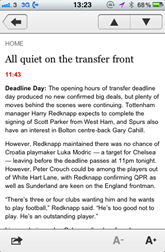
The sad thing about the iPad app is that the iPhone app is so much better. Containing the most popular sections of The Irish Independent’s website, the iPhone app has access to breaking news, business, sport, entertainment, travel, health and others. Users can customize the menu bar with their favourite sections, and the app can be synched so that the user can read offline later.

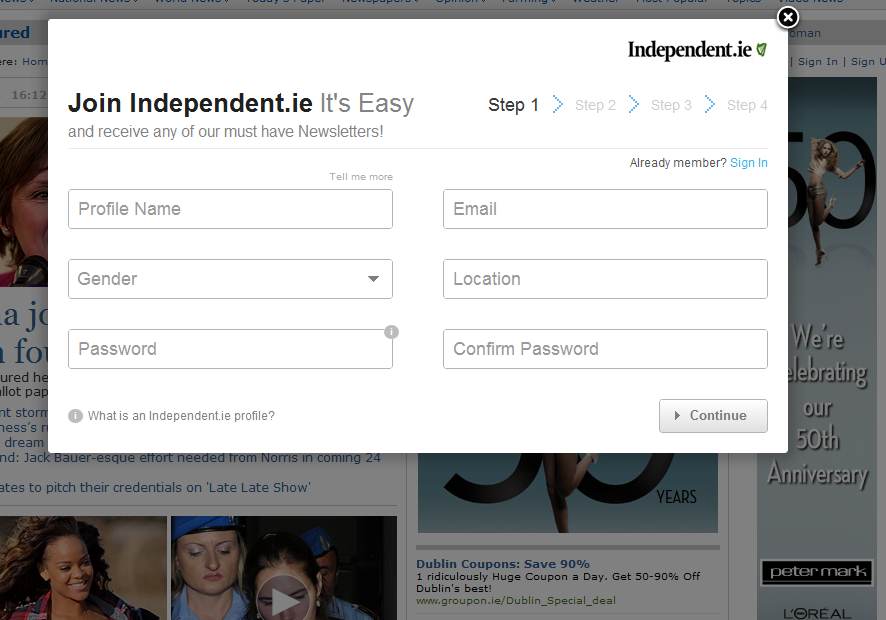
Sign up for for Independent.ie e-mail newsletters

If you don’t have a compatible mobile device and you’re not an RSS user, The Irish Independent also offer e-mail updates and Facebook integration.  The newsletter process is maybe a bit long with four separate screens, but the e-mails are nicely formatted and contain a large amount of news content from various categories.


Irish Independent Digital Edition subscription page

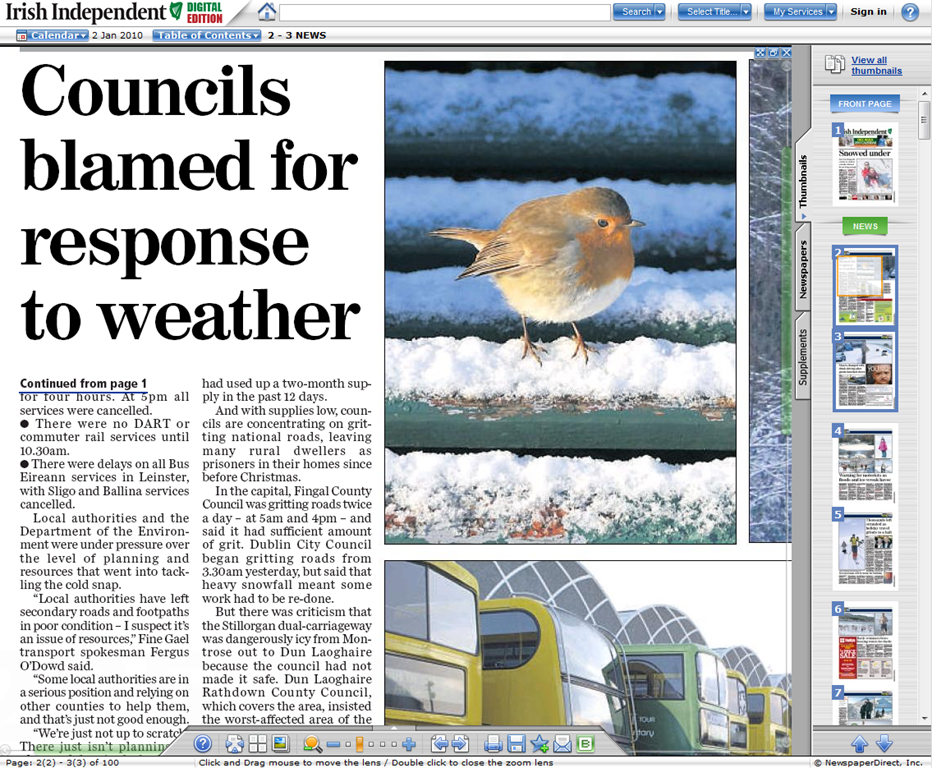
There is such a wide variety of approaches by The Irish Independent that I have a lot of hope they’ll be the first ones in Ireland to get it right.  While the varied attempts show potentially changing priorities or investments, there is certainly no doubt that they are very willing to try anything and everything.  The picture above and below are examples of something you can find on the Independent’s website, something called the “Digital Edition.”  It’s very much like the ePaper approach, where you have the full scan of the page and you have to zoom, pinch and pan around to read any stories.  Definitely an odd take, but one way it might be useful would be if you could download it. As I have a long flight back to the US tomorrow, if I didn’t have an iPad, I might consider zipping up a paper in this format and saving it to my desktop to read the next day. 

Irish Independent Digital Edition zoomed in

I mentioned above that for me, the real value here is not downloading a zip file of large image scans of news, but in seeing the work that The Irish Independent are investing in to finding the best strategy and executing it. I have high hopes for their future digital attempts and will keep a close eye on them.


Irish Examiner front page

THE IRISH EXAMINER

The Irish Examiner is a publication of Thomas Crosbie Holdings Limited. It was formerly The Cork Examiner and then The Examiner, and it has been around since 1841 when it was founded by John Francis Maguire. I couldn’t find any information on when they started their digital presence unfortunately, the Wikipedia entry is a bit thin.

At first glance, the front page of http://irishexaminer.com looks cleaner and less cluttered than other Irish news websites.  There is a lot of white space and less “cramming” than many other front pages.  The number of advertisements at the top of the page, though, is a bit distracting.  Looking at the above image, the myhome advertisement on the right is outside of the width of the rest of the content, which makes it feel odd or misplaced, and the top NIB banner ad also feels like it’s in a frame outside of the page. The Office365 ad appears slightly more normal inside the page with the rest of the content.

Irish Examiner Navigation Menu with Digital Edition link

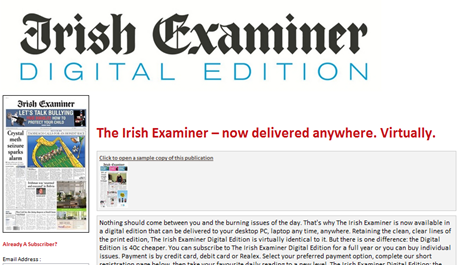
The Irish Examiner does not have an iPhone or iPad app, but they do use the same “Digital Edition” system that The Irish Independent are using.  Lets agree that we don’t need to cover that anymore.

Irish Examiner Digital Edition

Visiting http://m.irishexaminer.com results in a server not found error, however on their Mobile link, they mention http://m.examiner.ie which resolves to a very bare but usable page with an Irish Examiner logo at the top, three top news story links and some additional links to Breaking News, Ireland, World, Sport, etc.  Not the most beautiful page but it is easier to use than trying to look at http://www.irishexaminer.com on your phone.

Irish Examiner Mobile site article view

Irish Examiner Mobile site main page


I see a little in The Irish Examiner that I do in The Irish Independent: an intent to build something useful, the acceptance that news is moving online and that they need to do something about it.  But I also see some confusion, some budget constraints and some trepidation in investing too much time and money in an unsure area.


WHO ELSE?

Am I missing someone who is doing something really fantastic with digital news in Ireland? There are a lot of regional newspapers, so I’m going through them all, but if you have seen something great that you enjoy using or hope other news sources adopt, please leave a comment or let me know.

Tuesday Newsday: Pay walls, Freemium, Business Class – What Works?

There’s backlash against pay walls, dropping ad rates, and a serious amount of competition for viewer eyeballs.  How should online publishers navigate the world of pay walls and premium content, whether we’re talking about tablet publications or web publications? Will people pay for content? Especially given that there is so much available for free?

To investigate the different business models, today I’m looking at a few sites and apps: the Boston Globe premium site, The New York Times’ new paywall, and the blended model of The Atlantic.


BUSINESS CLASS NEWS: THE BOSTON GLOBE

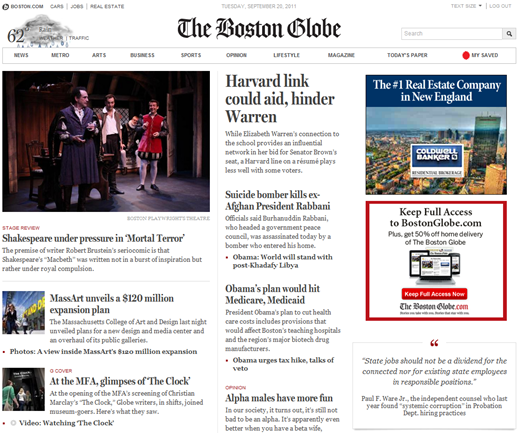
The Boston Globe

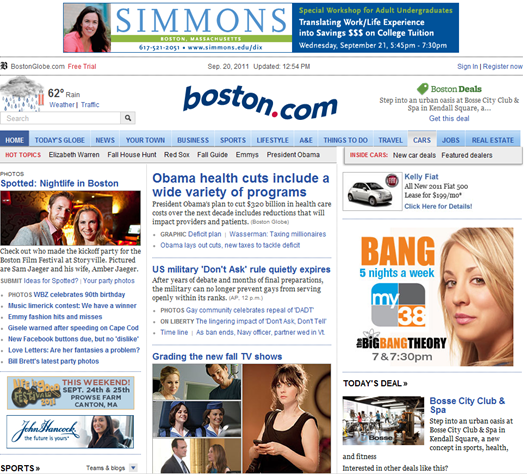
The Boston Globe made headlines last week with their beautiful new premium news site, http://www.bostonglobe.com.  The site is free until the end of September so that people can try it out for a few weeks and enjoy the new design and features.  Their previous site, http://www.boston.com, shown below, remains in place and is free.


Current version of www.boston.com

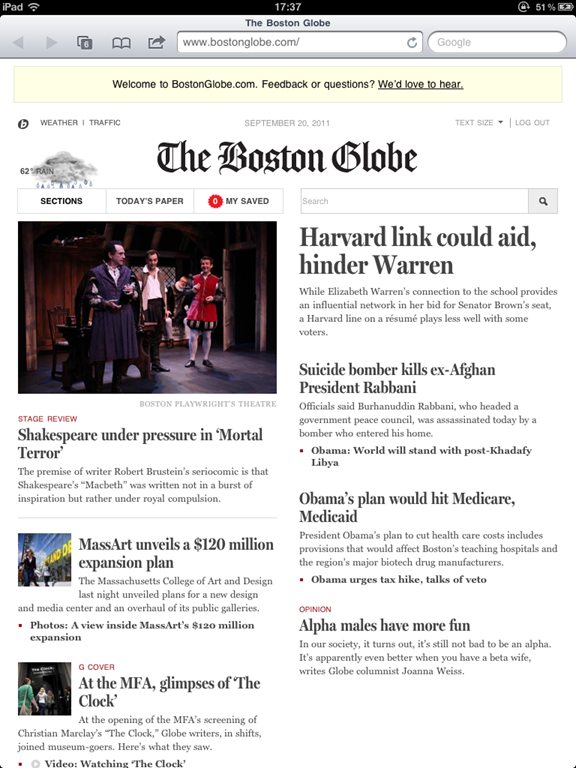
What’s so exciting about the new site?  The new site appears to have been a complete overhaul, starting from scratch with no legacy.  It’s automatically customized for any device, uses a responsive design, and looks great everywhere. The design is clean and fresh and easy to use. There is no need to pinch or zoom no matter how you’re viewing it.

BostonGlobe.com on iPad   BostonGlobe.com on iPad

Additional nice touches include the ability to save stories for offline reading, additional video and photography, access to archives and back issues and a loyalty program for subscribers to get access to special events.

As a bonus, since the new Boston Globe site is in HTML5 and works in Mobile Safari, they can presumably ignore the App Store if they want and hang on to their subscriber information as well as the 30% apple cut.

  BostonGlobe.com on iPhone  BostonGlobe.com on iPhone  BostonGlobe.com on iPhone

Will this model work?  The Boston Globe already had over 6 million uniques each month on its previous site.  This is a very new site so we will have to wait and see what the numbers look like after the pay wall goes up in October.  I notice a lot of people online claiming they would be happy to pay small subscriptions for better content, fewer ads, access anywhere and other perks, so hopefully this works out and makes the extra effort of running two distinct sites worth it.


FREQUENT USER PAYWALL: THE NEW YORK TIMES

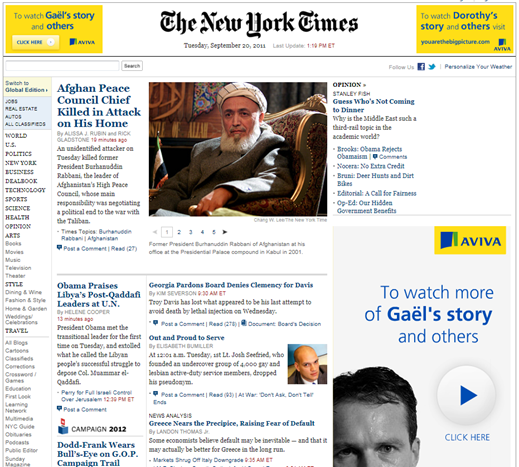
NYTimes.com Front Page

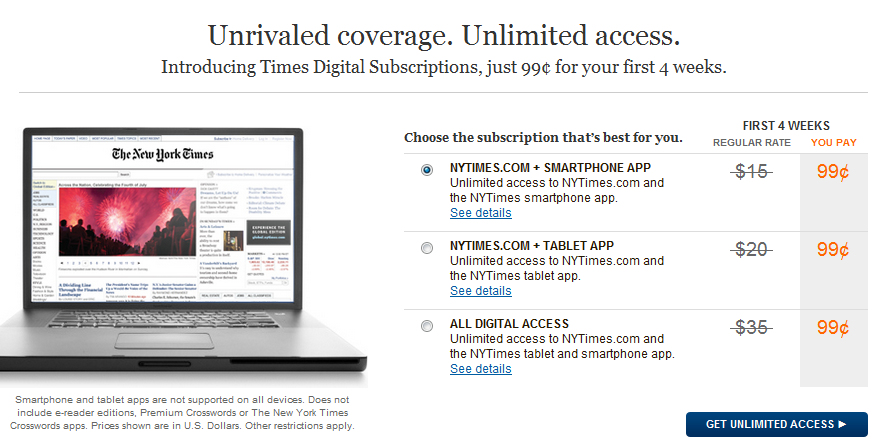
In March of this year, the New York Times site http://nytimes.com launched a new pay wall with a structure designed to draw a line between casual readers and avid readers of The New York Times.  Casual readers, those reading less than 20 articles per month, have free access to the articles.  Once a reader has crossed the threshold of 20 articles, he or she is asked to pay between $15 & $35 per month depending on the access requested (browser only, iPad app, etc.) as shown in the table below.

Digital Subscription Pricing for nytimes.com

Large business papers like The Financial Times and The Wall Street Journal have been charging for their content for a while now, but The New York Times has been offering free content, with occasional experiments in access restriction like requiring users to log in.  In January of this year, http://www.nytimes.com reported over 48 million unique visitors.  Once the pay wall went up in March, visits to http://www.nytimes.com were said to have dropped as much as 15 per cent almost immediately.

              NY Times on iPad

Many print+online newspapers are getting to the point where they realize they need to do something to monetize their online presence, especially given that print subscriptions are dropping.  But people get scared when they hear about reader drop-off from pay walls. 

“Oh no!” they shriek. “If everyone leaves, our advertisers will see the numbers and leave or demand lower ad rates!”

It seems like a big problem.

The New York Times thought about this a lot. They give all print subscribers free all access subscriptions.  Here are people who already like your content; if they’re not already reading it online why not let them for free, as it may add more regular website visitors.  For new digital subscribers, they have three different plans to suit various use cases, with a very heavily discounted starting rate of 99 cents.

NY Times in Mobile Safari on iPhone    NY Times in iPhone App

Right, right, back to the reader drop off.  If you were never making any money from any visitors (only advertisers), certainly any subscriber paying you should increase your revenue, provided the numbers don’t drop so severely that you lose all the advertisers.  This is why the casual free access is critical, it keeps the visitor number relatively high.  There’s a balance to how much drop-off the site can sustain while gaining revenues from paying customers.  In May, a Citi analyst predicted that if the NY Times lost 20% of its visitors, it would need around 107k subscribers to break even.

107k subscribers is definitely a large number.  But is it unreasonable? In April they reported over 100,000 new digital subscribers and by August over 400,000.  Without exact visitor and advertiser revenue numbers it’s hard to say whether that equals success or not, but it sounds promising. 

It reminds me a lot of a blog post Marco Arment wrote earlier this year (and also discussed on his excellent podcast with Dan Benjamin, Build and Analyze) where he discussed the economics of removing the free version of Instapaper.  He mentions bad conversion rates, low demand, undesirable customers, and other pieces that contribute to why free apps might not make sense, both economically and psychologically in terms of dealing with people who take free things for granted.

NY Times in Mobile Safari on iPad

Will this model work?  The New York Times has done its homework in designing and implementing this pay wall.  It’s not overly restrictive, yet it’s already working in growing subscriptions.  Perhaps this model works best here as The New York Times already had a huge audience, but smaller, local US newspapers like The Augusta Chronicle are also trying this out.  A report from the Reynolds Journalism Institute at the University of Missouri revealed earlier this summer that 46% of newspapers with circulation of under 25,000 said they are already charging for at least some online content.  Of the newspapers that currently don’t charge, only 15% said they have no plans for a pay model.  Get ready.


BLENDING FREE AND PAID: THE ATLANTIC

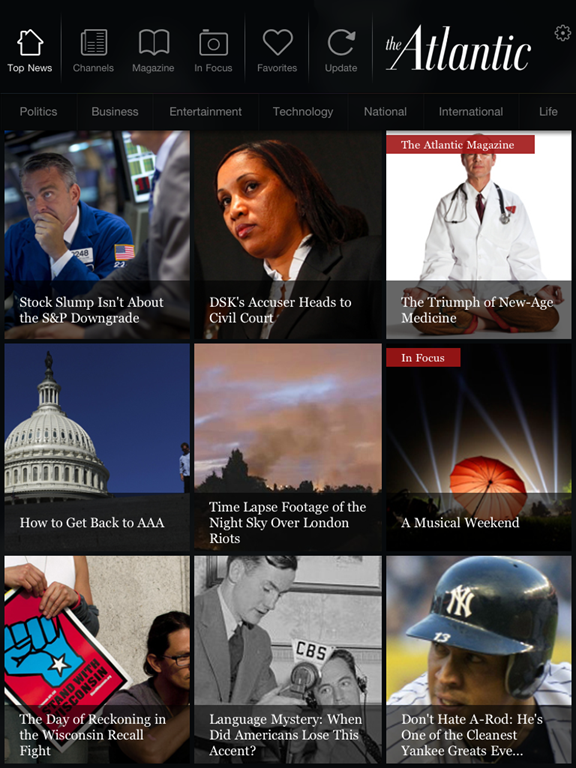
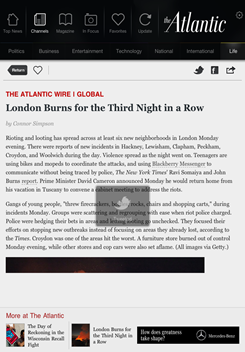
                    The Atlantic app on iPad

I have blogged previously about the nice job The Atlantic did with their combination free-and-paid content app. Their free, universal iOS app includes their great website content from both http://theatlantic.com and http://www.theatlanticwire.com. But it also includes a magazine section which allows print magazine subscribers to access the same content for free and non-print subscribers to either purchase a digital subscription or buy individual issues via in-app purchase.

This is a nice blend as it allows the casual reader of The Atlantic to purchase occasional issues, such as the annual Fiction issue, while also giving free access to existing readers.  The annual digital subscription is slightly discounted at $21.99 (print subscriptions cost $24.95 or more for outside the US) and looking at their page in the App Store shows that the annual subscription is their top-selling in-app purchase, which is a good sign that people are paying for it.

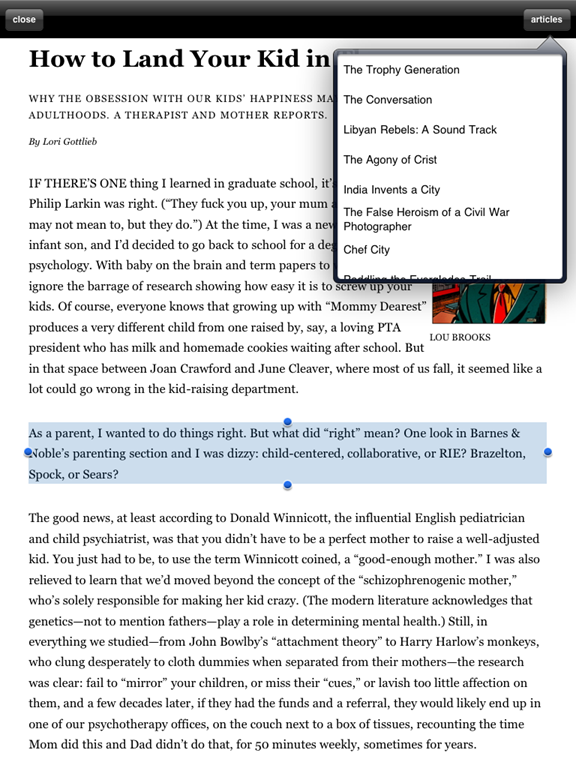
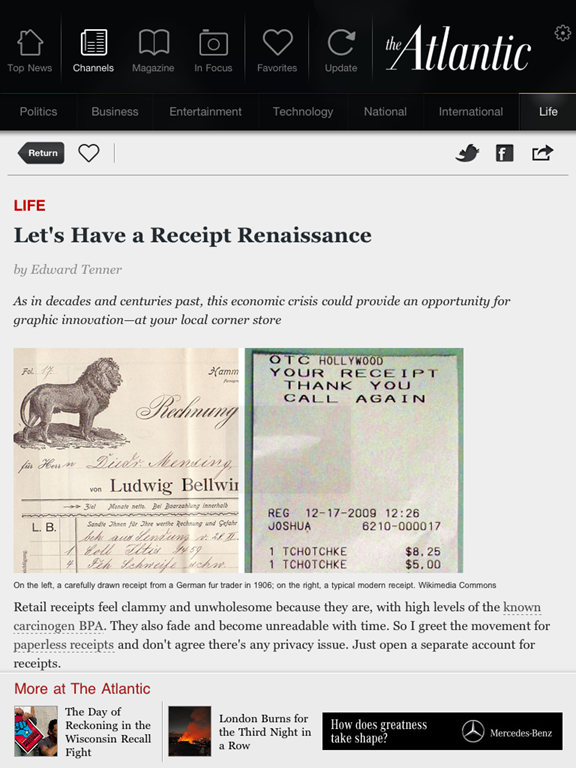
Atlantic Magazine article on iPad    Atlantic web article in iPad app

Will this model work?  I mentioned in my previous blog post that while I think their magazine reading experience is decent, I think they may suffer a bit from people reluctant to spend money just to try out the magazine.  Offering one free magazine download to app users might increase the number of people willing to purchase occasional issues or full subscriptions.  While The Atlantic already has a large subscriber base, this model would also work for publications with smaller audiences who need to build their subscribers.  It works because it allows easy access to content in a well-designed manner, and then also has something to offer the individual who is enjoying the content & still wants more.


WHAT SHOULD I DO?

Perhaps one of the above models will work for your publication. Perhaps not. If you’re scared of reader dropout with a pay wall, remember that even high traffic sites like http://theonion.com are conscious of this and testing it out as an experiment.  Now is the time for trying disruptive and experimental models because no one has found the one right way to ensure publishers make their content available in the best manner for their audience.  Not everyone can fund their site based on advertising alone, so it’s time to be creative.

Here are some other random ideas:
– What about not charging your top influentials? People that share X articles per month get free access.  Or people who comment on >X articles per month get free access.
– Instead of charging for “subscriptions”, charge a “membership fee” like some top reporting sites do.
– Give away whatever the current content (this week’s paper, this month’s magazine) is but charge for access to archives.
– Give away content for free on the site but charge for the convenience of the mobile app.
Coupon codes: Let your contributors give away coupon codes to their family and friends for free access forever or for a limited time.  Do the same with influential users so they can share more easily.
Give away summary content for free on Facebook & Google Plus (what will happen with the new Wall Street Journal idea?), charge for it on your site
– Give away content for free for a limited time to show off new design or features, ala Boston Globe’s relaunch: “Free for September, after that we lock it down.”
– Give away every new feature for free for a limited time, then put it into the members-only access pile.
– Team up with partner sites and non-competitors to offer access to several sites together, or offer discounts on partner products/sites like the Slovakian newspapers.
– Take an exclusive advertiser to sponsor the development of a new mobile app.
– Offer free trials during partner/media events. You’re the media partner for the food festival? All attendees get a free month of access.

There are loads of other ideas that no one else has come up with yet. Lots of publishers are starting to build their own, creative labs like the NY Times’ Beta620 project, the Globe Lab responsible for BostonGlobe.com, and The Guardian’s Open Platform and Data Store projects.  These range from well-funded projects to crowd-sourced experiments, but they’re all coming up with new ideas that are creating conversation.

beta620 from the New York Times    GlobeLab on Twitter


READ MORE: 

The following articles are also good sources of inspiration for new models and thinking differently about this space:
What newsrooms can learn from tech start-ups
Innovation in turbulent times
NYT Labs: Can a newspaper think like a start-up?

Tuesday Newsday: Two Approaches to Magazine Apps

Today I’m looking at two literary institutions and how they approached their app versions: The New Yorker and McSweeney’s.  I call both of them institutions because, while I know the New Yorker has been around far, far longer, both have grown from publishing regular collections of excellent writing to well-known publishing houses with large, fervent fan bases.

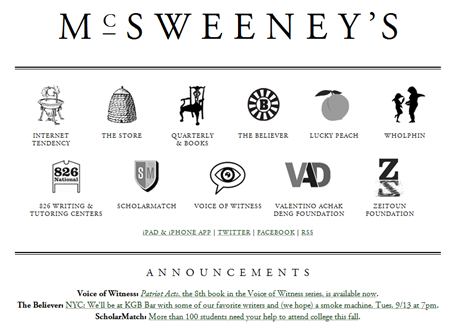
McSweeney's Website

I fell in love with McSweeney’s around ten years ago after a friend pointed me to Timothy McSweeney’s Internet Tendency collection of Lists.  From there I grew to being a regular reader of the hilarious writing which was less in-your-face-hilarious like The Onion (unless you are one of those people who shows up regularly on Literally Unbelievable) but somehow more rewardingly funny.  As if one might get points for liking it because not everyone gets it.  McSweeney’s actually started in 1998 as a journal to publish only works rejected by other magazines, but they quickly abandoned that rule and became a very attractive literary publication to write for.  They publish the print journal quarterly along with a quarterly DVD magazine called Wholphin, a monthly magazine called The Believer, and their regularly updated Internet content too.

The New Yorker website

The New Yorker has always been sort of a guilty pleasure for me.  The writing and journalism is so good that I can’t stand buying a copy without reading the whole thing, but it takes me forever.  So I only buy it when I have several long flights coming up.  The New Yorker, in stark contrast to McSweeney’s, has been around since 1925 (it became part of Condé Nast in 1999), and its timeless covers, cartoons and illustrations are classic.  The New Yorker continues to publish its weekly print collection of well-researched journalism and essays as well as newsletters, cartoon collections and podcasts.  Their content is made available for iPhone/iPad, Kindle and Nook as well as an audio-only version via Audible.com.  The New Yorker artwork and covers are sold as popular wall art, diaries, and various other gift and desk items.

So both of these publishers do a lot more than just publish their excellent writing.  Both also have created dedicated, specific iPad apps for their content, so let’s take a look at them.

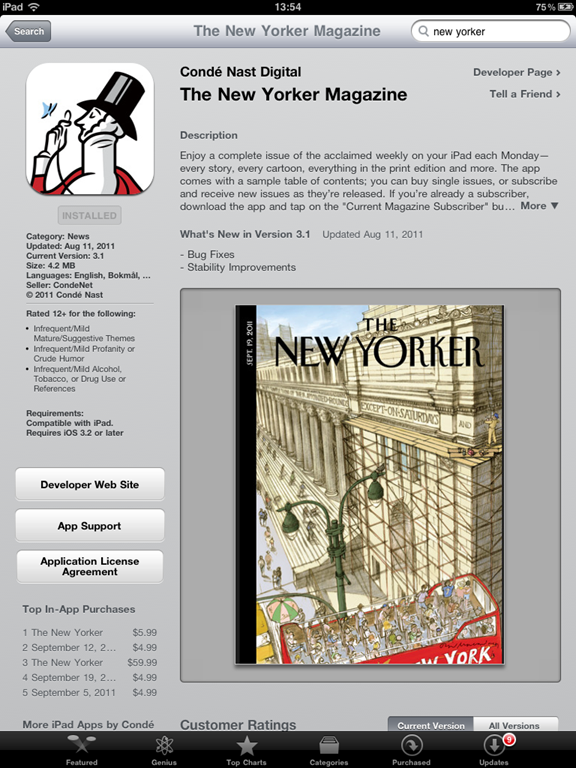
Both apps require you to pay in some way for their content.   With McSweeney’s, you pay $5.99 for the app and get six months of exclusive content.  With the New Yorker, the app is free but you pay for either a monthly or annual subscription ($5.99/$59.99 respectively), or link your existing print subscription, or purchase individual magazines for $4.99.


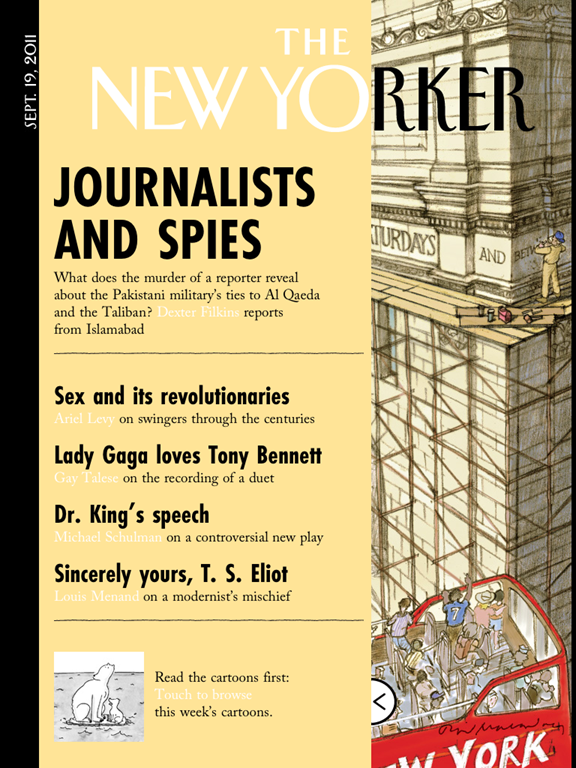
The New Yorker App Splash Page

THE NEW YORKER

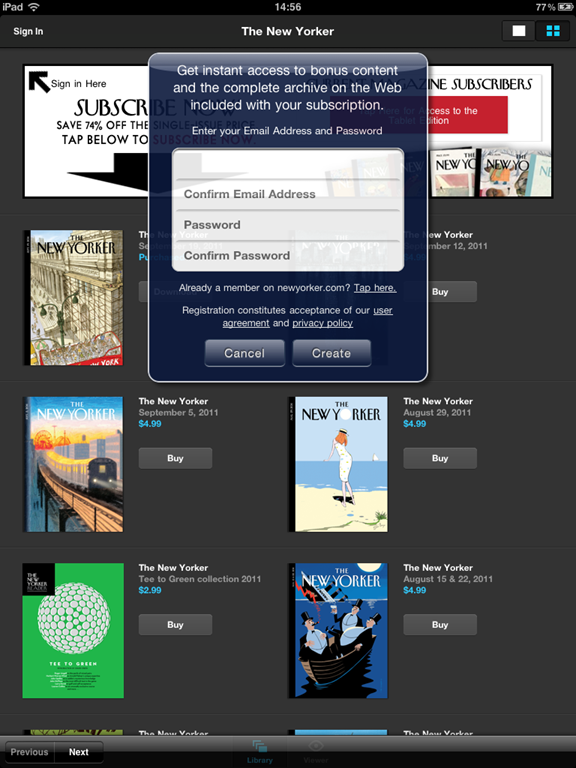
There’s really nothing to do or browse with the New Yorker app unless you buy an issue or subscribe.  Once you subscribe or purchase, you get a pop-up asking you to fill in an e-mail address & password for additional bonus content.  This is a clever move as one of the most lamented aspects of the App Store by publishers (and in fact, the reason The Financial Times claims is why they ended up creating their HTML5 app) is that they lose a lot of their personal connection and demographic information of their subscribers. 

New Yorker in App Store   New Yorker Create Account

A subscription for a month and one individual issue are only a single dollar difference, so I subscribed for a month, but I know I’m going to spend this month guilt-ridden that I haven’t gotten through all the great content yet.  Issues are heavy at over 100 MB each and take a bit of time to download.  Mine paused for a while, and I thought it might be due to space, so I cleared out some room. But it never finished downloading the issue, even after cancelling & restarting the download. I’ll try it again next week.

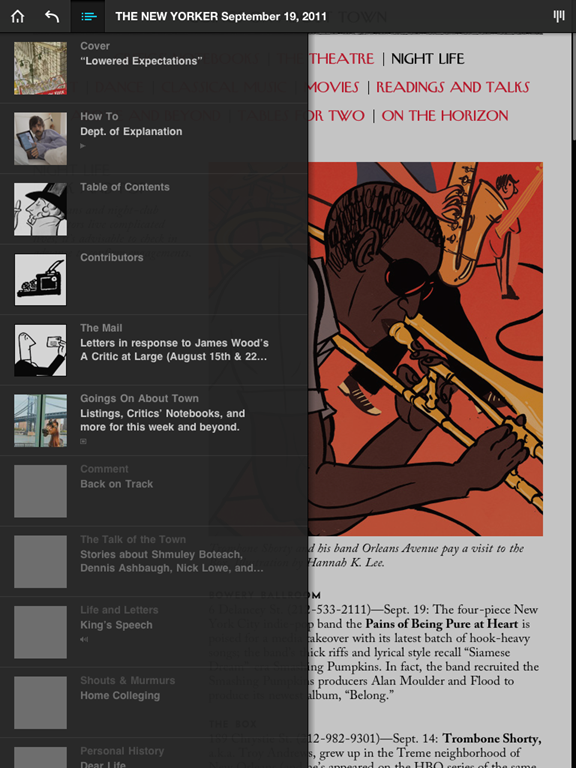
Luckily you can start reading partially downloaded issues.  Once you jump into the issue it looks just like the physical magazine, including a slide-out panel for the typical print cover overlay.

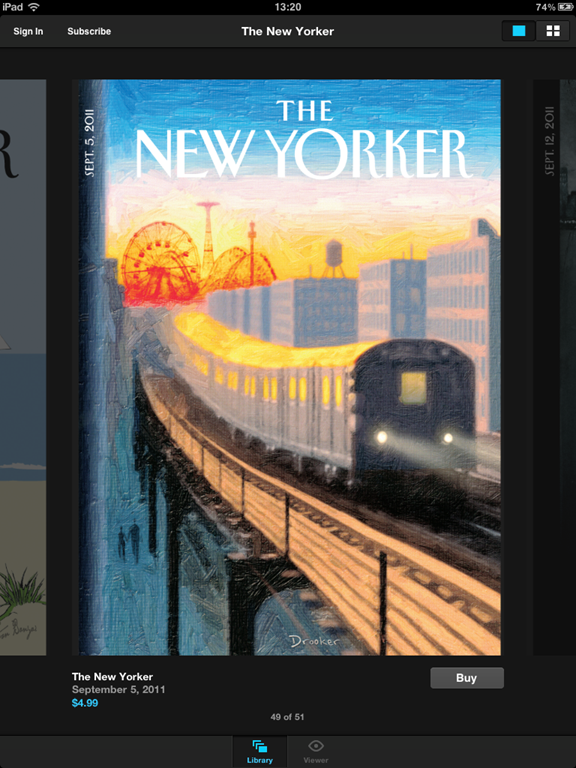
New Yorker Cover View   New Yorker Issue View

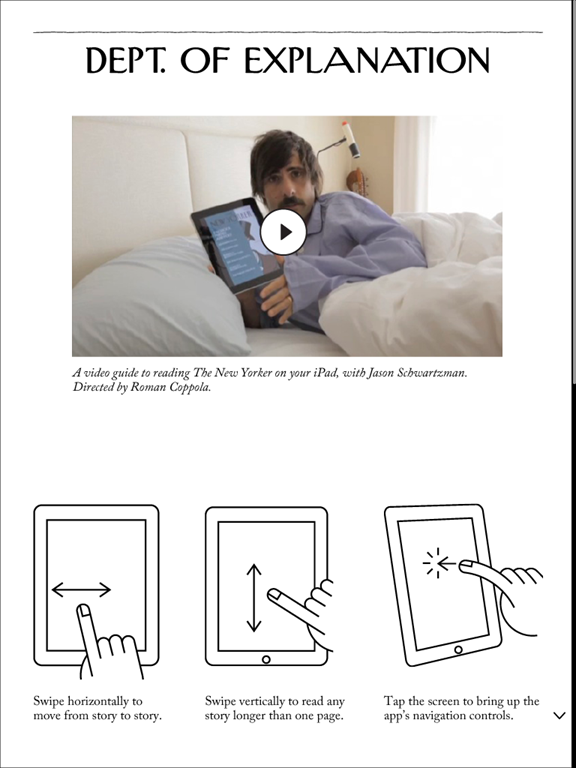
I’m torn on the “How To” pages in apps.  Part of me thinks you just shouldn’t have to explain it (i.e., if you need a page to explain how it works, yer doin’ it wrong), but part of me knows that a lot of these gestures just aren’t second nature or intuitive to everyone yet.  For this one you may dock or award points for their odd and occasionally funny instructions video featuring Jason Schwartzman.  The rest of the app is more or less what you would expect from Conde Nast. 

New Yorker How-To Page   New Yorker Table of Contents View

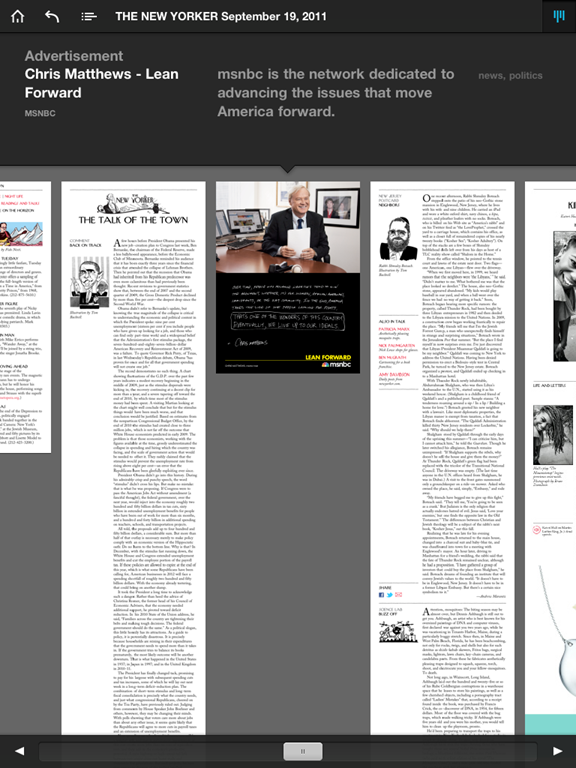
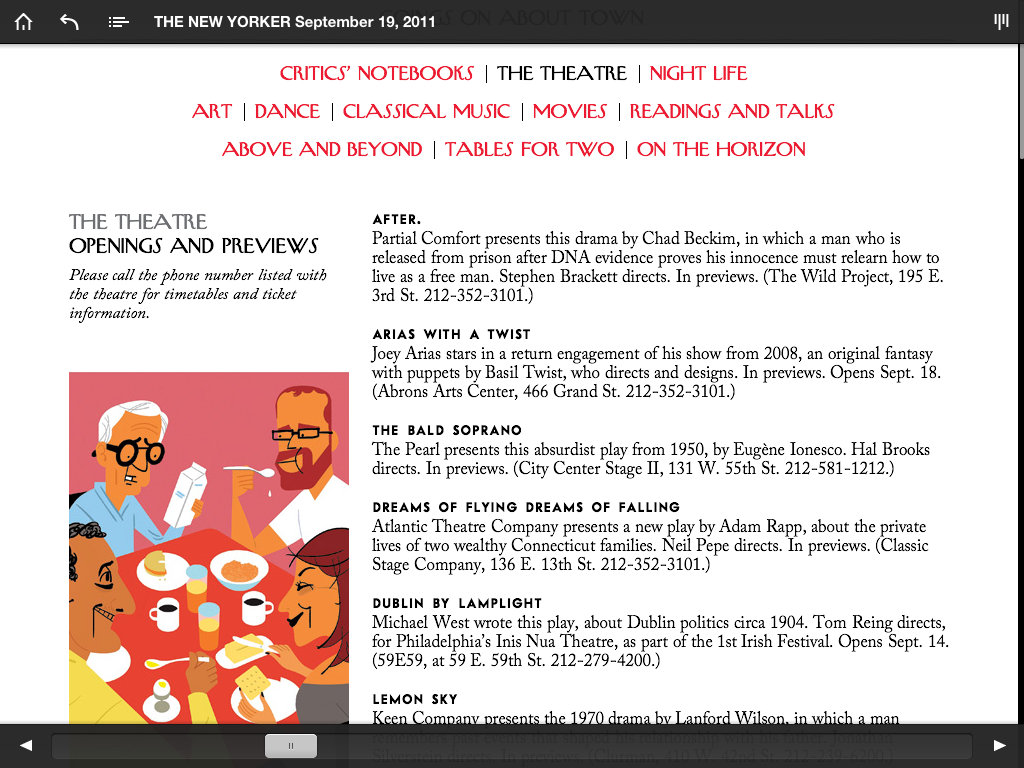
Articles scroll top-to-bottom, and a left-right swipe navigates to the next page.  There’s a zoom out button in the top right corner to navigate more quickly through the app, and a slider at the bottom of each page to move you forwards or backwards fast.  You can get a pop-out table of contents box also to jump around.

New Yorker Article View   New Yorker Zoomed Out Navigation

If you’re a frequent reader of The New Yorker, you might find this app to be an handy way to take your content with you.  It’s a nicer app than many other popular iPad magazine apps, and it’s doing the best out of all the Condé Nast iPad publications with a reported 20,000 subscribers.  Not anywhere close to their one million print subscribers (Condé Nast reported in August that their digital sales were around 1.3% of their total circulation), but still a definite lead.  There are definitely some optimizations they could do for the iPad format to make it more responsive and an overall better fit.  For example, it’s often not clear what is clickable and what isn’t (images, ads, etc.). But if you’re looking just for an easy way to get to the great content The New Yorker publishes, you’ll be very happy with this app.


McSweeney's Splash Page

MCSWEENEY’S

The first thing you have to do with the McSweeney’s app is create an account specifically for using their iOS applications.  Minor annoyance, but it’s a one-time thing.  The app’s $5.99 price tag includes six months of access to Small Chair content, which is a weekly selection from all things McSweeney’s.  It might include something from the Quarterly or the Believer, or a film from Wholphin, but whatever it is, it isn’t available online.

McSweeney's Create An Account   McSweeney's Main Page

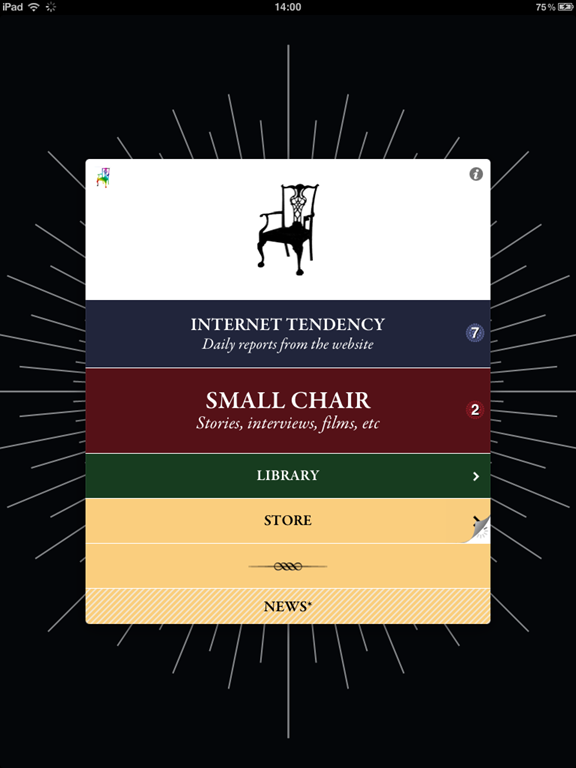
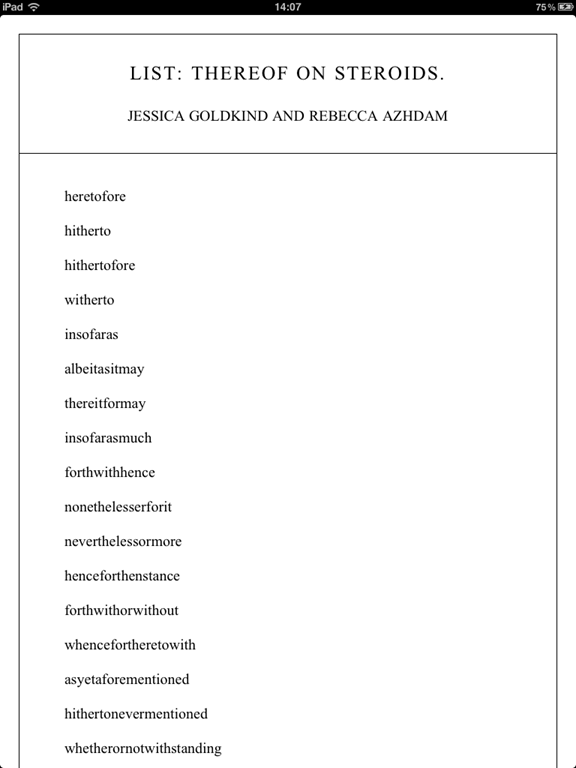
The two items of importance on the main menu are “Internet Tendency” where you can read latest short articles from their site (including my beloved Lists) and “Small Chair” which is a collection of stories, interviews and short videos.

McSweeney's Internet Tendency List   McSweeney's Internet Tendency Article

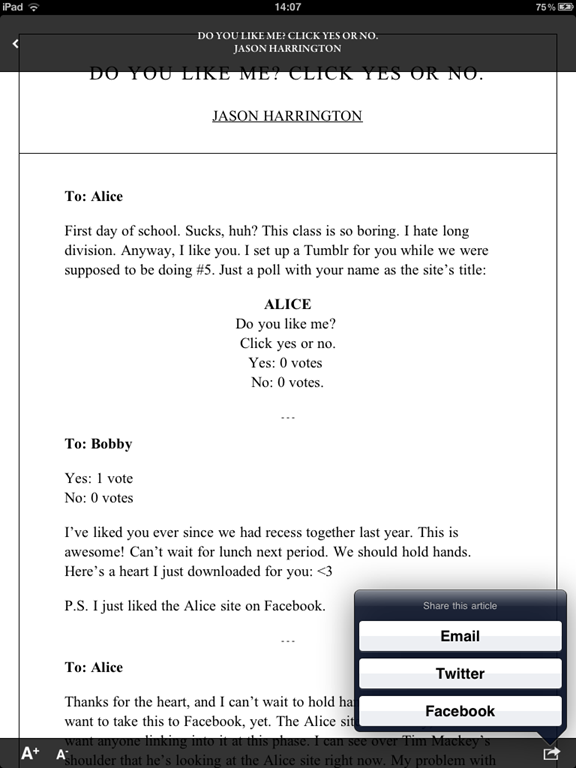
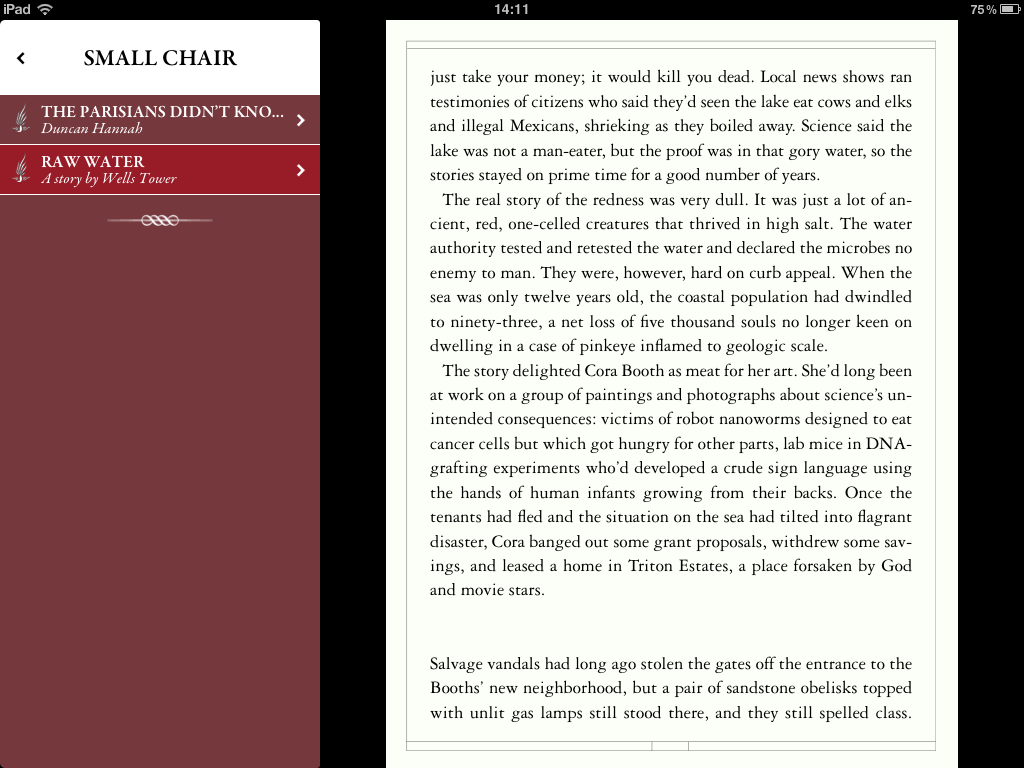
The main difference between Internet Tendency and Small Chair content  (besides the fact that one is free online and the other is accessible only from the app) is the formatting.  The Internet Tendency articles are shareable (which makes sense since they’re already online), have variable font size, and scroll top to bottom.  The Small Chair articles are paginated, not shareable (which also makes sense since they’re custom content for the app), allow the reader to set bookmarks and do not have alterable font sizes.  Internet Tendency articles online rarely have images, so they don’t in the app either, but the Small Chair articles often have a full page image or two to start the story, similar to the opening pages in The Atavist stories.

McSweeney's Small Chair Article   McSweeney's Small Chair Article Landscape

Having both scrolling and paginated styles is interesting because the two reading styles are hotly contested.  It’s a bit of a religious war, and there is very little actual proof that one is better than the other.  I talked about this in my Content Strategy Forum workshop last week, and I’ll do a blog post on it later.  I wanted to mention it simply because I haven’t seen many apps that do both; generally a designer feels strongly about one over the other and that’s the style used.

McSweeney's Weekly Update

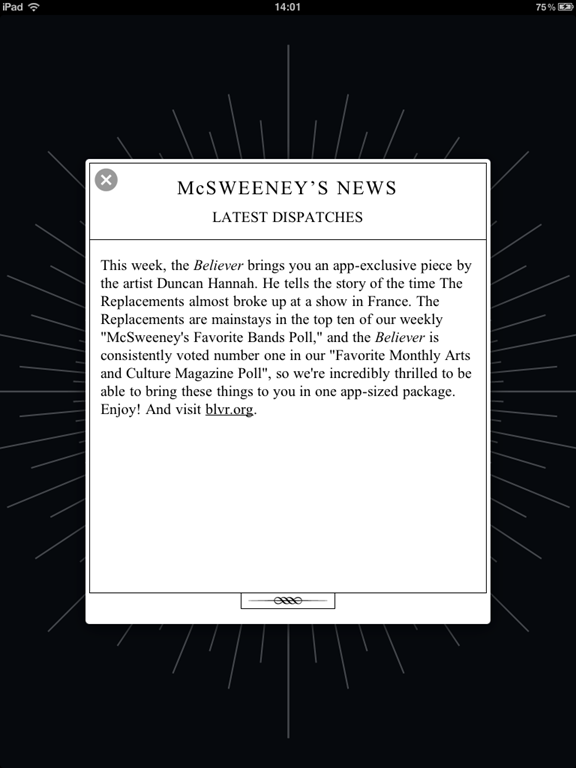
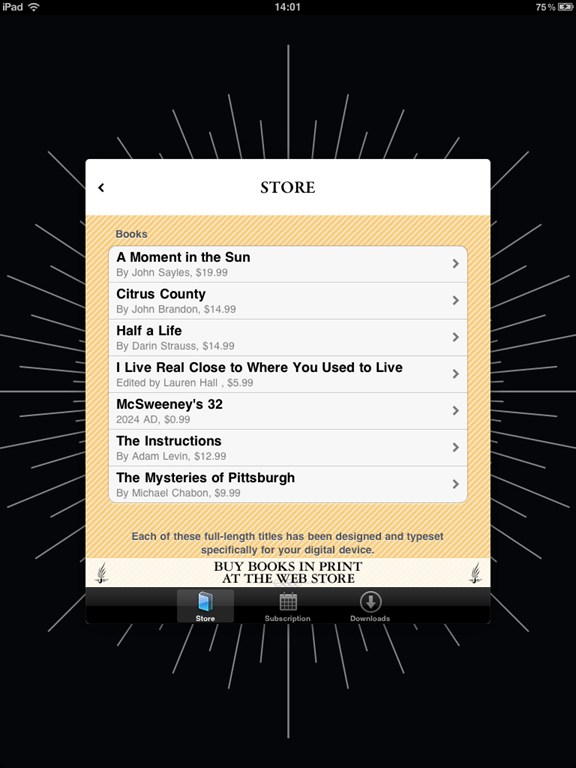
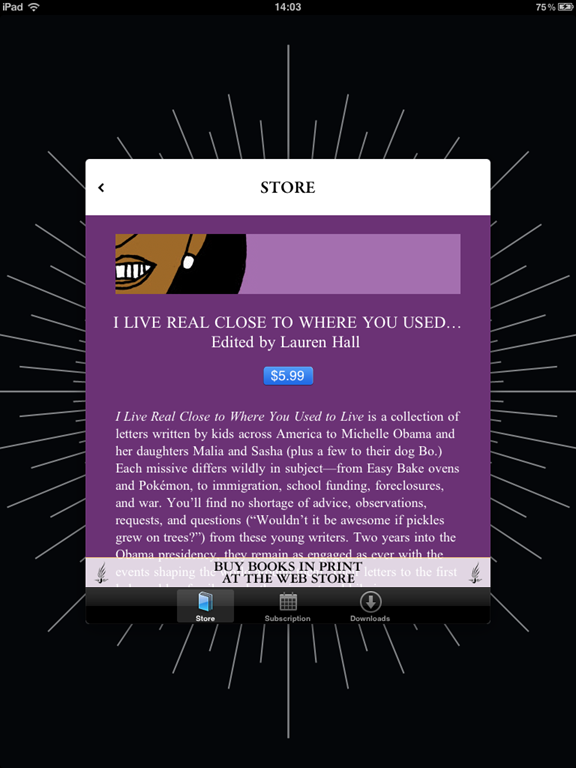
The main menu contains a link to a store where you can purchase additional reading material specially formatted for your device, extend your subscription (your purchase of the app includes a six-month subscription to weekly Small Chair content), or view content you’ve downloaded. There is also a small News section at the bottom to tell you what’s included in the latest content.

McSweeney's Store   McSweeney's Purchase Article

The McSweeney’s app is utterly charming.  It’s well-designed and has several animations and transitions that will make you smile as you use it.  $5.99 might sound pricey for an app which contains a lot of content that is free on their website, but the additional surprise writing and videos are excellent and it’s definitely worth trying out.  McSweeney’s is the type of company who will try anything and see what sticks, so I’m sure they’ll have more interesting, useful and of course funny updates later as well.


ONE LAST THING

Seth Godin wrote a short, interesting piece a couple of weeks ago called “Should the New Yorker change?”  In it, he says that for the first time, the editors at The New Yorker know which articles are being read and who is reading them.  I noticed that in the McSweeney’s app, they also take a lot of feedback from reader activity.  The question is, should this dictate what the publishers create and produce?

It’s one thing when the app is curating content it serves you from many different sources like Zite does.  But letting the reader activity and behaviour change what gets written or investigated seems like one step too far somehow.  It makes me think of Eli Pariser’s TED talk about filter bubbles, and how so many articles I’ve loved in The New Yorker were interesting to me because I knew nothing about them.  If my current knowledgebase and interests dictate what I read and learn about in the future, I suspect I would slowly grow bored of reading. Unthinkable! Reader feedback is great for UI, UX, design, but I rely a lot on great editors, journalists and authors to find unique and interesting stories to tell.

Tuesday Newsday: Long-Form Content Apps

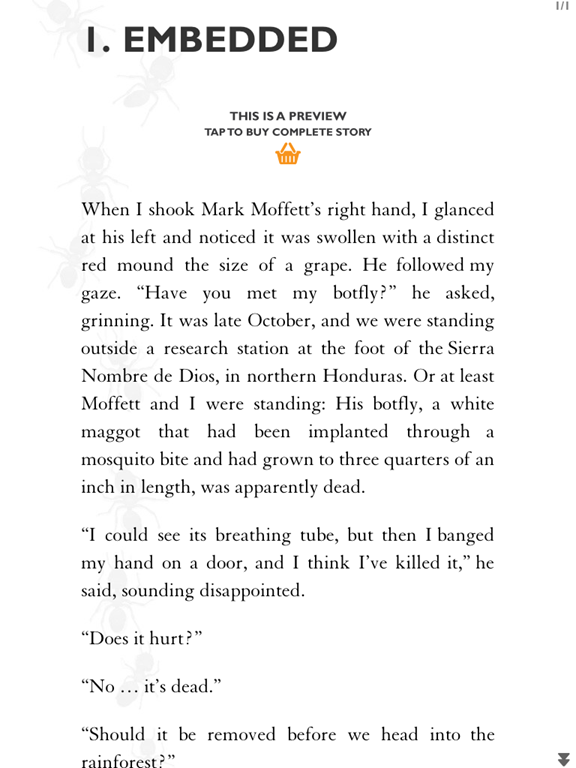
I have focused on many apps and sites with a wide variety of content. Things like newspaper sites and multimedia magazines. Today we’re covering two apps which focus on doing one thing and doing it well: presenting long-form reading.  The Atavist and Palimpsest have created ideal environments for reading both magazine articles and nonfiction stories.


The Atavist Splash Screen

THE ATAVIST

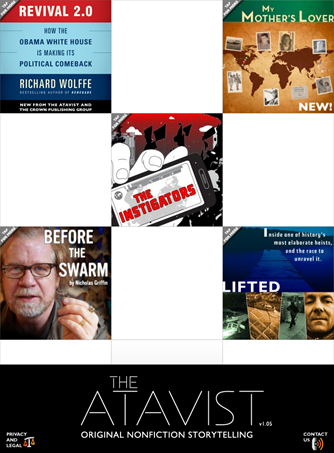
The Atavist is basically a publishing house for original, bestselling nonfiction stories.  The content tends to be longer than most magazine articles but shorter than a book.  Created by Jefferson Rabb, the app reflects his creative and innovative style reflected in his other well-known digital work for writers like Harkuki Murakami and Jhumpa Lahiri.   The Atavist app is available for the iPhone & iPad, but the individual articles can also be purchased on the Kindle and Nook.


The Atavist Main Page

Stories from The Atavist are all researched, reported & crafted by reporters and writers who specialize in longform content. Most stories are narratives which focus on some kind of human drama: a crime, a science mystery, an adventure, etc.

Let’s start with the reading experience because it’s just so great.  Most of the stories have a preview that you can read, and when you decide to purchase one they are between $1.99 & $2.99.  Each story has a cover from which you can decide whether you want to listen to or read the story.  Stories have full-text search and the ability to change font sizes for ease of reading, too.

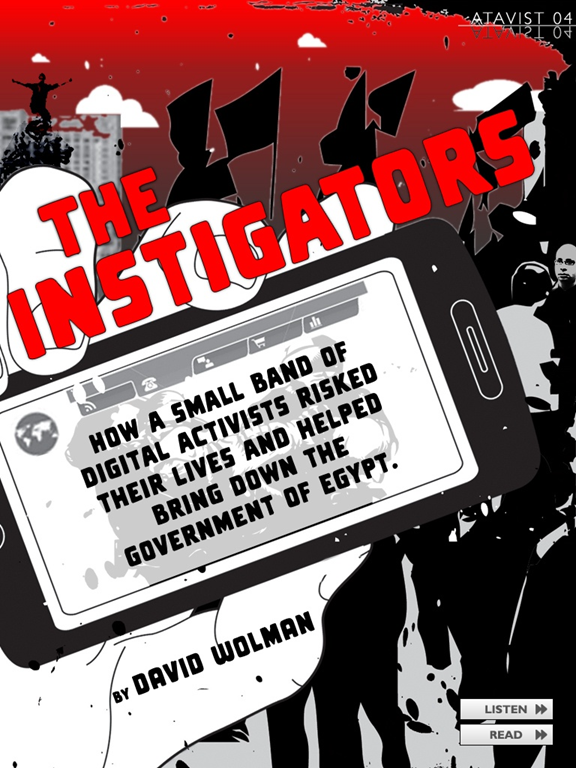
Piano Demon    The Instigators

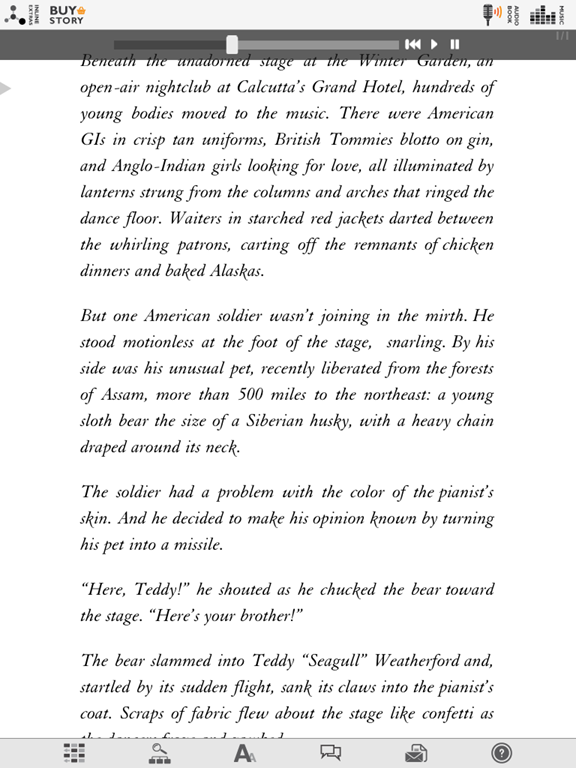
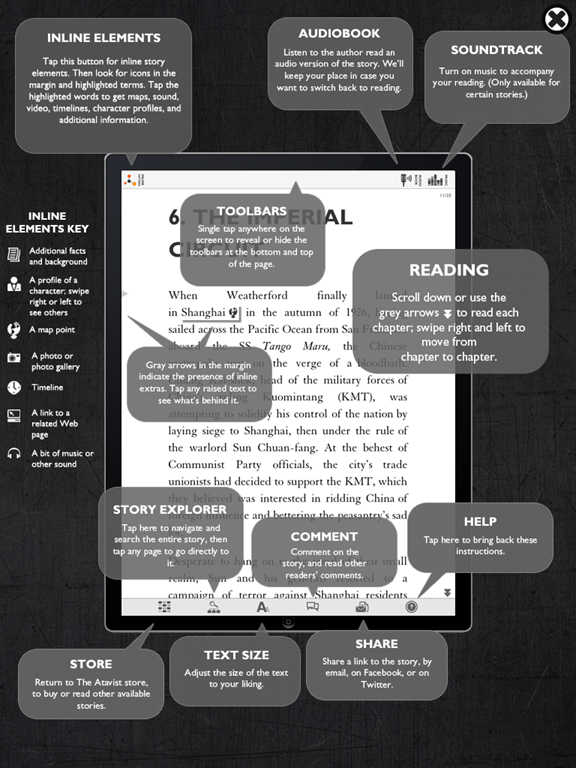
Each story on the iPad is laced with video, audio, imagery and additional layers of information.  I read of it being referred to as “cinematic journalism” which is a great way to describe the experience. Piano Demon, shown above, has lovely accompanying piano music (which you can turn on and off) while you read.  You can also turn on and off the inline elements, which might display things like an interactive map, an image describing a referenced work, relevant definitions of obscure terms and more.  You can share the articles with friends and post comments and read those left by others as well.

The Atavist Article View  The Atavist with Audio Turned On

Or not.  The Atavist does an excellent job of giving you an isolated reading experience if you want that, or a social and interactive reading experience if that’s your preference.  You have options, and that is one thing that is missing from so many digital reading experiences.  I’m tired of being told I need to share and comment and tweet.  I don’t. I just want to read. That might make me an old curmudgeon, but I’m still an old curmudgeon who is willing to pay for stuff to read if you consider the quieter reading experience in your apps. Now get off my lawn. </rant>

The Atavist Help

I love audio books, so for me one of the nicest options is the option to have the audio version read to you as the page scrolls.  It’s a real voice, like real audio books, not a computer-generated voice as with the Kindle’s “Read to Me” functionality (which I do use frequently, but I prefer a human voice).

To support their publishing, The Atavist has built its own custom content CMS called Periodic Technology.  You can read more about their platform here as it’s available for licensing and includes many of the nice features you see in the app itself.  After spending the last few days at Content Strategy Forum 2011 in London to deliver a workshop on publishing narrative content and listening to everyone complain about how inadequate their CMSs are, this one might be worth a look if you’re doing digital publishing.

Overall I am a huge fan of this app and the very high quality stories, each of which is worth every penny.  The Atavist publishes new content every so often, and the best way to stay up-to-date on that is to follow their Twitter account.  Or install the app & make sure to turn on the notifications so you get a pop-up when a new story arrives.


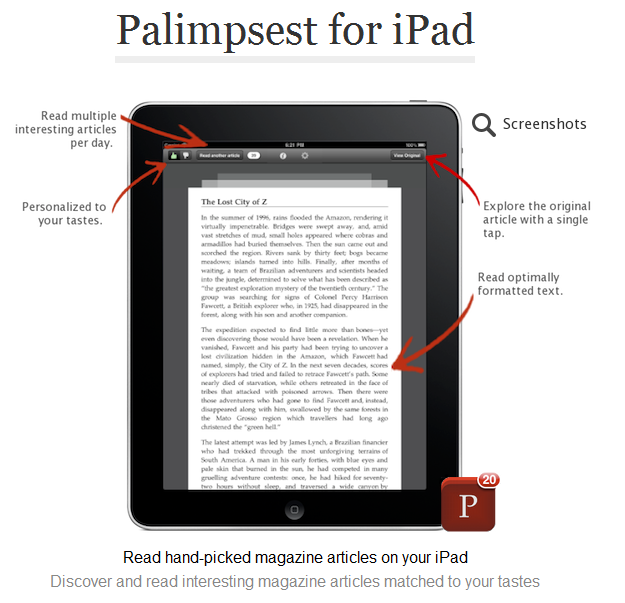
Palimpsest Splash Screen

PALIMPSEST

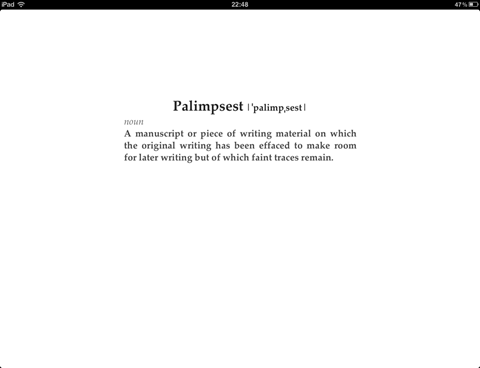
Palimpsest, which as shown on the splash screen above means a manuscript which has been scraped for reuse, is different from The Atavist in that it does not produce original content but rather hand-picks it from excellent sources.  Palimpsest articles might have been originally published in The New Yorker (there are Malcolm Gladwell articles, for example), Vanity Fair, GQ, The Atlantic and many other sources.

The user interface is quite simple – it’s basically just the content.  One article at a time, and when you’ve finished that article or if you decide to skip it, you can move along to the next.  It’s incredibly easy to use and works very well.

Palimpsest Instructions

When you open Palimpsest, you are provided with several feature-length magazine articles which are curated for you.  As you use the app and indicate what you like and don’t, your tastes and preferences are taken in to account to provide further articles.

Palimpsest Article View

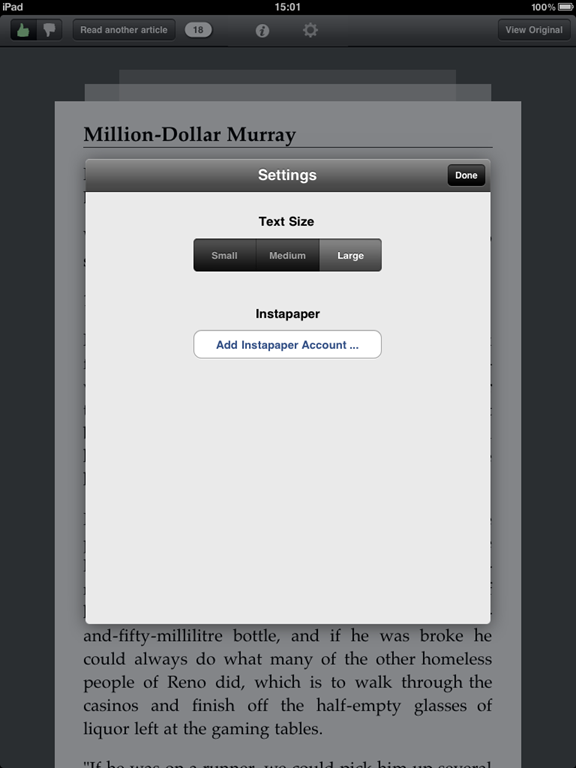
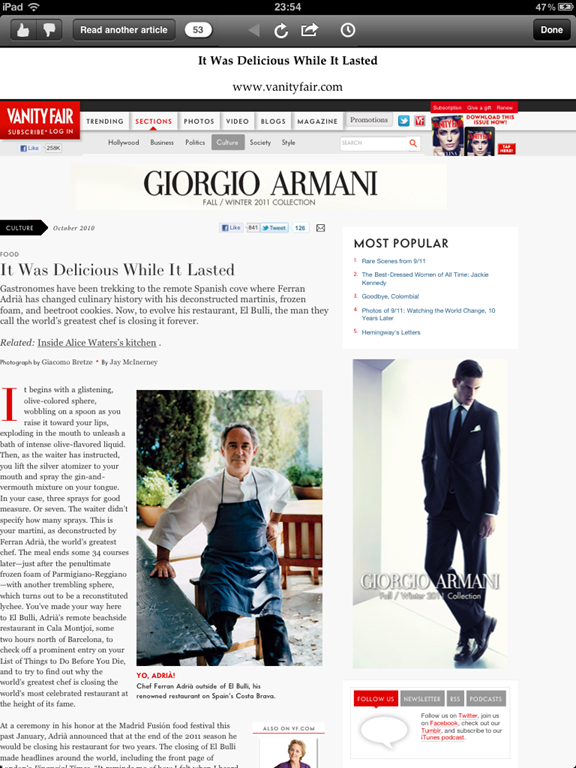
Reading the articles consists of a delightfully focused interface.  The articles scroll and the scroll bar gives you a vague idea of how long the article you’re reading is. If you want to view it in its original source (which is loaded in the background for you if you’re online), click the “View Original” button to be taken to a web view where you can see the article on its initial place of publishing.  You can change article text or send it to your Instapaper account if you prefer to read it there.

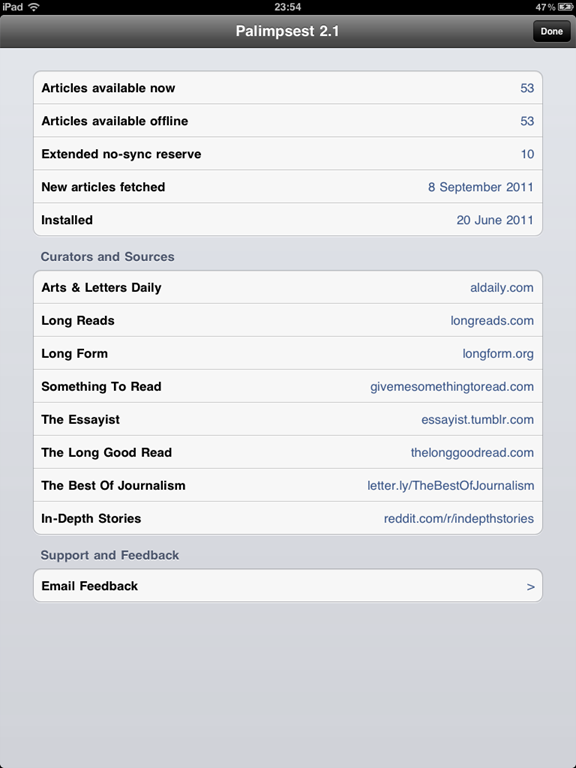
Palimpsest Article Options  Palimpsest Information

An information tab tells you how many articles you have, how many are available offline, when the last batch was fetched, and from where content is currently being curated.  The offline part is useful because if you don’t have a data plan or you’re offline for several days at a time, you can still enjoy several new long-form articles.

Palimpsest Original View

Palimpsest is perfect for travelling since it works so well offline, but it’s also perfect for finding great articles for you that you might not have found otherwise.  It removes the clutter and distraction in the interface, but still lets you enjoy things like photos if you like by clicking on the original source.  The more you use it, the more interesting and relevant the sourced articles will be for you.

*Late post this week due to being in the UK the last week for dConstruct and CS Forum*

Tuesday Newsday: Worldwide News Sites

This week I’ve done an analysis of how news sites worldwide approach apps and mobile web sites. To get some variety, I’ve chosen The New York Times, The Guardian, Al Jazeera, The Irish Times and The Onion.  If there’s a worldwide news site or app you’d like to see reviewed, just let me know and I’ll do a follow-up post with additional news sites in the future.

For those who want the quick version, I have a table below showing how the sites and apps compare in certain areas:

News Source Mobile-friendly website iPad App iPhone app Other apps Pay wall
           
New York Times sort of – m.nytimes.com jumps you to regular site on tablet; works on phones yes yes Android, Blackberry, Windows Phone 7 & Palm Pre; Also Kindle & Nook yes, after reading a certain number of articles
The Guardian yes – m.guardian.co.uk not for news (it’s a photo viewing app) yes Nokia and HP TouchPad apps; Also Kindle and a Flipboard channel currently no; rumoured to be considering one
Al Jazeera yes – m.aljazeera.net yes – live news stream & news headlines yes, live viewing of video news only Android, Blackberry, Nokia, and Samsung Bada; unofficial WP7 no
The Irish Times yes – m.irishtimes.com yes but you must buy individual copies yes, ePaper for $1.99 Android, Nokia, had one previously, removed in 2008
The Onion not really, m.theonion.com resolves but isn’t any more mobile-friendly yes yes Android & Kindle, unofficial WP7 Testing one currently: users must subscribe after reading five articles in 30 days


THE NEW YORK TIMES

[For a wonderful non-mobile browser-based reading experience of the NY Times, read my previous article on the Ochs extension for Chrome and give it a try.] 

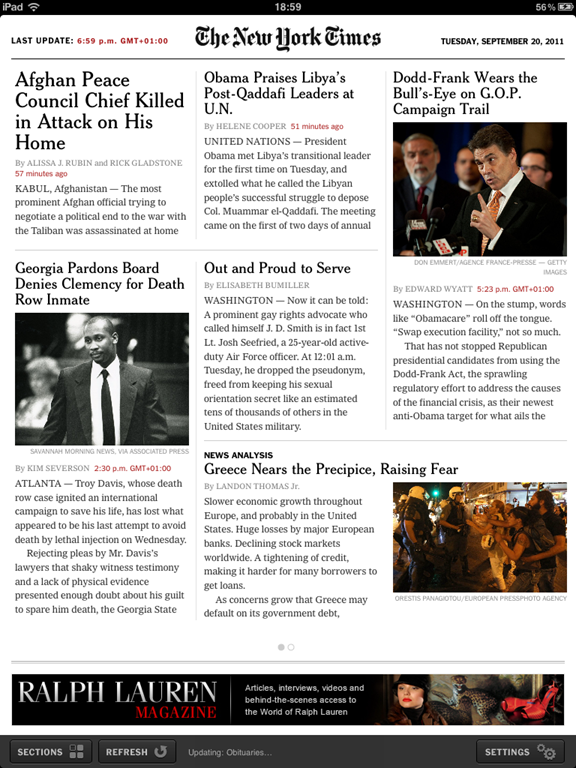
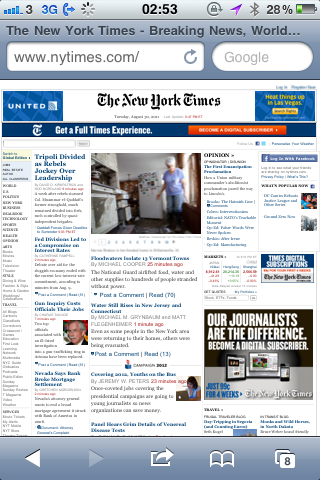
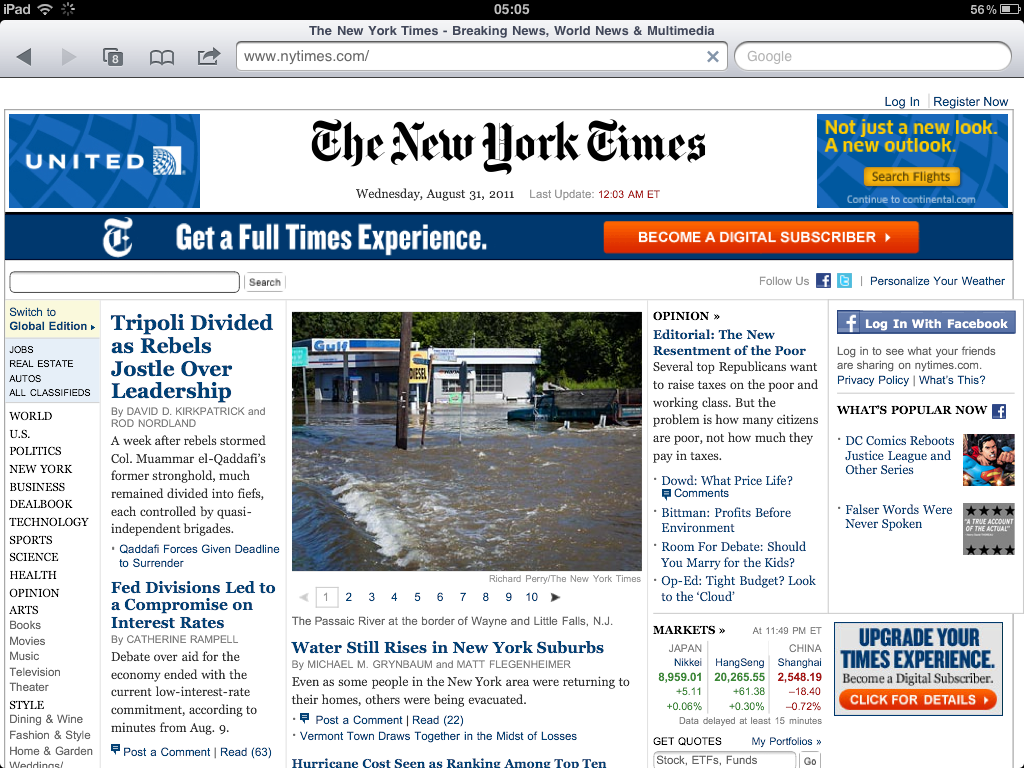
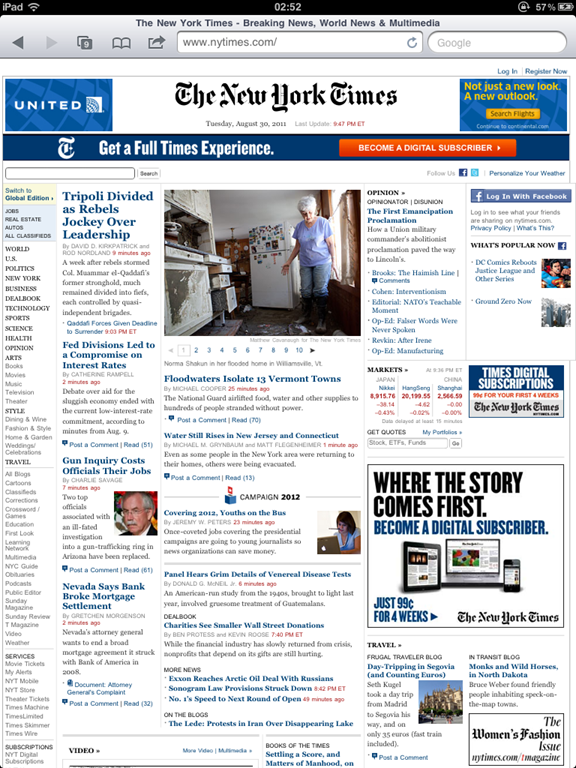
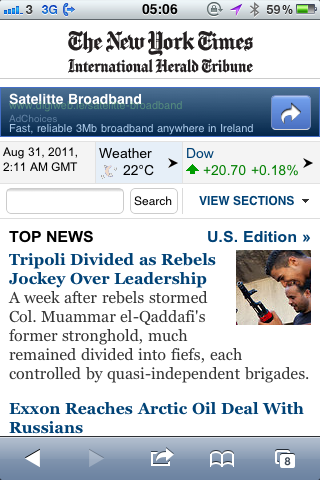
Visiting http://m.nytimes.com on an iPad redirects you to the full NY Times, whereas on an iPhone and a Windows Phone 7 you are taken to a more mobile-friendly site. It doesn’t matter that much, actually, because when you click into an article on the iPad, you get a big enough view to read, whereas the main page and category pages have quick small text and tiny navigation which is hard to use without pinching and zooming frequently.
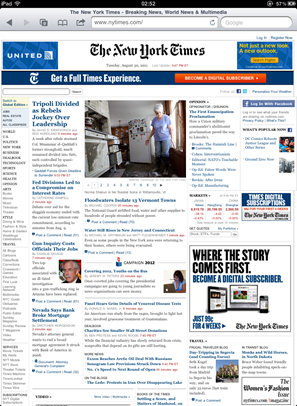
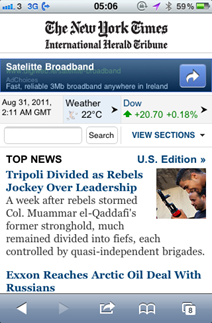
NY Times website on iPad   NY Times website on iPhone

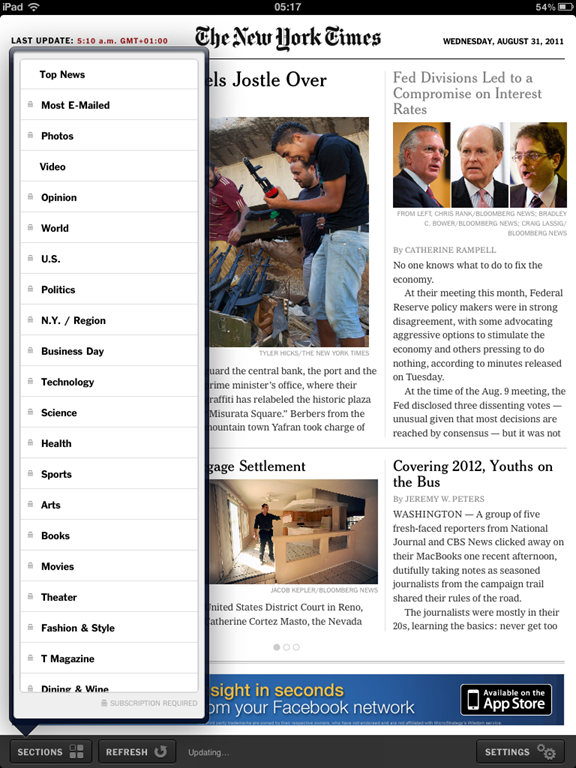
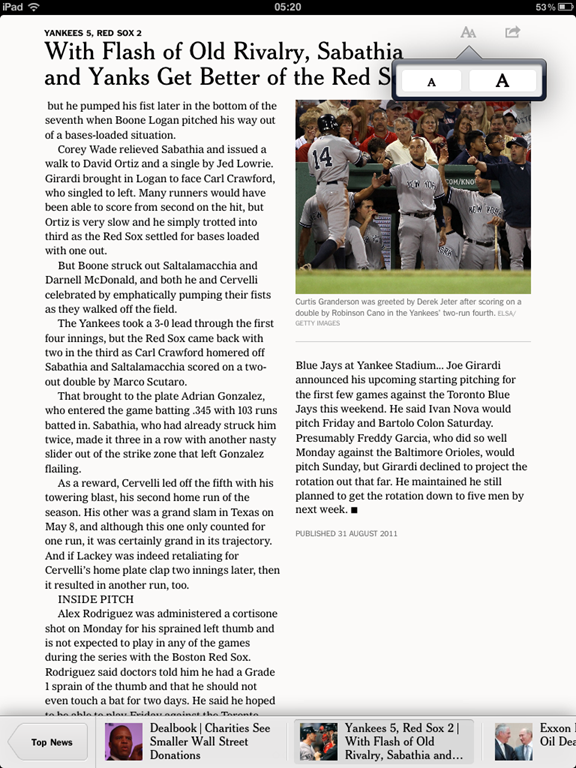
The NY Times iPad app is much nicer, although only the top news is free.  To get access to additional content, the app has in-app subscription options of either NYTimes.com + Tablet app for $19.99/month or the all digital access for $34.99/month.  Without the subscription, you see all categories locked as shown.  When you click on them, they show you the section’s front page, but trying to read the article gives you a subscribe prompt popup. The top news is nicely laid out, though, and the paging navigation inside the articles is nice to read.  Occasional but nice-looking ads might pop up as you’re reading but they are easily closed.  Another nice feature of the iPad app is the ability to set Offline Reading preferences so that articles are automatically downloaded for offline reading & images are cached.
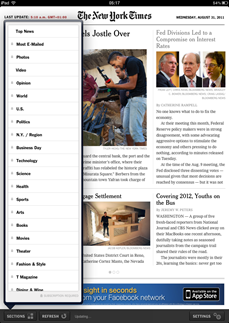
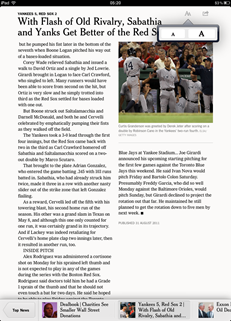
   NY Times iPad App Menu   NY Times iPad App Article View

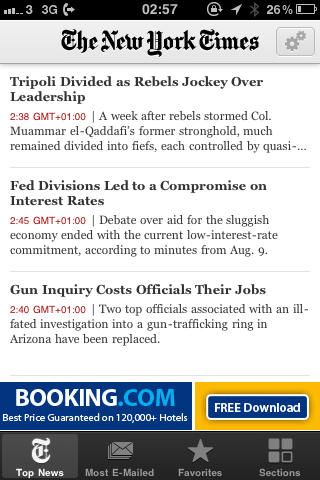
The NY Times iPhone app is the same content as the iPad app, with the addition of a bottom navigation bar allowing you to see the most e-mailed articles as well as those articles, sections and blogs you’ve marked as favourites. As you read, the navigation goes away so you have more space to read. As with the iPad app, some ads may pop up but they’re nicely done and not annoying.

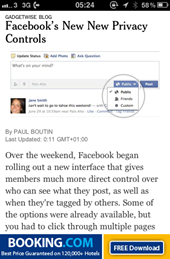
NYT iPhone App Article View NYT iPhone App Article View (no nav) NYT iPhone App Ad

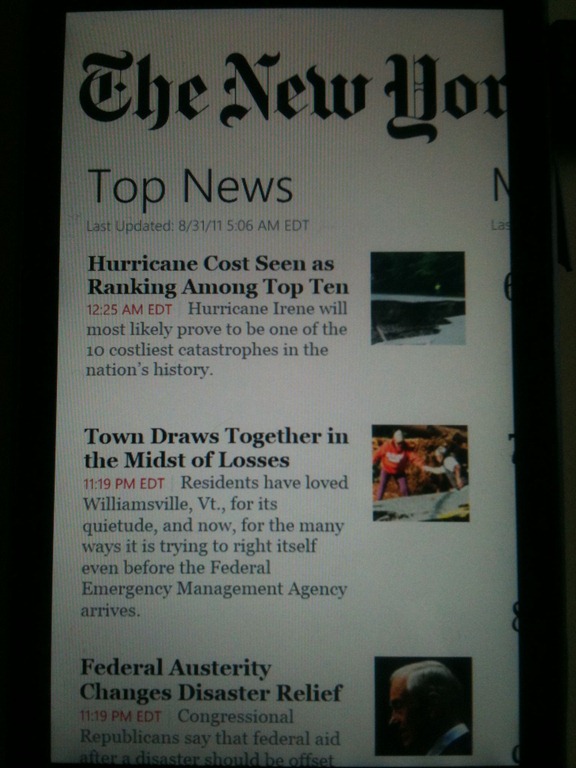
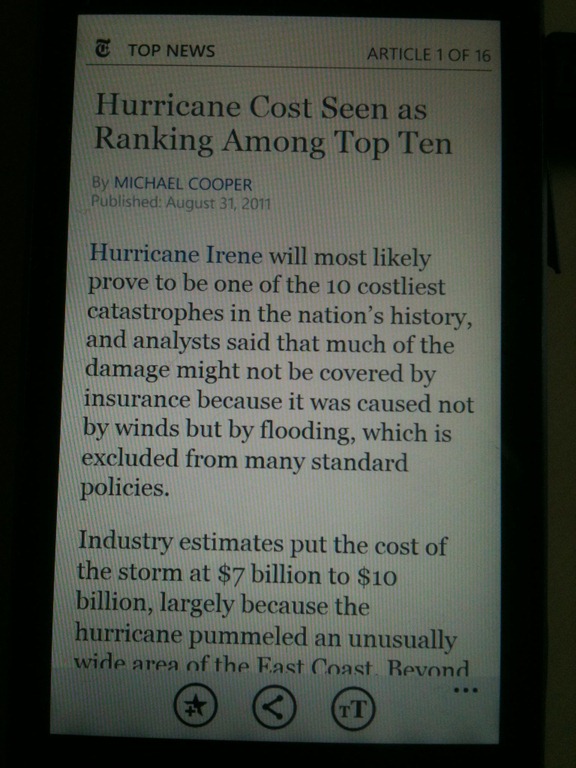
The Windows Phone 7 app for the NY Times is similar to the iPhone app, with top content available but digital subscription required to read additional articles or other sections.  The only other differences I noticed were that the WP7 app doesn’t have advertising embedded in the app, and in the iPhone app you can only increase text size, not decrease it, whereas WP7 lets you select small, medium, large or huge text.
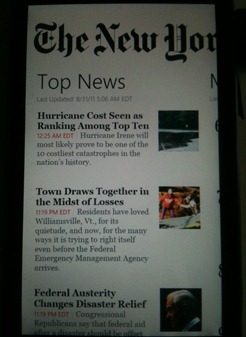
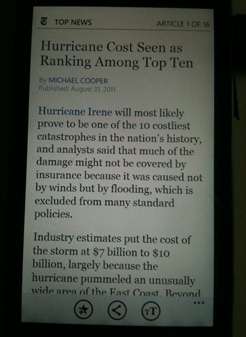
NYT WP7 App Top News    NYT WP7 App Article View


THE GUARDIAN

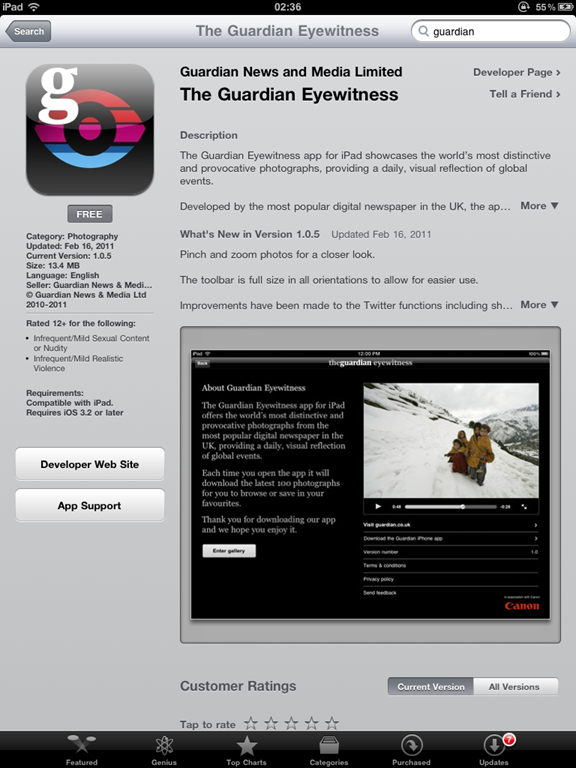
The Guardian officially launched their newspaper website in 1999, and in 2008 it became the first UK newspaper website to break 20 million unique users per month. They have a very thorough page explaining their mobile capabilities here http://www.guardian.co.uk/mobile as well as a frequently updated blog about the changes they’re working on here http://www.guardian.co.uk/help/insideguardian.  Although they have an iPad app called The Guardian Eyewitness, it is a photography display app and not a newspaper app.  They do have a news-focused iPad app currently in the works, and you can see previews of it here: http://www.guardian.co.uk/help/insideguardian/2011/jul/11/kindle-ipad-android.  The article states it was a completely new redesign and indeed it looks very interesting.
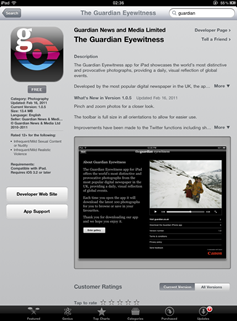
The Guardian Eyewitness on App Store   The Guardian iPhone Splash Screen

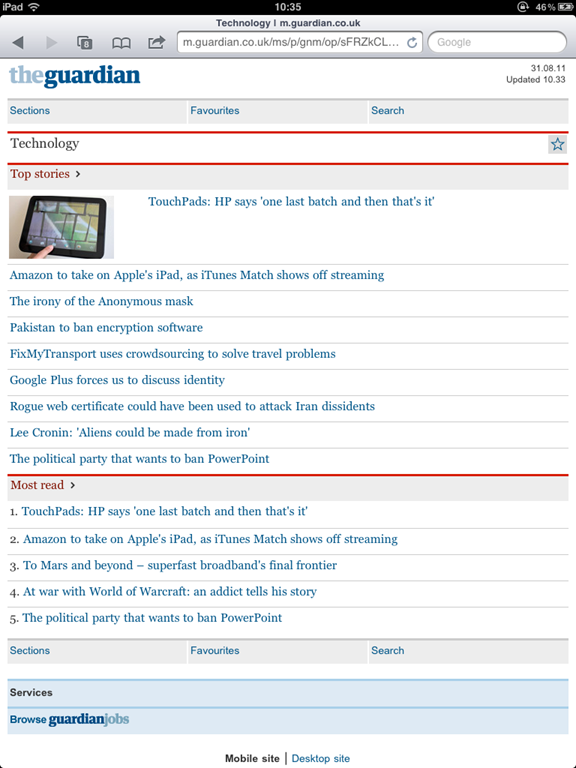
The Guardian’s mobile website, http://m.guardian.co.uk, shows the top three stories from several sections and lets you browse to different sections, mark favourite sections, and search. There isn’t a limit on content you can read as there’s no pay wall, but as mentioned in the table above, they are rumoured to be considering one.
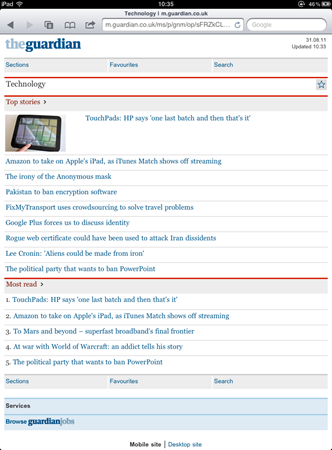
Guardian Mobile Website

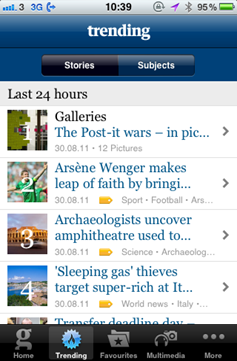
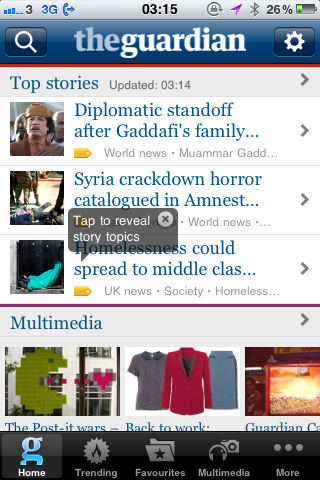
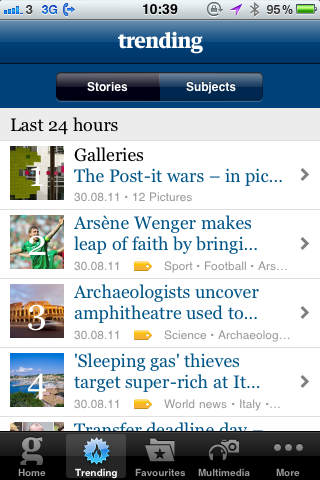
The Guardian’s iPhone app is a slightly nicer experience than the mobile website.  The look and feel is similar, with the top stories from various sections on the main page. They have also added a Trending and a Multimedia tab to show, respectively, the top ten trending stories and subjects in the last 24 hours and a video, audio and photo gallery.  Additionally you can add favourite stories as well as sections.
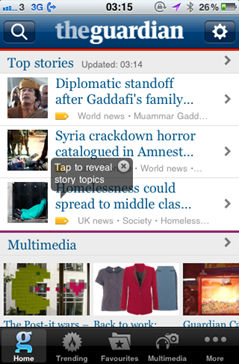
The Guardian iPhone App Front Page  The Guardian iPhone App Trending page

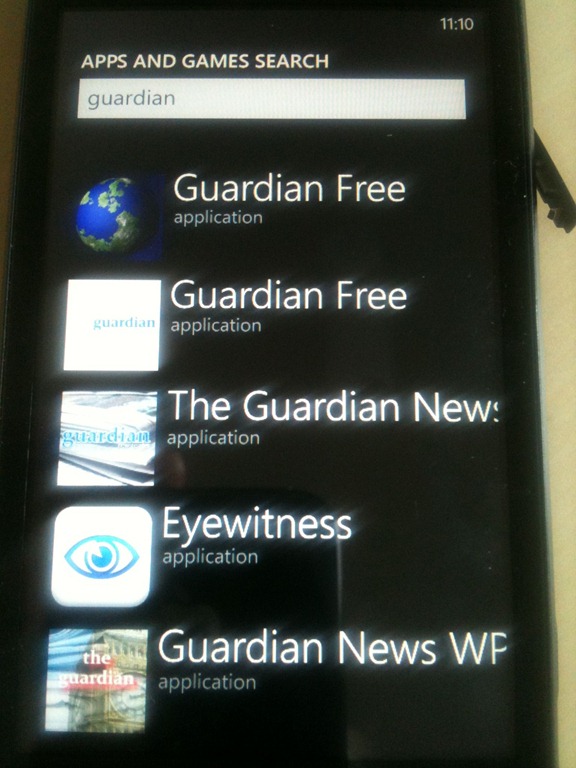
One of the slightly annoying things about Windows Phone 7 is that when you’re browsing the Marketplace for apps, it can be very difficult to tell which ones are official and which ones are just some random developer. You have to click on the app and scroll to the bottom to see who is listed as the developer.  In the case of the Guardian, there is no official app, but the Guardian Newsreader grabs content from their site and populates a basic WP7 app which actually looks decent and works quite well.
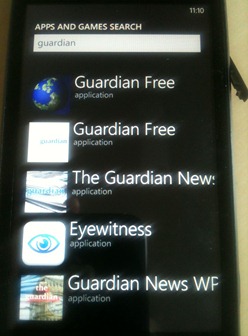
WP7 Marketplace Search for Guardian


AL JAZEERA

Al Jazeera’s mobile website gets it so right for phones. The front page shows simply one large top story and three sub-stories, followed by a list of their categories.  Click on “In Depth” in the navigation bar to get various sections such as Opinion, Features, Spotlight, etc. Click on “Watch” in the navigation bar to watch or listen to live coverage from their television channel.  Very simple, but contains all the types of things a reader would want in an easy-to-use mobile website.  The mobile site on a tablet leaves a bit to be desired, as it doesn’t really take advantage of the screen real estate, but it’s still just as usable and effective.


Al Jazeera Mobile Website Front Page Al Jazeera Mobile Website Article View Al Jazeera Mobile Website Article View

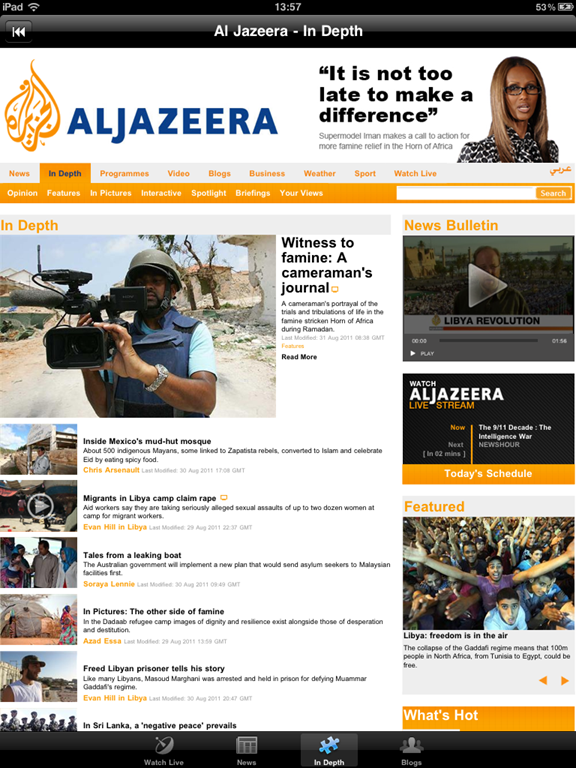
The Al Jazeera iPad app takes an interesting approach to the front page. It starts with a live stream of the video channel and updates from Twitter feeds. From there, users can click on “News” to see the front page of the website (basically the exact same as the regular website), “In Depth” which is the In Depth page from the website (again, almost exactly the same) and “Blogs” which is the Blogs page from the website.  The video feed is fantastic and works great.  The other pages could maybe be tailored a bit, more in the style of the mobile website as readers will end up doing a lot of pinching, zooming and panning to read the content.

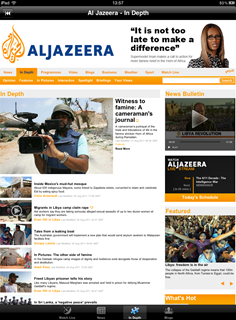
Al Jazeera iPad App Live Video Feed    Al Jazeera iPad App In Depth Page

On the iPhone and Windows Phone 7, the app is mostly just the live video feed. The iPhone app uses similar navigation to the mobile website, so you can still click on “News” and “In Depth” to see top stories there. I couldn’t find an English version of the Windows Phone 7 app, the one there streams the live Arabic coverage. The front page is quite strange and just has links to the video feed and the website, where the website link opens up a browser window to see the normal site instead of the mobile site which is strange.


 

Al Jazeera iPhone App Splash Screen   Al Jazeera iPad App Front Page

Al Jazeera iPhone App Live Video Feed   Al Jazeera Windows Phone 7 App Splash Screen


THE IRISH TIMES

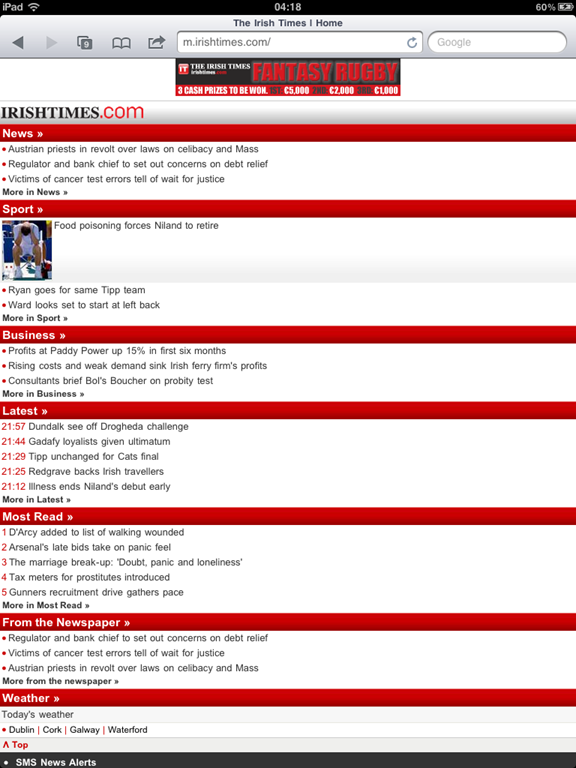
The mobile website for the Irish Times works fine on a phone, but it’s a bit oddly formatted on a tablet.  On a tablet, you’re probably better off going to the regular website and using pinch/zoom to read and browse. On a phone, the site works better. The front page has the top three stories from several different categories with some thumbnails. Reading the individual articles is pleasant and focused, even if it’s mostly text.  The website is plain but it’s functional and easy-to-use.
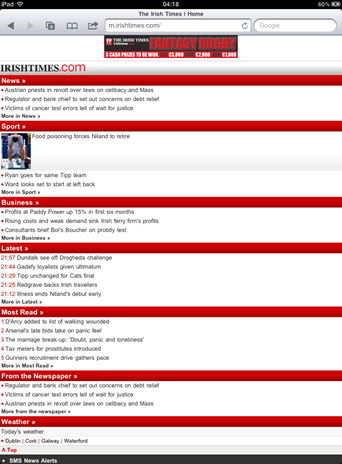
Irish Times Mobile Website

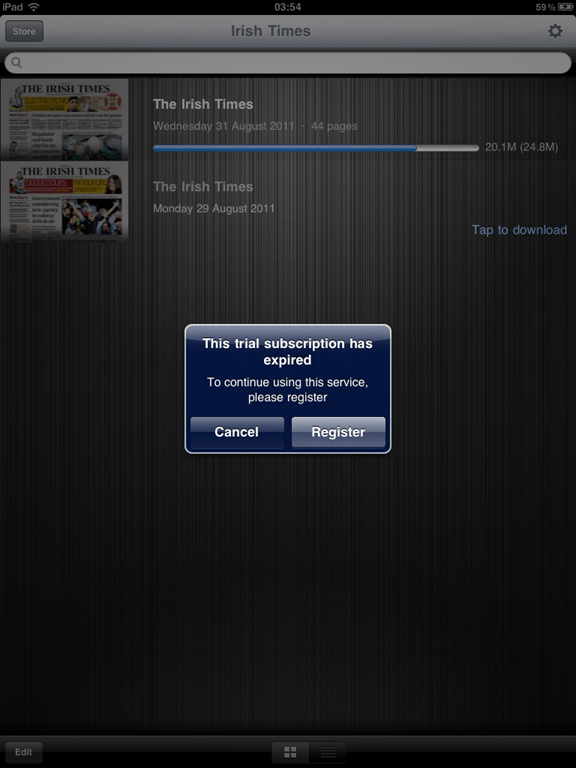
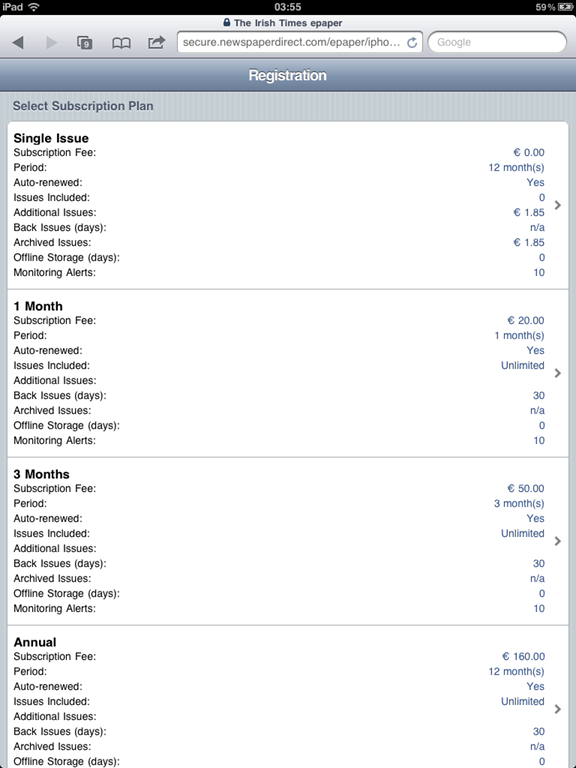
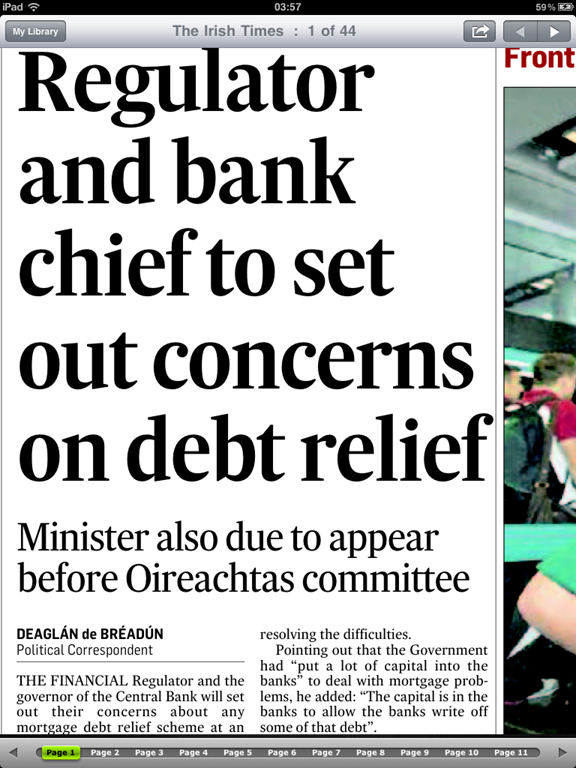
The iPad app for the Irish Times, called the Irish Times ePaper, is where their mobile experience falls over.  Downloading the app is free, and you can download one free issue of a daily edition. Additional papers to download require a subscription which forces you to register with The Irish Times and then go to a website which has you select a subscription plan, either a single issue, 1 month, 3 months or annual. The whole thing is strange because I thought Apple were forcing in-app purchases and subscriptions, that is, the ability to purchase new issues or subscriptions from within the app, to happen via the App Store. I know they reversed the harsher terms from February, but I thought it still applied to purchases which happen inside the app?
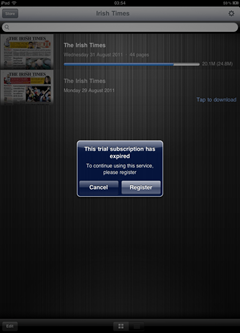
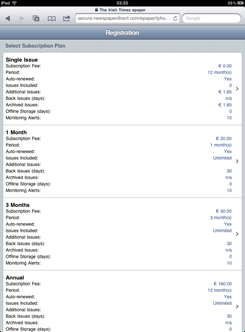
Irish Times iPad App Subscription Page   Irish Times Subscription Options on website

The reason I mention this is that the process for going through the Irish Times registration, selecting a subscription plan and entering payment details is quite tedious. I’m sure they don’t want to lose the 30% cut to Apple, but I actually think the App Store ease-of-use would help them sell more and make up for the revenue Apple deducts.

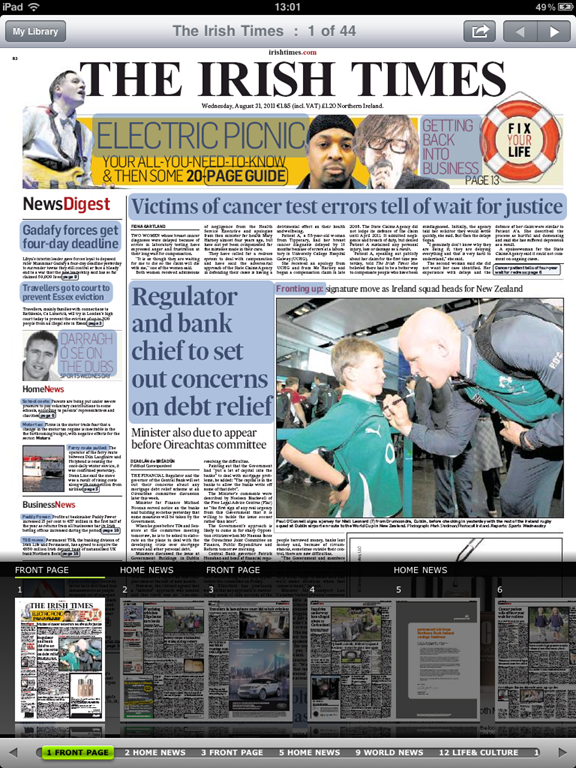
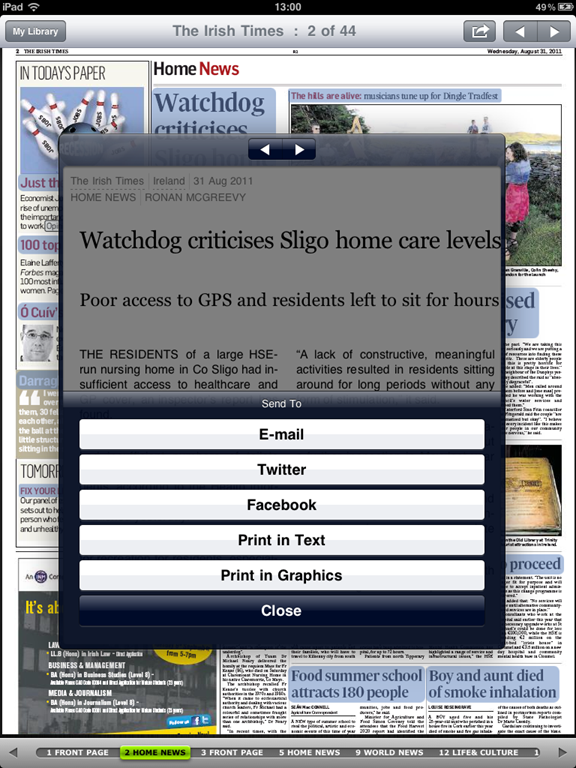
Anyway it actually won’t matter much because once you download your trial copy you’ll be hesitant to spend any additional money. It feels like looking at microfiche at the library. It’s a giant image of the actual pages of the print newspaper, ads, crossword puzzles, classifieds and all. There is weird hyperlink behaviour which automatically highlights any clickable text (such as an article title) in blue, and clicking that text pops up an overlay with the content of the article or blurb inside it.  Reading these articles is okay, you navigate by swiping left and right as if they were pages, but it has some strange sharing options like “Print in Text” and “Print in Graphics” along with the regular Email/Twitter/Facebook options.
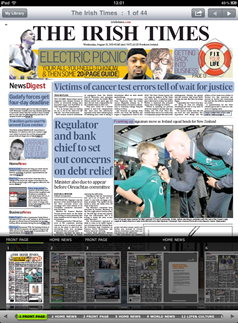
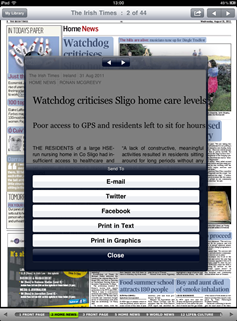
Irish Times iPad App Daily Issue View   Irish Times iPad App Article Sharing Options

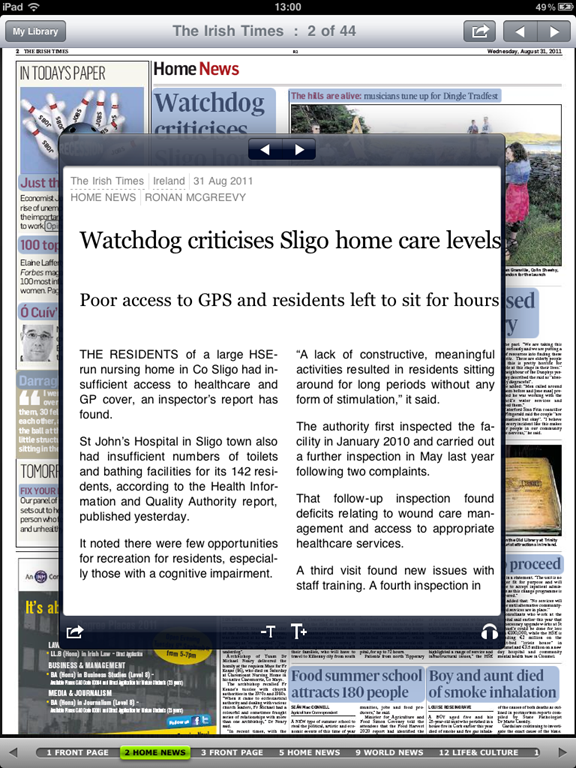
One thing I haven’t seen anywhere else, however, is the ability to have an article read to you. Click the small headphones icon on an article and an computerized Irish voice will read the article to you.  However when you close the article, the voice continues talking and the only way I could get it to stop reading was by opening another article.
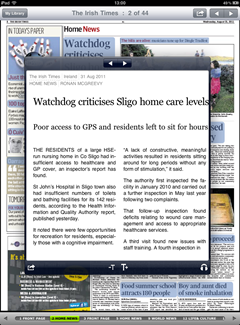
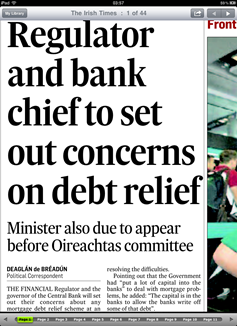
Irish Times iPad Article View with Audio Option   Irish Times iPad App Zoomed In

I get the feeling this technology, whatever they’ve used to create this, was some sort of knee jerk reaction to someone deciding “WE NEED AN IPAD APP NOW!” To me, it’s a poor compromise of wanting to have an app quickly  and wanting to make sure all the content is there, but the readability, searchability, image quality and usability unfortunately all suffer here. I don’t know what their digital subscriber numbers are for this app, but I would be surprised if many people are able to read a newspaper in this format on a daily basis.


Irish Times iPad Zoomed In Fuzzy Imagery   Irish Times iPad App Article View with Navigation

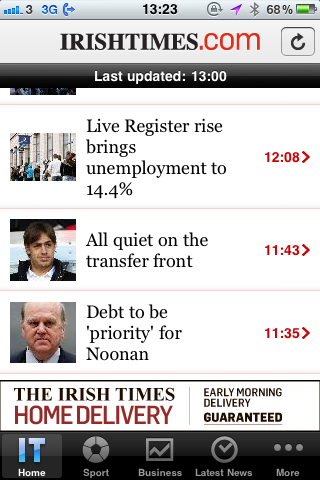
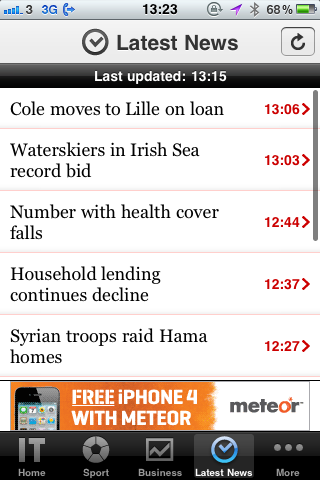
Now let’s look at their iPhone app.  The iPhone app is basic, works great and seems like a much more thought-through approach to a mobile application. Its navigation bar has a Home, a Sport, a Business and a Latest News section, as well as a More tab which shows weather, podcasts (podcasts buttons take you to iTunes, they don’t play inside the app) and most read articles.  Ability to change text size, share articles, and navigate to the next article all work very well.  The articles seem to be text only while some of the section pages have thumbnails, but in the same way only the section pages have ads so no ads clutter your reading experience. Like the mobile website, the iPhone app is basic but usable. And for many users of news apps on phones, it’s the functionality and usability that are most important.
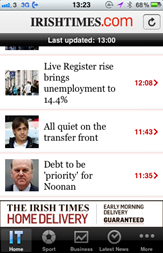
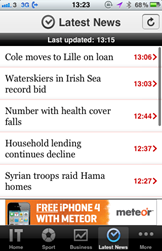
Irish Times iPhone App Front Page  Irish Times iPhone App Latest News  Irish Times iPhone App Article View


Literally Unbelievable

THE ONION

America’s Finest News Source has been one of my favourite news sites ever since discovering it during college (and that was way before http://literallyunbelievable.org/ was on the scene).  I have been impressed over the years at their willingness to try new strategies and new technology so readily.  Their current experiment, which they’re getting some slack for, is a pay wall for foreign readers (i.e., readers outside the US) who view more than five articles per month.  Their CTO says it truly is an experiment in which they’re looking for reader feedback and that nothing is set in stone.  Their digital subscriber numbers, however, suggest that it may in fact stick around. Readers pay $2.49 on the Kindle store for a monthly subscription, and they’re number five in the newspaper category there, which means they definitely have a loyal fan base of people willing to pay to access their articles.


The Onion iPad App Front Page   The Onion iPad App Refresh Screen

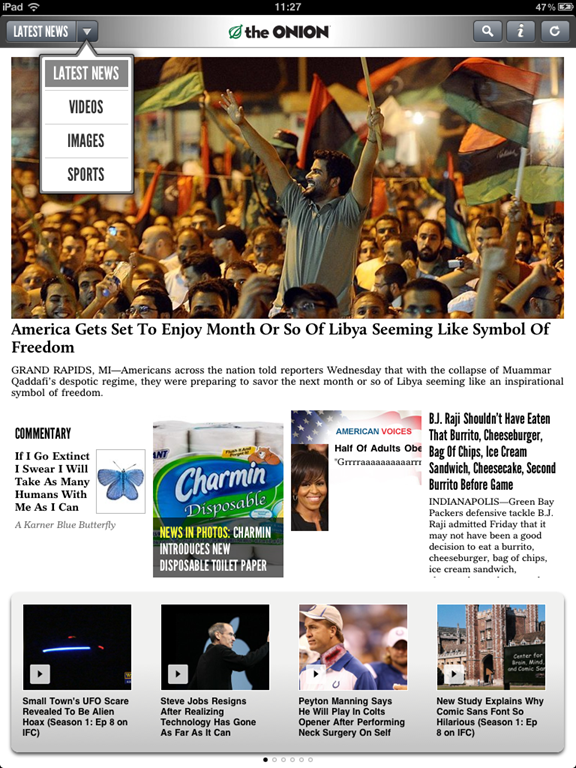
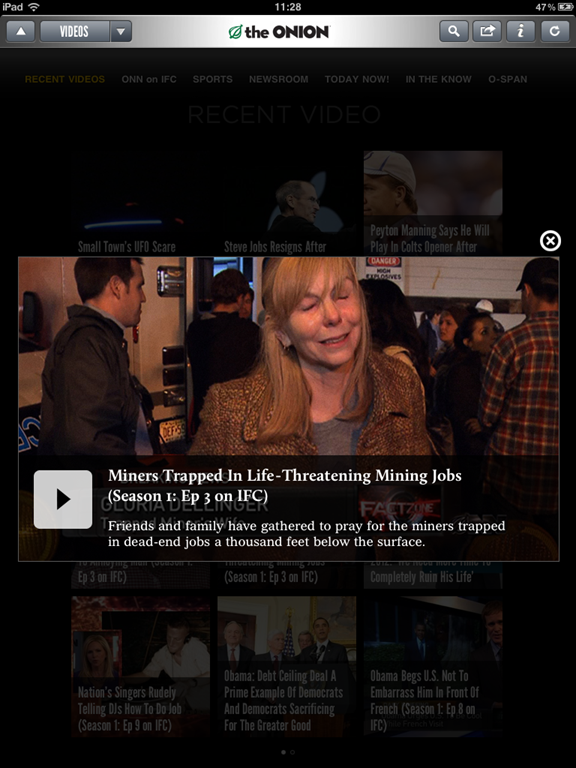
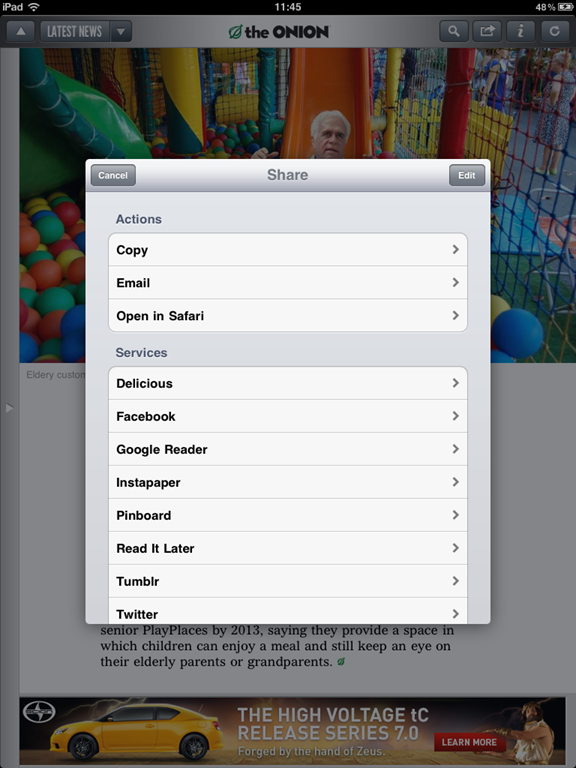
Since their mobile website isn’t much to talk about, let’s start with their iPad app.  The iPad app is a fantastic app which has a lot of their great content  laid out in a familiar, Flipboard-like style. One of the things that The Onion get very right is advertising. Articles may have small banner ads at the end, but the only time you see anything larger than that is when you click the “Refresh” button: it shows you a half-page ad while you wait for new content to update. I saw one other advertorial as I was browsing images, but it was so well done it was not obvious that it was an ad. The video and photo integration is excellent and it’s easy to spend a lot of time in both sections. The only thing I could think of that I would have liked in this app was the ability to view different sections without searching, to click and see all the Commentary or the Infographics or Statshots or Local News.  The only sections categorized are Latest News, Videos, Images and Sports. But it’s a great app and has one of the most capable sharing mechanisms I’ve seen including Pinboard, Tumblr, Instapaper and several other sharing apps.
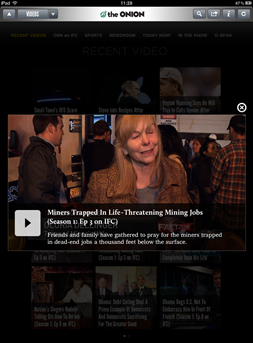
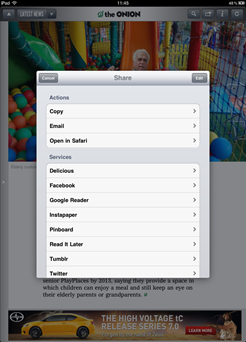
The Onion iPad App Video View   The Onion iPad App Article Sharing Options

The iPhone app is similarly great, and perfectly adapted for the smaller screen. Instead of the gridded, Flipboard-style interface, it’s lists of articles and some small thumbnails.  The iPhone app has a bit more sections to navigate, including Twitter, Voices, Audio, Images, Opinion, Horoscopes and more.  You can save up to 25 articles as favourites or to read later, and the sharing options are a more regular email/Facebook/Twitter.
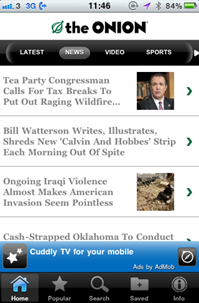

The Onion iPhone App News Section   The Onion iPhone App Video View

Again, on Windows Phone 7, I’m not sure if “Crazy Hot Solutions” is the most official Onion app to get, but they offer both a free and a paid version of The Onion (paid app removes the ads). The panorama scrolling is nice and shows popular stories, breaking news, video and radio news. The app is nice if slightly less polished than some of the others, but it also has a few interesting features like customizing the colour, turning on a profanity filter, and live tile customization.


SUMMARY

It’s quite obvious that news sites who think about the use cases and likely situations of their readers end up designing a better, more usable application and/or mobile website. Those that don’t who simply end up building a frame to shove their existing web content into, offer very little value to their customers, whether those customers are paying or not.

The New York Times digital subscriber numbers suggest that people will not be afraid to pay for access to the content they want. It will be interesting to watch what happens with The Onion’s pay wall experiment and The Guardian’s attempt at creating one.

[NOTE: There currently is not a way to take screenshots with Windows Phone 7, so those photos were taken of the phone itself; apologies if they’re hard to read or fuzzy.]
Experiments in Formatting News: A Better New York Times

Last week, I came across a Chrome extension called Ochs which takes the New York Times and provides a cleaner, easier-to-read layout for it.  The creator, Michael Donohoe, recently left the Times after seven years there and built Ochs to scratch his own, longtime itch.  This is the lovely and very usable result:

NYT Front Page With Ochs extension


WHY DOES IT WORK?

Lots of people have worked hard to try and reinvent The New York Times website, yet most attempts are idealistic and don’t take into account the hard reality of needing to include ads, of dealing with paywall material, of content ownership across a large company, of the demands of a site that is updated constantly for an audience of millions.  So what works about Donohoe’s design with Ochs?

Front Page of NY Times with Ochs

versus:

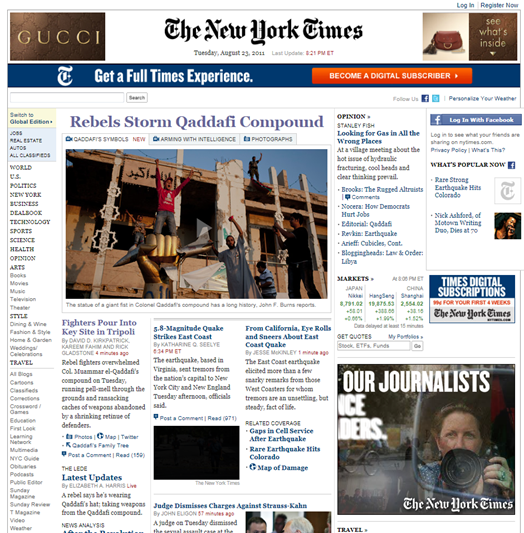
Front Page of NY Times without Ochs

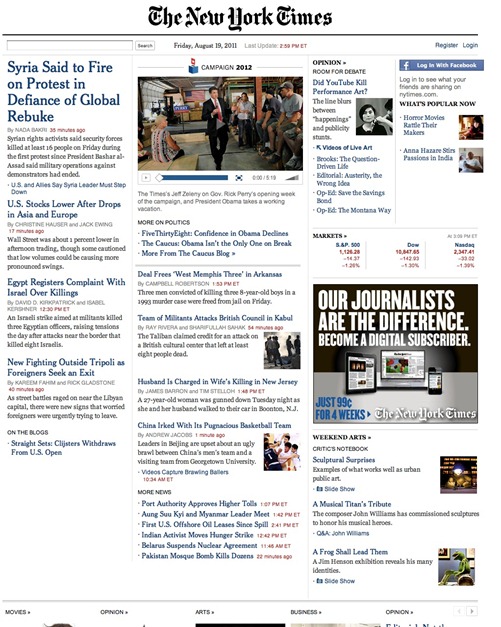
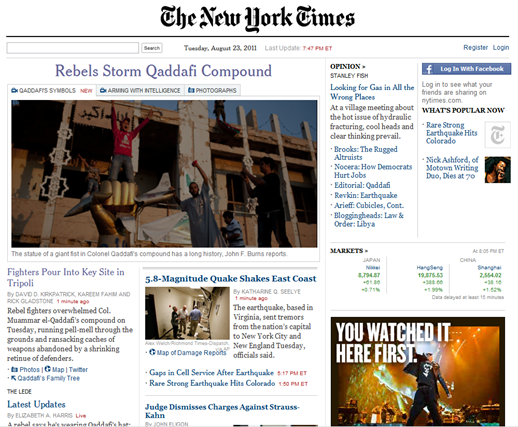
The look is uncluttered and cleaner with more white space. The familiar left-hand navigation menu, ignored by most Times website visitors, is removed.  If you look at the type, you’ll notice Typekit-powered Cheltenham replacing Georgia for most headlines and Helvetica replacing Arial for bylines and timestamps.  Article body text remains in Georgia.  The slightly thinner, taller Cheltenham gives more white space and a more relaxed feel.

Article with Ochs

versus:

Article without Ochs

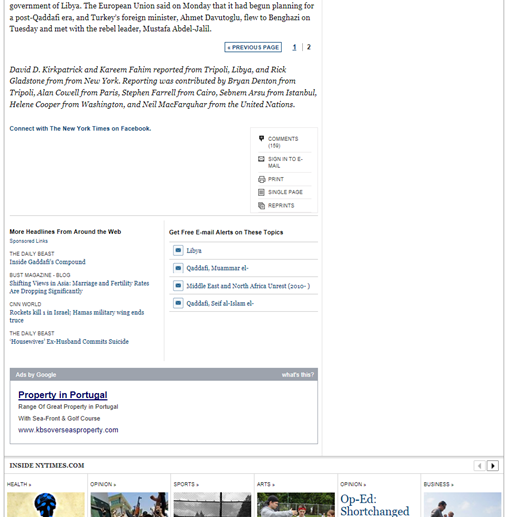
You’ll notice if you click on an article that the individual articles are much less cluttered as well.  The sharing bar is removed so the text column is a bit wider.  The optimal line length for ideal legibility is around two-three alphabets, or about 60 characters. This redesign brings readers close to that and keeps them there.  The “Most e-mailed / Most viewed” section is shortened and many of the other “popular on facebook” and “sign up for e-mail updates” sections are also taken away with a nice result.  The end of the article leaves the reader, quite simply, with tiny options to recommend on Facebook, tweet or e-mail, followed by some photos and links to stories in other sections.

End of Article with Ochs 

versus:

End of Article without Ochs


I SUPPOSE THE ADS ARE REMOVED, AREN’T THEY?

How many redesigns have you seen which include ads?  Probably not many, because it’s one of the first eyesores designers choose to get rid of when they’re starting from scratch.  However, Donohoe has stated that the missing ads in this case are due to technical reasons, and that eventually he intends to restore as many ads as possible to keep it realistic.  He has interesting ideas about the ads including things like “Progressive advertising” (the more you use the site the fewer ads you see), “Merit advertising” (show more ads to non-paying subscribers), and “Staggered advertising” (ads the first time you visit, but then not for the next five visits, etc.). He’s open-minded and still looking for other options.  There are still some ads in Ochs, occasionally they are muted unless you mouseover them, which is nicely done.
 

WORK[S] IN PROGRESS

Donohoe continues to make progress and update Ochs as a side project, and you can check out the page on the Chrome store to see the latest enhancements as well as the roadmap for future updates.  You can also follow his tumblr page at http://nytochs.tumblr.com/.

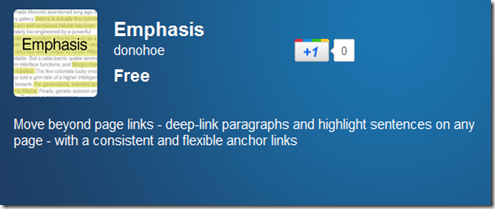
Donohoe has another new Chrome extension, called Emphasis.  It allows deep-linking to paragraphs and sentences, so you can highlight or share phrases instead of e-mailing your friend something like, “It’s about two-thirds down the second page of the article, that part about Air Supply coming to Dublin.  Read it and then tell me if you want a ticket to their show in September.”

Emphasis Chrome Extension

Tuesday Newsday: Zite and the Best Aggregators

With the announcement yesterday that Zite is in talks with CNN for a very sweet deal, today seemed like a great day to review a handful of my favourite news aggregator apps. 

zite iPad app


ZITE:

Zite has been a favourite app of mine for a while, and I have even recommended it in the past on the PC Live podcast.  It’s still one of the only apps I use every single day.  Simply put, Zite is a free, personalized magazine which begins to understand your likes and dislikes, therefore improving the content it provides you.

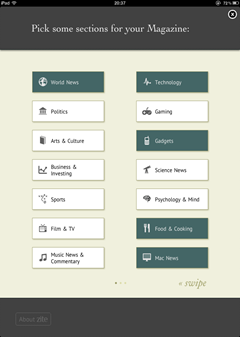
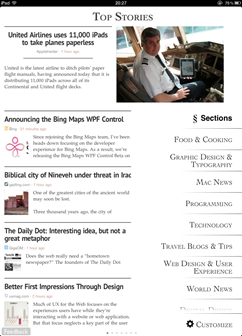
 Zite front page   Zite section selector

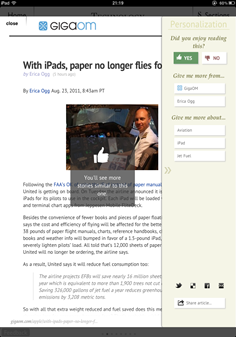
I love Zite for its simplicity.  The “choose your topics” section is easy-to-use.  The layout makes sense. The app uses familiar “thumbs up/thumbs down” icons so you can let it know if you want more or less like the article you’re reading.  The reading layout is uncluttered and relaxed.  Customization allows you to change font size and move from serif to sans-serif fonts.

Zite Top Stories    Zite story with Preferences

But behind all the simplicity, Zite has a lot of smart things going on. Zite is also taking note of whether you prefer longer or shorter articles, news or opinion content, various sources you click on more than others, and building all of this into its intelligent algorithms. At the same time, it tries to still bring you new content that you might not have otherwise found to help avoid the information silo problem.

If you haven’t used it, this video is a great short overview of what to expect, and it says a lot more in just about a minute than I can:

Zite pro – This app provides the best information to me out of all of them with surprising new sources but always interesting content.

Zite con – I could spend all day reading it.


AOL EDITIONS:

AOL Editions is one of the more recent additions to my iPad assortment of news readers.  Launched just a few weeks ago, it’s a bit later to market than most others mentioned here, but for that reason it has taken the time to add some unique features.

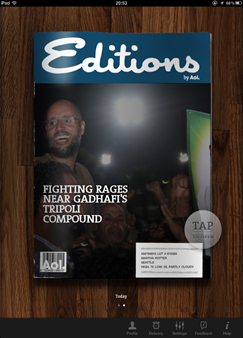
AOL Editions Front Page   AOL Editions Opening Page

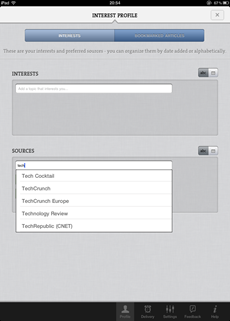
First of all, Editions is very personalized. Almost to a fault. It pulls information out of iCal and your Facebook friends list to give you a sort of agenda.  It gives you a weather forecast.  Mine however has to be from Seattle as the input section for location is zipcode, so location information is not usable outside the United States.  It lets you add sources and interests, but not remove them.  For example, I don’t want local (since it’s not relevant as I’m outside the US) or entertainment news, but I cannot remove those sections.

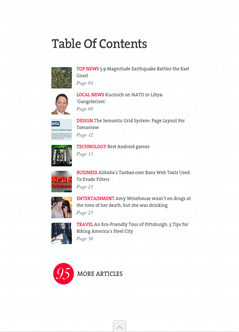
AOL Editions Table of Contents      AOL Editions Interest Profile

Now for the good stuff.

One nice and unique feature is that AOL Editions actively weighs the importance of each story.  So as your daily edition is being built, stories appearing towards the top of a source’s homepage as well as stories being shared very actively are featured more prominently.  Many times, when you click on a story, you get some keywords to select or remove to help train the app for future news.

AOL Editions Article View    AOL Editions Article List

Something else AOL Editions has which other apps don’t is an end point. With most of the apps, you feel like you can read forever.  That’s good if you’re bored, but bad if you’re one of those people who never feels like you’ve “caught up.”  Each daily edition is designed to be about 20-25 minutes worth of reading time, so it’s possible to get through the whole thing each day if you like.

AOL Editions Pro – The personalization features will appeal to many folks, and regular users will benefit greatly from the way the app learns and weights their content

AOL Editions Con – Keeping the content in the original website view is ugly and doesn’t make for a nice reading experience. Also, the US-ness of the app is a bit of a turn-off for folks outside the United States.


NEWS.ME:

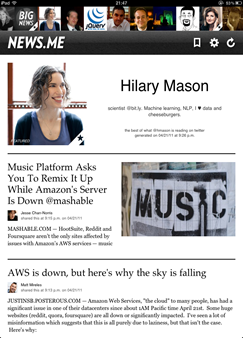
News.me is the only app discussed here that isn’t free.  It’s subscription-based: you pay 99 cents a week or $34.99 for an annual subscription.  The app was created by the folks at bit.ly & betaworks, and it works only if you have a Twitter account.  On News.me you can read your filtered stream as well as the stream of people you follow on Twitter who also use News.me.  It’s great if you are curious to know what someone like Clay Shirky or Hilary Mason or Anil Dash is reading.

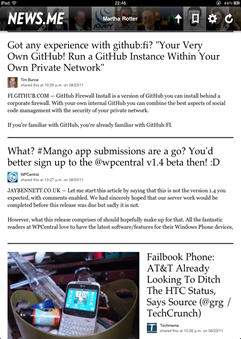
News.me Individual Page    News.me Article List

News.me partners with publishers like the New York Times and the Associated Press which haven’t been very friendly to other aggregators.  Because there’s no search or “subscribe to a specific publication” features, people can’t use the app to get around paywalls.  The subscription fee charged by News.me goes towards paying the partner publications for their content, which is a nice surprise.

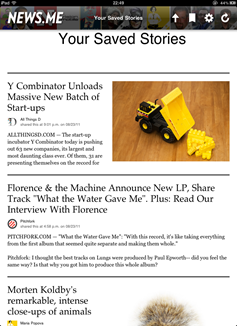
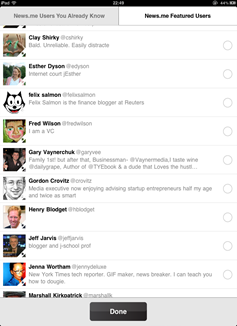
News.me Saved Stories    News.me Add People

For me, it’s very much like when Twitter first came out.  If you were an early user of Twitter, clicking on someone’s profile showed you what they were seeing, instead of just their tweets.  That was a long time ago, though; I can’t imagine it could handle doing that anymore!  The idea grew from people simply wanting to know what others they follow are reading and what’s important to them.  You can get some of that from their retweets and +1s on Twitter and Google+, but this is more like looking at someone else’s Flipboard or Zite. How meta is that?

News.me pro – Perfect for feeling like you can get inside the head of people you follow on Twitter, whether they’re your smart friends or celebrities or tech icons or whatever.

News.me con – It *is* the only aggregator that is charging these days, albeit for some content that you probably can’t get on other apps. If you use it, it’s a very small price to pay (less than a weekly paper), but if you don’t use it it adds up.


PULSE:

Pulse is an underestimated player in this space who has focused on making their content the highlight in lieu of a sexier UI.  If the name sounds familiar to you, it’s likely because last year it was mentioned by Steve Jobs in his keynote at WWDC as one of the most promising new apps for the iPad. Later that afternoon, Apple pulled it as the New York Times sent a written notice that Pulse was infringing on their rights.  Those problems were solved and the app has been successful in the App Store since.

Pulse Splash Screen    Pulse Front Page

The thing that Pulse gets right that other apps like AOL Editions have missed is a focused reading experience.  It’s even less cluttered than Zite’s, but it does let you view on the web if you prefer (here’s a spoiler: you won’t).  Pulse integrates feeds from Google Reader and, like Flipboard, has a few prepopulated categories you can choose from.
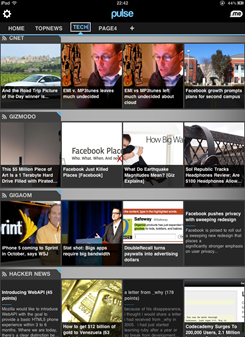
Pulse Add Section    Pulse Technology Section

I mentioned that their UI is slightly less sexy than some other apps, but it’s only because the app has been around longer. I probably would not have said the same thing this time last year.  Last year, this UI with its large images and alternating text was pretty ground-breaking.  However now several apps have stolen the same layout so it’s fairly familiar.  They haven’t replaced it because it still works really well.

Article View    Pulse Article with Index

Pulse pro – I love reading in this app. If you prefer a visual UI for the blogs and websites you read, this is custom-made for you.

Pulse con – It’s the least personalized content. Integrating from Google Reader is clunky and manual so it’s not great as an RSS reader unless you have a lot of time to set it up.


FLIPBOARD:

No discussion of iPad news aggregators would be complete without mentioning Flipboard of course.  However if you have an iPad, I am pretty sure you have used Flipboard, the original, free social iPad magazine, so I’m going to skip it.

Flipboard Splash Screen   Flipboard Index Page


SUMMARY:

There are loads of news aggregators showing up for the iPad, and with Zite’s announcement this week, I’m guessing there will be a lot more competition in the very near future.  Check out the above apps if you’re looking for a new one or use the “Genius” feature of the App Store to find one that suits your taste and needs.  Be sure to let me know if you find any new and interesting ones.

Tuesday Newsday: Amazon’s Kindle Cloud Reader

It would have been difficult to not notice Amazon’s launch of their new web app for reading Kindle books last week.  Part of the reason is because it’s a very easy-to-use and intuitive app.  But mostly the noise was about the fact that Amazon had very cleverly bypassed Apple’s 30% cut.

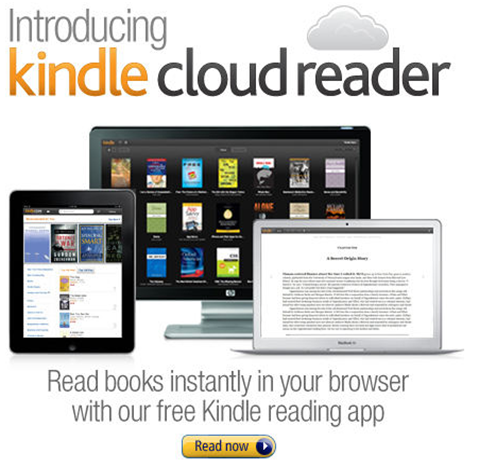
Kindle Cloud Reader

Apple, as any app developer knows, take a 30% cut of anything sold in their App Store.  Recently this was extended and enforced for in-app and subscription-type purchases.  For many applications this is a tough but reasonable ask.  Apple have created the infrastructure and provided the customers to allow them to make money; they deserve some money to continue to build and enhance this infrastructure.

But for other companies it was tougher to swallow.  Companies like Amazon who already make very slim margins on book sales may not be able to spare 30% of that price and break even, let alone make a profit.  Other companies, like iFlow Reader, were already making less than 30% profit on sales of in-app purchases, and Apple’s updated terms forced them to go out of business.

So I am not alone in rejoicing for Amazon’s success here, as it proves that small publishing companies and companies with low profit margins don’t have to sigh and accept the revenue loss as part of the system.  The Kindle Cloud Reader is not a complex app, and as you’ll see below, it actually has some nice benefits over the native app in terms of user experience.


WILL PEOPLE USE THIS IN LIEU OF THE NATIVE KINDLE READER?

Yes, but it may take time.  The updated version of the native Kindle Reader application for iOS now has had to remove all links to the Amazon store, so you can’t shop for new books via the iOS app.  Granted, it previously just bounced you into Safari anyway, but now it’s extra awkward.  Not everyone will notice this right away, but as people finish their books and go looking for more books to purchase or download, they will realize this isn’t an option anymore and have to go to the Amazon website instead.

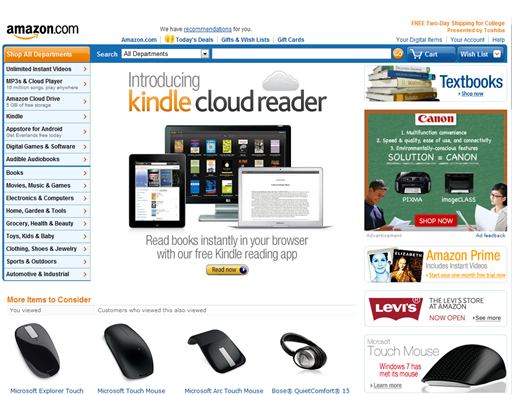
The other thing Amazon has going for it is very valuable ad placement: the front page of http://amazon.com.  Millions of people will see that link and click to find out what it is.  The developers have done a great job of making this transition very easy so I don’t expect they will lose many people in the move from the native to the web app.

Amazon.com home page


DOES IT WORK EVERYWHERE?

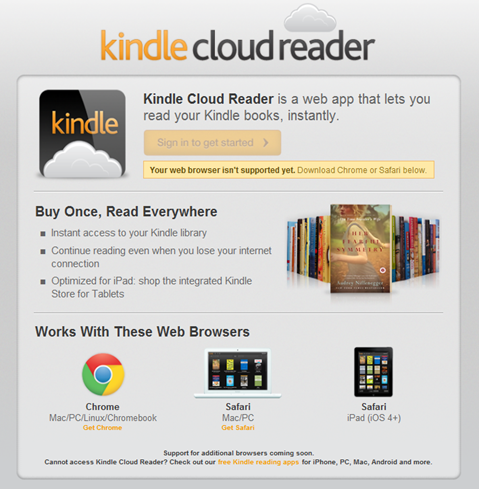
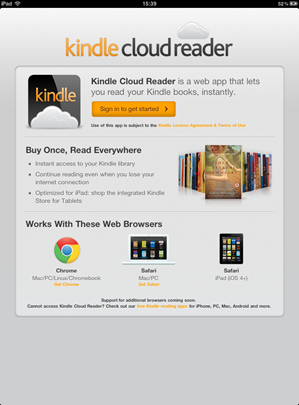
Visiting http://read.amazon.com on my iPhone showed me a “your browser is not supported” message.  Scrolling down showed that Kindle Cloud Reader is supported in Chrome for Mac/PC/Linux/Chromebook, Safari for Mac/PC and Safari for iPad (iOS 4+), but I have to imagine the iPhone is just a matter of time.  It doesn’t mention anything on the horizon for iPhone, Android, Windows Phone 7 or anything else, hopefully that will be updated soon.  Amazon have stated that they’ve built the app from the ground up in HTML5, so for browsers which support HTML5 it will likely just be a bit of time for them to have it working in more places.

Unsupported Message


HOW DOES IT COMPARE TO THE NATIVE KINDLE APP?

There’s no denying that the native app and the web app are incredibly similar.  Launching both apps takes about the same amount of time and differs only by the splash pages.

Launching Kindle native app  Launching Cloud Reader

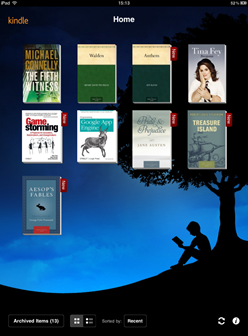
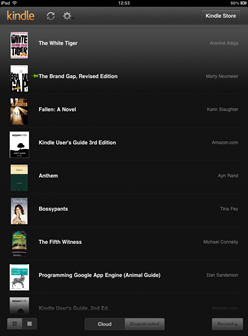
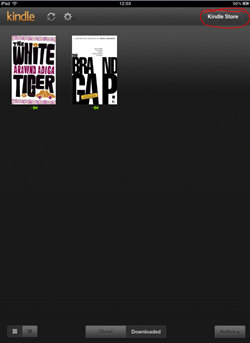
Once you’ve opened the app, you’re presented with two options: view the items you’ve purchases (called “Archived Items” in the native app, “Cloud” in the web app) or view the items you’ve downloaded (called “Home” in the native app, “Downloaded” in the web app).

Native Kindle Main Menu  Kindle Cloud Reader Main Menu

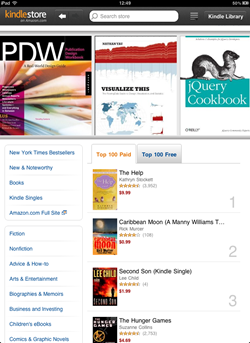
From there, the main difference is the ability to browse and purchase books, and this is where the Kindle Cloud Reader really shines.  You have a button for “Kindle Store” in the top right, and this takes you to a very nicely designed store where you can get recommendations, search, view lists of bestsellers, download sample chapters and read descriptions and reviews of books.

Because it’s customized for the iPad, the size and touch aspects of the store are excellent.  Browsing, reading and searching are very easy and much smoother than the previous experience of having the Kindle Reader open Safari and then zooming and panning to browse and search for books.

Button for Kindle Store in Cloud Reader     Cloud Reader Store


LET’S TAKE A QUICK TOUR:

Using the Kindle Cloud Reader is as easy as visiting http://read.amazon.com. On the iPad, you’ll first need to log in to your Amazon account so it can sync any books you’ve purchased already.

Sign in to Kindle Cloud Reader

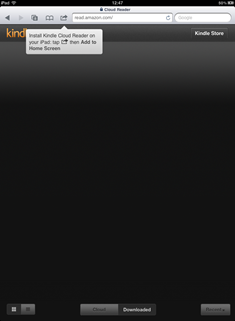
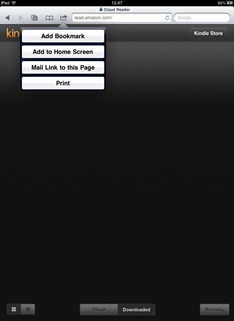
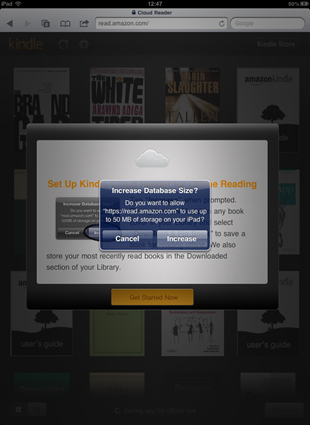
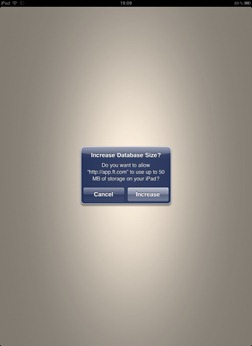
After signing in, you’re presented with some pretty standard instructions for adding a bookmark to your Home Screen, followed by requesting permission to increase the database size so it can store books on your iPad for you to read offline.

Kindle Cloud Reader Install Instructions  Adding Kindle Cloud Reader to Home Screen

Giving Kindle Cloud Reader permission to store books

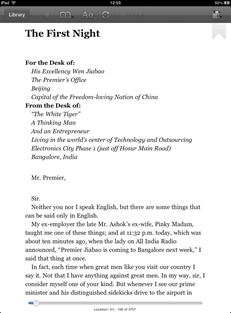
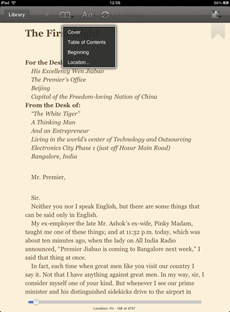
After these few quick steps, you’re in your “Cloud” page, which shows you any purchases you’ve ever made from the Kindle store.  To read any book, click on its cover.  It will open the book in a reading view and you now have the familiar Kindle reading experience.  Swipe to change pages, use the navigation at the top to move between the current page, the cover, the table of contents, etc.

Reading View of Kindle Cloud Reader  Navigating in Kindle Cloud Reader

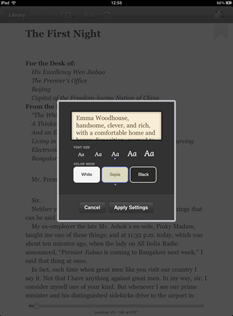
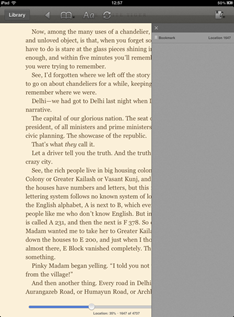
You can change font size, background and text colours, and set bookmarks for yourself.

Changing font size and colour  Setting bookmarks

When you’re finished reading, Kindle Cloud Reader syncs your position so that should you go back to that book on another browser, a Kindle device, or a different Kindle Reader app (such as the native iPhone app), you’ll sync to wherever you left the book.  Simply click the “Library” button to go back to the main page or close the app by pressing the home button on your iPad.

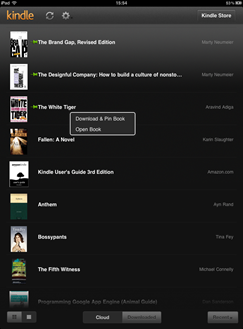
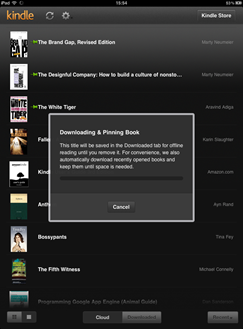
If you’re planning on being offline for a while, you can download books to your iPad as well.  Press and hold a book cover, and you’ll get an option to “Download & Pin Book” and an option to “Open Book.”  Downloading and pinning the book will save the book so you can read it even when you’re not connected to the internet.

Download & Pin Book  Saving the book to your iPad


OVERALL:

Well done to Amazon.  This is an easy-to-use app built in HTML5 which works very well wherever it is currently supported.  This means they can add new features and update the app more quickly across all platforms and of course, very important for publishers and distributors of print and media, can retain their profits without paying the Apple tax.  The performance is no different to its counterpart native app, so I can’t see any reason that I would continue using the old native Kindle Reader iPad app. The store is very cleanly integrated and a great way to browse and purchase.  I’m looking forward to seeing more applications like this and less companies like iFlow Reader failing.

(And for those who noticed it all over my reading lists, yes Bossypants by Tina Fey is a fantastic and hilarious book and you should go read it.  On the Kindle Cloud Reader.)

Tuesday Newsday: The Atlantic Magazine

The Atlantic has some of the best contemporary writing and photography today, showcased in their excellent monthly magazine (10 issues annually), their news and updates website The Atlantic Wire and now their iPad version: The Atlantic Magazine: Digital Edition, which was just relaunched a week ago after a year in development.

Link to The Atlantic Magazine: Digital Edition on the App Store

Many iPad magazines go with the model of “download our app for free and you can browse issues, then buy a subscription or single edition when you want to actually read the content.”  In the same way that paying the same price for a Kindle version as a paperback version seems odd to many, paying $5 or so for a sort-of-PDF copy still feels expensive to a lot of people, which is one of many reasons tablet magazine revenue is still slow.

The Atlantic, however, takes a nice approach and delivers both free and paid content in the same app.  The universal app (works on the iPad, iPod and iPhone) was released on July 29th, and its top purchase is already the annual digital subscription, which is promising.


WILL PEOPLE PAY WHEN THERE’S A LOT OF FREE CONTENT?

News and magazine apps are full of regularly updated content, and in the case of The Atlantic, it’s very well-written and professional content as well.  So why would someone pay for a subscription or individual magazine?

In the case of well-known publications respected for their high quality content like The New Yorker, The Economist and The Atlantic: yes.

In the case of this app, I would easily pay for certain issues like the fiction issue for its excellent writing.  But after spending some time with it, it’s obvious that while the free articles are great, the quality and reading experience are better in the actual magazine.  I bought one issue to test it out, and it made me realize that a lot of people may miss out on seeing this experience because there isn’t a way to try that out.  The style, layout and UI of the magazine and free content are both good but both very different.

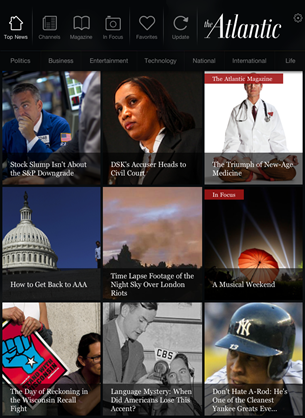
Opening Page of The Atlantic on the iPad


iPAD VERSUS iPHONE/iPOD EXPERIENCE:

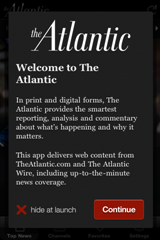
iPhone Intro ScreenThe experience on the iPad is slightly different from that of the smaller devices.  On the iPhone, there is no option to subscribe, so the content is all from the web.  It’s a well-designed experience for a compact screen.  Instead of trying to cram in the rows of image boxes, it has a nice sliding panel with the eight top stories of the moment, so you can swipe through the top stories and see larger pictures before you decide which one you want to read.  The navigation is mostly the same with the category titles at the top.  Clicking on the individual articles puts in sort of a frame-within-a-frame.  I found this to feel a bit “squished” since the menu and ad below take up a good amount of vertical space.  It would be nice to take this to a full-screen view to get a bit more space.

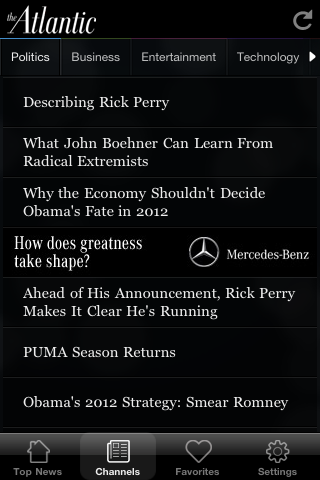
Top Stories NavigationArticle List Article on iPhone

The iPad on the other hand does allow users to subscribe and purchase individual issues.  I’ll focus mostly on the iPad since that experience has a good bit more content and has the interesting contrast between the magazine and web content.


WHAT IS THE TECHNOLOGY?

The Atlantic’s app was built by RareWire, who have stated that the app consists mostly of XML, around 3,000 lines to be more exact.  RareWire mentioned at the launch of The Atlantic that they are planning on making their “RareWire App Creation Studio” available in the upcoming weeks for other publishers who want to create a similar app based on existing feeds and don’t have the skills in-house to build Objective C apps themselves.


GIVE US THE RUN-DOWN

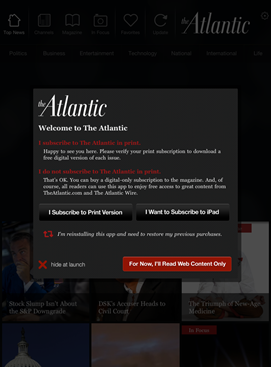
Subscription OptionsOpening the app looks good, the design is nice and the navigation is very intuitive.  Upon launching the app you get an option to connect your already-purchased subscription with the app, subscribe, or just read the free content.  The app updates the content with live feeds which takes a very short amount of time.  Almost instantly you have an ad in front of you which you can easily close.

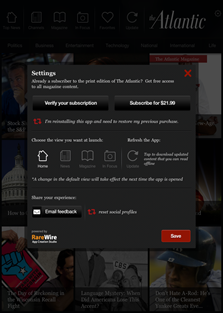
The settings of the app allow you to subscribe for a year or connect an existing subscription.  There’s a way to set the default view of the app so that it goes to the main page, the magazine, the photo stories or the news channels when it launches.  Settings also includes a link to e-mail feedback or get tech support.

Advertisement     App Settings

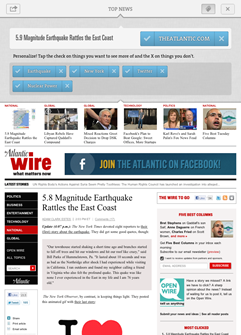
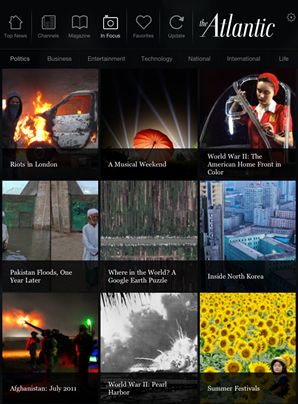
There’s just something very Flipboard-y or Pulse-y about the layout, however, which I can’t put my finger on.  When you click on the “Top News” button, everything is the same size and therefore given the same amount of importance. For some reason it doesn’t feel right. The place where that layout works great, on the other hand, is in the “In Focus” section, the collection of photo essays.  The photographs are beautiful and you can choose to swipe through different collections with or without the captions and credits.

In Focus: Photo Gallery

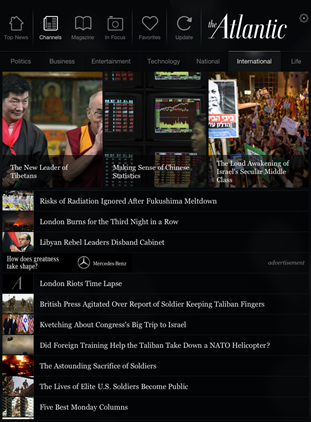
In the individual channel pages, such as Business or Technology, it’s not clear whether the articles are ordered by most recent story or by top stories.  I assume that the top three images are the top stories for that category.

International News Category

I mentioned above about the articles on the iPhone app feeling a bit squished.  The iPad app in portrait mode has a similar feeling although it’s less obvious.  The menu and navigation at the top and the related articles and ad at the bottom make it feel crowded.

Photo 09-08-2011 16 29 07

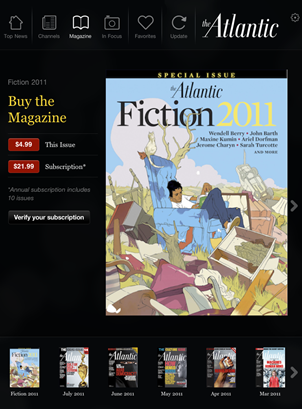
Moving in to the magazine feels very familiar to many existing magazine apps.  There is navigation at the bottom to select various issues, and the same navigation of the app remains at the top so you can go back to the news channels or photo gallery.  Each magazine issue allows you to swipe through the table of contents (although it is small so a bit difficult to read) as well as purchase that individual issue or an annual subscription.

Magazine Section

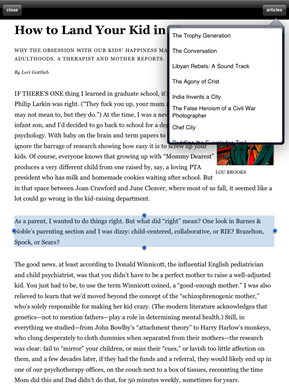
Once you’ve purchased and downloaded an issue, it’s again quite similar to many iPad magazine experiences.  You have a hideable navigation bar at the bottom, help information and links to specific regular columns.  The rest of the magazine is the same sort of PDF-ish feel.  Interestingly, clicking on a story name on the magazine cover or table of contents also navigates you to that article.

Navigating a Magazine

Magazine Reading ViewI want to discuss the reading experience in the magazine versus the free content.  In the magazine, each page is fairly static and you can pinch and zoom to increase text size or image size.  There are some videos but I couldn’t get any to play very long without crashing.  However clicking the “Reading View” button at the top was a very nice experience.  The chrome was gone, and I was left with no distractions in my reading: just a small picture and the article text.  In this view, you can also click an “articles” button at the top right to view other articles in the issue in the same way.  You can select and copy text (not an option in most magazines), pinch and zoom and scroll vertically through the article.  I loved this reading experience and it’s something I would definitely pay for: the lack of distractions.  I did feel as if I were missing out on some of the art of the articles, and I went back to several articles to page through them after reading them in the reading view, just to see the images.  In most of the articles, I hadn’t actually missed out on anything but ads.
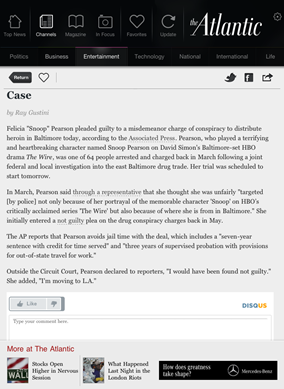
Reading Web ArticlesContrast that with the reading experience of the free content in the app.  Clicking on an article in one of the news channels gives you the article with photos and text, but there’s chrome around the article and no reading view.  Clicking the “Like” button added a less-than arrow in the article nav bar, but I never figured out what it was for.  Clicking the heart icon adds the article to your favourites section, but I couldn’t find a way to remove articles from there.  So there are a few odd UI things.   The disqus comments embedded at the bottom seem like a good idea, but they contribute to the reader feeling he or she is on the web anyway and not in an app designed for reading.  Plus the login mechanism is separate again so you have to also log in to disqus to post anything. The magazine reader in me wishes that stuff stayed on the website.  The good thing about reading the web content however is that it works fine in both portrait and landscape, whereas the magazine doesn’t seem to adjust (and usually crashed when I tried).
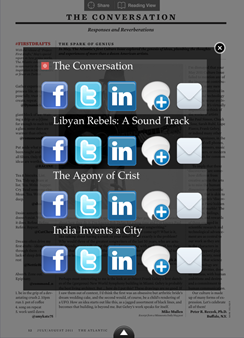

I’ll differentiate between sharing in a magazine article and sharing the free content as well.  In the magazine, you get a small overlay that actually contains the title of every article in the magazine issue.  For each one, you can select a variety of share options, and this is the first time I have ever seen the option to share via LinkedIn.  This overlay interface is strange because it looks confusing at first, and a few times I didn’t remember the exact title of the article I was reading. However in terms of actual implementation, it works much better than the free content sharing.  The e-mail sharing sends a link to the article on the website and it works great.

Sharing in Magazine     Sharing in Web Articles

The free content gives you the option to share via Twitter, Facebook and e-mail like many publications.  I did not like it at all because you have no options to edit, you simply see a small fade-in message box telling you the article has been Tweeted or linked on Facebook.  This always bothers me because you have no idea what your tweet or Facebook link actually says.  In the case of Facebook, it kept giving me the login screen and never accepted my credentials.  It did end up posting one link however.  The Twitter integration never worked for me, but it did continue to tell me my links were being tweeted.

Something I expected to work at least in the iPad version is fast-app switching but the app does not support it and always starts from the beginning. So if you’re in the middle of an article you’ll have to remember where you were the next time you launch the app.


OVERALL

I’ll be honest, while the first time I downloaded and launched this application last week on my iPad it was fairly smooth, this week I have had a lot of problems just getting the iPad app to launch without crashing.  I don’t know if the app is very memory-heavy or if the technology is just new and buggy.  As it’s relying on live feeds, it could also suffer if one or more of those is overloaded or simply down.  I tried reinstalling a couple of times and killing all the other running apps on my iPad, but that didn’t seem to affect it. So hopefully it’s an intermittent issue or will be fixed in the next update.  I’ll try again tomorrow and see (note: this wasn’t an issue on the iPhone version, just the iPad).

Reading In MagazineTweeting from Free Article

Because the magazine is such a different reading experience, The Atlantic should consider offering one issue to download and read for free.  Or use The Economist model where they give you some of the editor’s recommendations for free in each issue.  I really loved the reading view and think it would encourage more people to pay up if they could try it out.

I hope more magazines start putting as much thought into their reader and making that reading experience great as the magazine section of The Atlantic does.  The app feels a little disjointed since the experience of the magazine and web content are so different, but I love the content and it’s fantastic to have the option to read both together in one app.  As digital magazines begin to need analytics showing large numbers of both downloads and paid subscribers to sell ads in their iPad editions, I think we’ll see more of this hybrid approach.  Too many magazine apps get downloaded and ignored or deleted because without spending $5 the reader has nothing to engage him or her.

Welcome to Web App Magazines

Having spent the last ten months working on a handful of digital magazine projects, I understand the feeling of fear that builds as you discuss growing your audience on different devices, different platforms, different screen sizes. There are a lot of additional factors beyond this that affect the quality of your publication to new readers.

It might be frightening because your team doesn’t have the skills in-house to build for a new phone OS.  It might make you nervous because you know there’s no money to design and create another version.  It could be scary because your team is small and in the fast-paced world of publishing, they’re already completely overloaded.

But there’s no denying the audiences and the ecosystems of the existing app stores.  You have to go where your customers are, right?

The answer, as always, is, “It depends.”

I was thrilled to see the positive responses the Financial Times received a few weeks ago when they announced their wonderful new web app.  The team behind the FT have mentioned many benefits of their web app, including better relationships with their customers, easier and instantaneous updates, and the ability to do more since they’re only building for one platform versus many.  They have a great, short Q&A on the technical how & why of their new web app here: http://aboutus.ft.com/2011/06/07/ft-web-app-technical-qa/

Front Page of Financial Times Web App

WHAT ABOUT VISIBILITY?

Perhaps the Financial Times is able to do this since they already have a large customer base with more than 224,000 paying online subscribers and digital revenue growth last year of 47%.  After only a week of being live, over 100,000 people had accessed the new web app. If you’re a new or small publication, would the same thing work?  Or do new companies need the visibility of the App Store to succeed?

WHAT ABOUT PERFORMANCE?

Another criticism of web app publications is speed.  Apple had updated mobile Safari in iOS 4.3 with the much faster Nitro Javascript engine, however that wasn’t extended to home screen web apps, causing web apps to perform much more slowly than native applications.  This has apparently been addressed in iOS 5 so perhaps that will help alleviate some of the perception that web apps are slow.

HOW DOES IT STACK UP?

Launch Screen for Financial Times Web App

It’s slick.  Really slick.  Even launching the app feels native.  Although you can see ads and images download and appear a bit more slowly than text, as you would on a regular browser depending on your connection speed, the entire thing is very responsive.

The first time the web app launches, it asks you to permit it increased storage so it can cache and store offline content.  It explains it very clearly and nothing seemed awkward or confusing.

Request Database Size Increase   Increase Database Size

The registration process is very straightforward and fast, and registering allows you to access more articles than the casual viewer.  Without registering, some of the articles are little more than a line or two.

Finished Registration  Reading Article Not Signed In

Articles allow changing of type-size as well as sending the article link via e-mail, Twitter and Facebook.  All three of these things, however, drop you into a new Safari instance instead of using an overlay, which is a little annoying.  However, leaving the app & coming back takes you back to the article you were on, just like native iOS fast-app switching.

After a bit of reading or possibly a network interruption (I’m not entirely clear what triggered it), I received a nice overlay letting me know how to set up offline reading so I can presumably let the web app sync & then read the content offline.

Enable Offline Reading

A small section on the front page gives pointers to privacy policy, t&c, feedback link and a profile set-up, which seemed like a strange place for it to go, but maybe they thought since they already had configuration options at the top this would be a bit more clear.

Feedback, T&C and Privacy Policy

The streamed videos were quite nice as they create a nice light box effect which you can enhance by expanding the video to full screen.

Video with UI   Full Screen Video

The advertisements remind me of print magazines.  They show up occasionally and allow you to close them or turn the page when you’re finished.

Advertisement

OVERALL

Check Out the Web AppAfter I finished taking a look at the web app, I launched the native app and thought it was funny to see a message box letting me know I could use their new web app instead.  I find very little difference between the two versions.  The images, ads and videos load slightly faster initially on the native app, but as I mentioned above, perhaps this will become a non-issue when iOS 5 comes around to boost web app speed.

This web app is a huge success and having come from an established publication like the Financial Times, it helps to pave the way for other media channels to avoid the app stores if they want to.  Web apps today may not have all the bells and whistles that native apps can have, but they can certainly deliver a world class title in an intuitive and well-designed way.

For small and new publishers who are scared of Apple’s 30% cut of their already-very-tight margins, it’s a great relief to know there are options available.