Today I’m looking at two literary institutions and how they approached their app versions: The New Yorker and McSweeney’s. I call both of them institutions because, while I know the New Yorker has been around far, far longer, both have grown from publishing regular collections of excellent writing to well-known publishing houses with large, fervent fan bases.
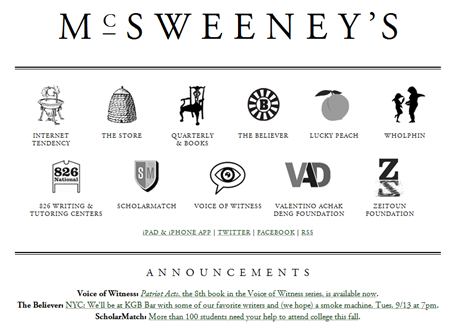
I fell in love with McSweeney’s around ten years ago after a friend pointed me to Timothy McSweeney’s Internet Tendency collection of Lists. From there I grew to being a regular reader of the hilarious writing which was less in-your-face-hilarious like The Onion (unless you are one of those people who shows up regularly on Literally Unbelievable) but somehow more rewardingly funny. As if one might get points for liking it because not everyone gets it. McSweeney’s actually started in 1998 as a journal to publish only works rejected by other magazines, but they quickly abandoned that rule and became a very attractive literary publication to write for. They publish the print journal quarterly along with a quarterly DVD magazine called Wholphin, a monthly magazine called The Believer, and their regularly updated Internet content too.
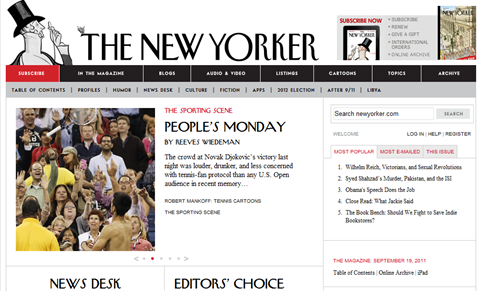
The New Yorker has always been sort of a guilty pleasure for me. The writing and journalism is so good that I can’t stand buying a copy without reading the whole thing, but it takes me forever. So I only buy it when I have several long flights coming up. The New Yorker, in stark contrast to McSweeney’s, has been around since 1925 (it became part of Condé Nast in 1999), and its timeless covers, cartoons and illustrations are classic. The New Yorker continues to publish its weekly print collection of well-researched journalism and essays as well as newsletters, cartoon collections and podcasts. Their content is made available for iPhone/iPad, Kindle and Nook as well as an audio-only version via Audible.com. The New Yorker artwork and covers are sold as popular wall art, diaries, and various other gift and desk items.
So both of these publishers do a lot more than just publish their excellent writing. Both also have created dedicated, specific iPad apps for their content, so let’s take a look at them.
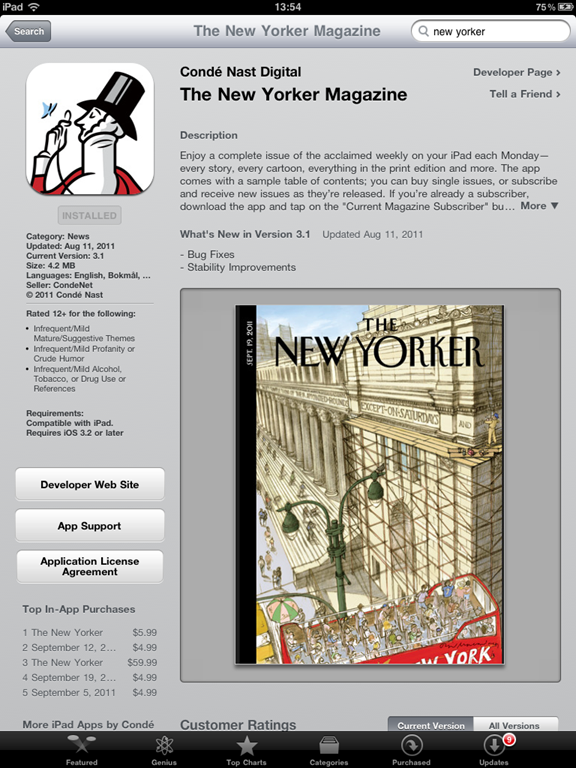
Both apps require you to pay in some way for their content. With McSweeney’s, you pay $5.99 for the app and get six months of exclusive content. With the New Yorker, the app is free but you pay for either a monthly or annual subscription ($5.99/$59.99 respectively), or link your existing print subscription, or purchase individual magazines for $4.99.

THE NEW YORKER
There’s really nothing to do or browse with the New Yorker app unless you buy an issue or subscribe. Once you subscribe or purchase, you get a pop-up asking you to fill in an e-mail address & password for additional bonus content. This is a clever move as one of the most lamented aspects of the App Store by publishers (and in fact, the reason The Financial Times claims is why they ended up creating their HTML5 app) is that they lose a lot of their personal connection and demographic information of their subscribers.
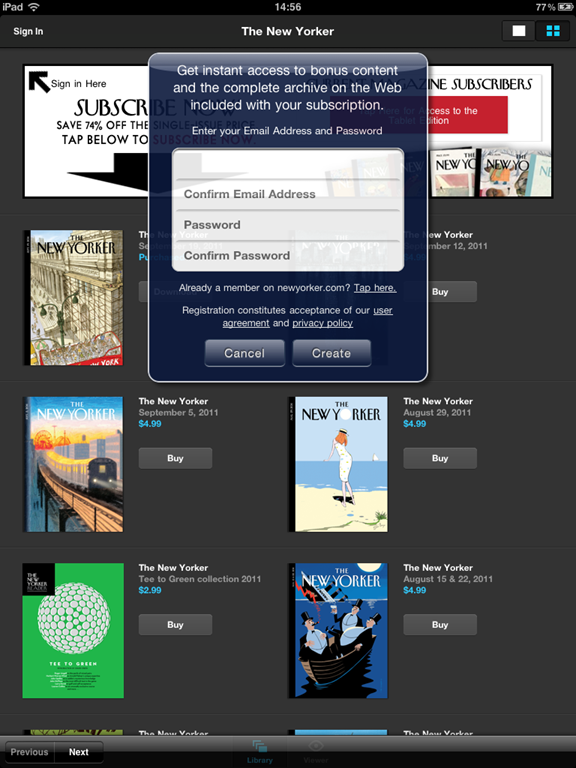
A subscription for a month and one individual issue are only a single dollar difference, so I subscribed for a month, but I know I’m going to spend this month guilt-ridden that I haven’t gotten through all the great content yet. Issues are heavy at over 100 MB each and take a bit of time to download. Mine paused for a while, and I thought it might be due to space, so I cleared out some room. But it never finished downloading the issue, even after cancelling & restarting the download. I’ll try it again next week.
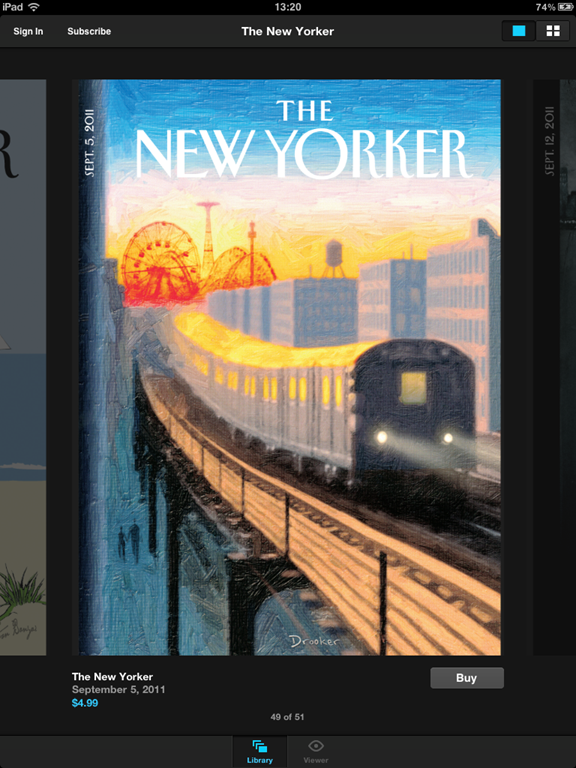
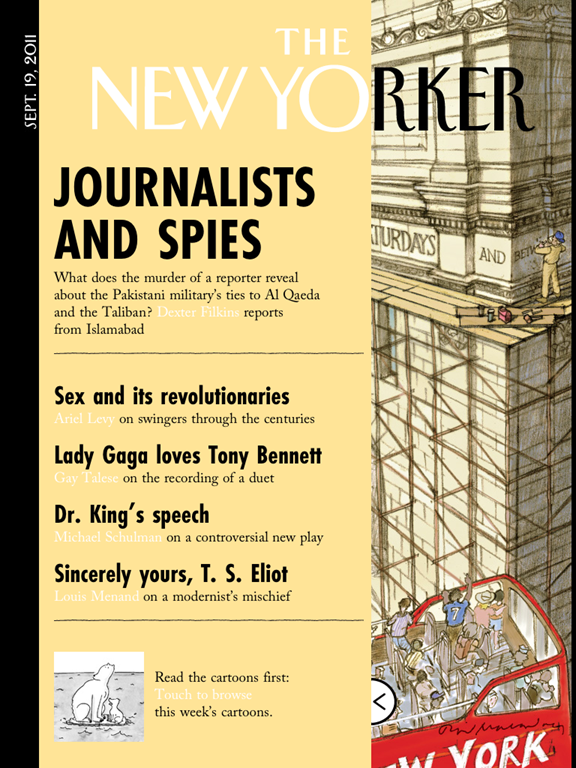
Luckily you can start reading partially downloaded issues. Once you jump into the issue it looks just like the physical magazine, including a slide-out panel for the typical print cover overlay.
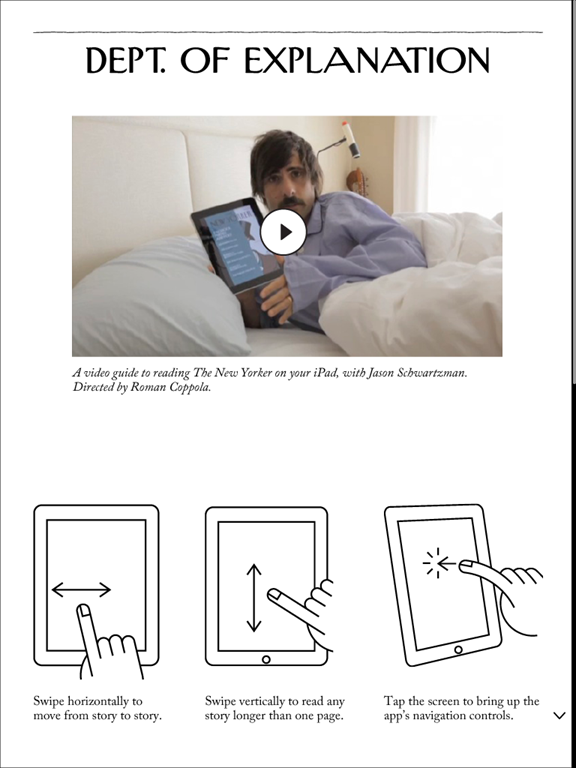
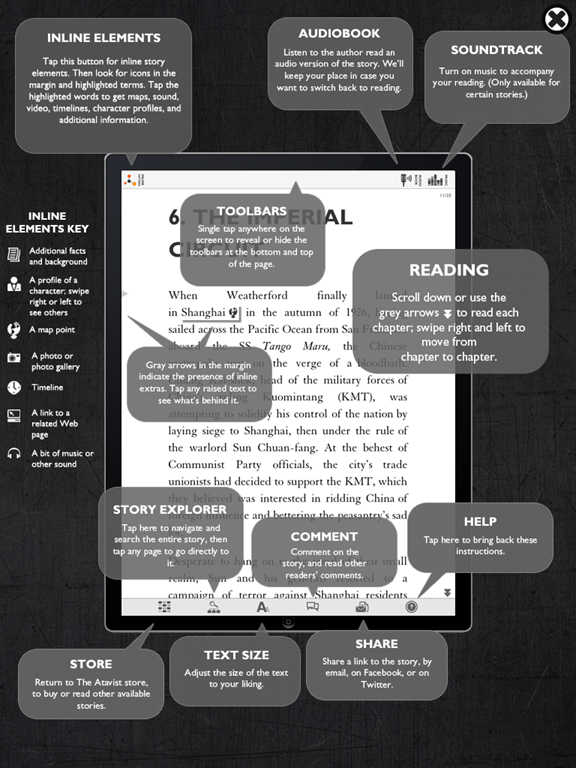
I’m torn on the “How To” pages in apps. Part of me thinks you just shouldn’t have to explain it (i.e., if you need a page to explain how it works, yer doin’ it wrong), but part of me knows that a lot of these gestures just aren’t second nature or intuitive to everyone yet. For this one you may dock or award points for their odd and occasionally funny instructions video featuring Jason Schwartzman. The rest of the app is more or less what you would expect from Conde Nast.
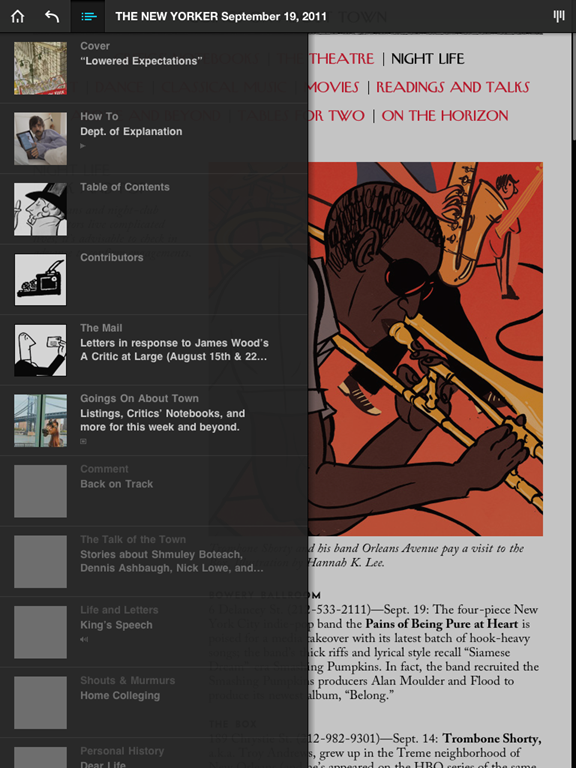
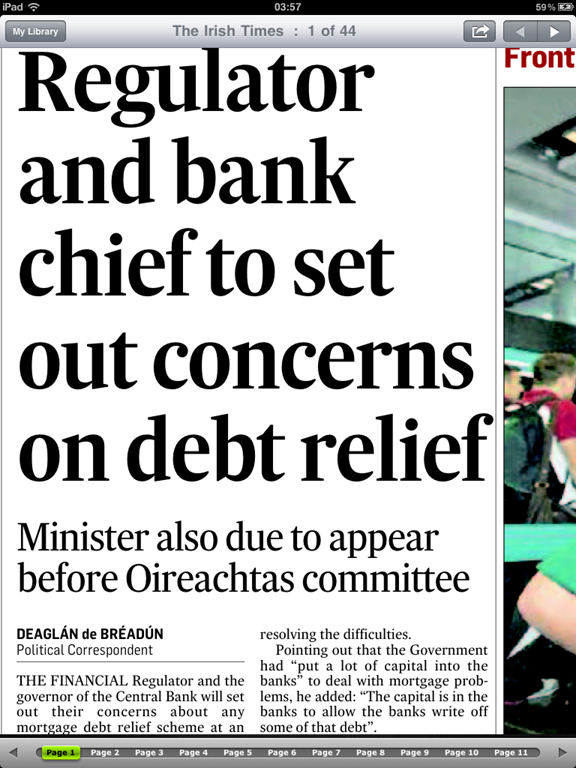
Articles scroll top-to-bottom, and a left-right swipe navigates to the next page. There’s a zoom out button in the top right corner to navigate more quickly through the app, and a slider at the bottom of each page to move you forwards or backwards fast. You can get a pop-out table of contents box also to jump around.
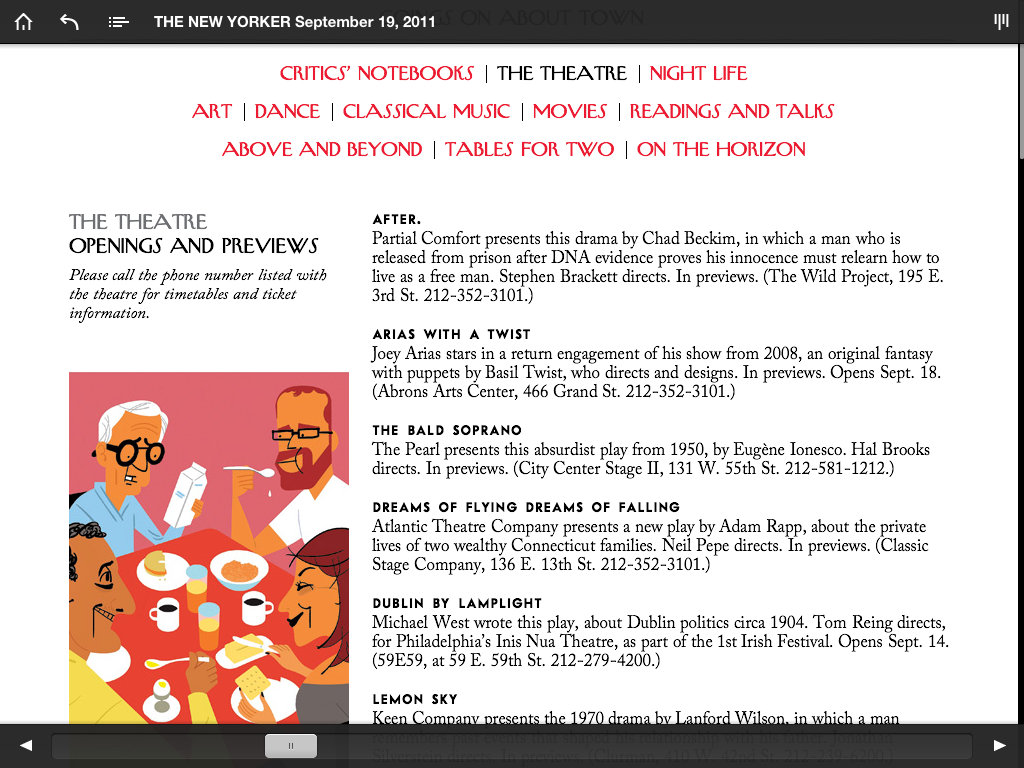
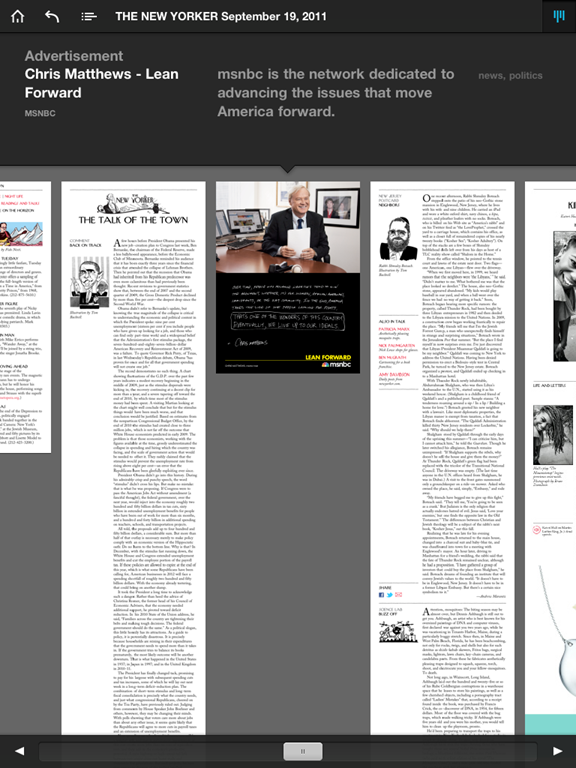
If you’re a frequent reader of The New Yorker, you might find this app to be an handy way to take your content with you. It’s a nicer app than many other popular iPad magazine apps, and it’s doing the best out of all the Condé Nast iPad publications with a reported 20,000 subscribers. Not anywhere close to their one million print subscribers (Condé Nast reported in August that their digital sales were around 1.3% of their total circulation), but still a definite lead. There are definitely some optimizations they could do for the iPad format to make it more responsive and an overall better fit. For example, it’s often not clear what is clickable and what isn’t (images, ads, etc.). But if you’re looking just for an easy way to get to the great content The New Yorker publishes, you’ll be very happy with this app.
MCSWEENEY’S
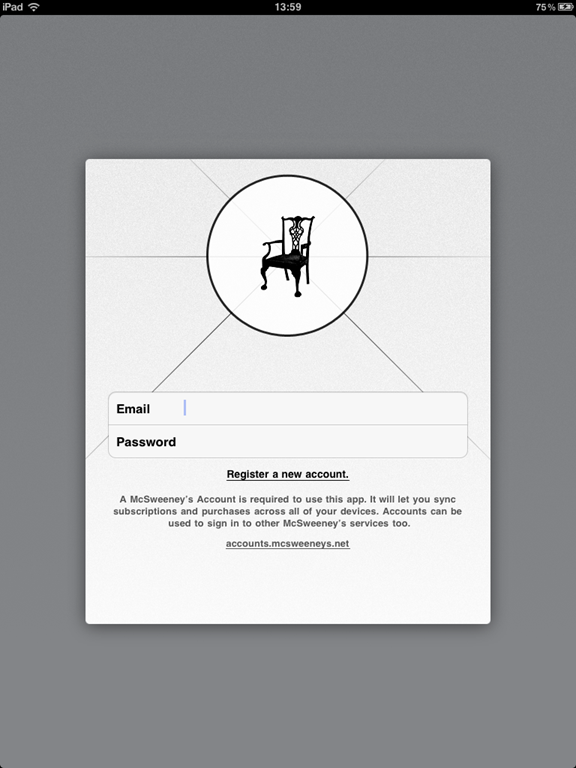
The first thing you have to do with the McSweeney’s app is create an account specifically for using their iOS applications. Minor annoyance, but it’s a one-time thing. The app’s $5.99 price tag includes six months of access to Small Chair content, which is a weekly selection from all things McSweeney’s. It might include something from the Quarterly or the Believer, or a film from Wholphin, but whatever it is, it isn’t available online.
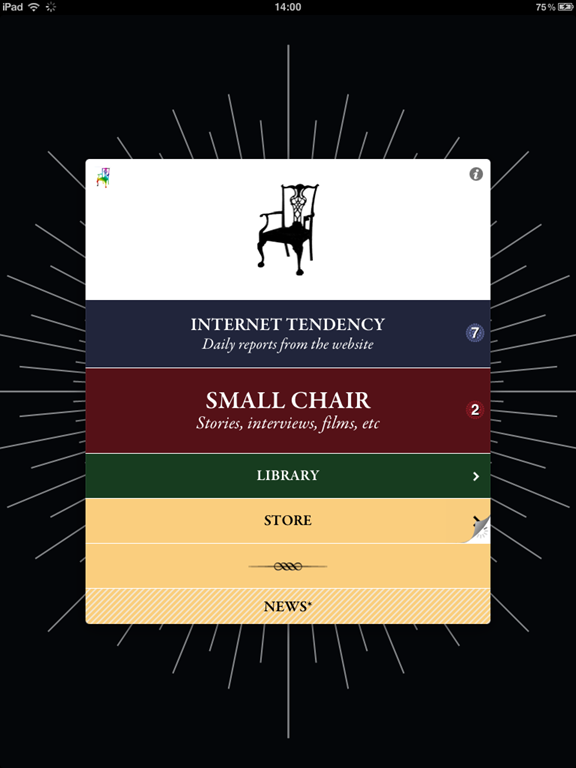
The two items of importance on the main menu are “Internet Tendency” where you can read latest short articles from their site (including my beloved Lists) and “Small Chair” which is a collection of stories, interviews and short videos.
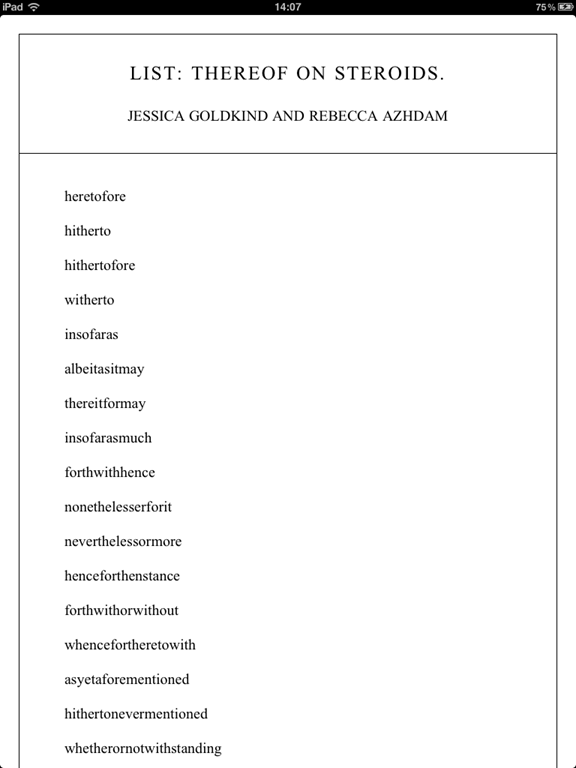
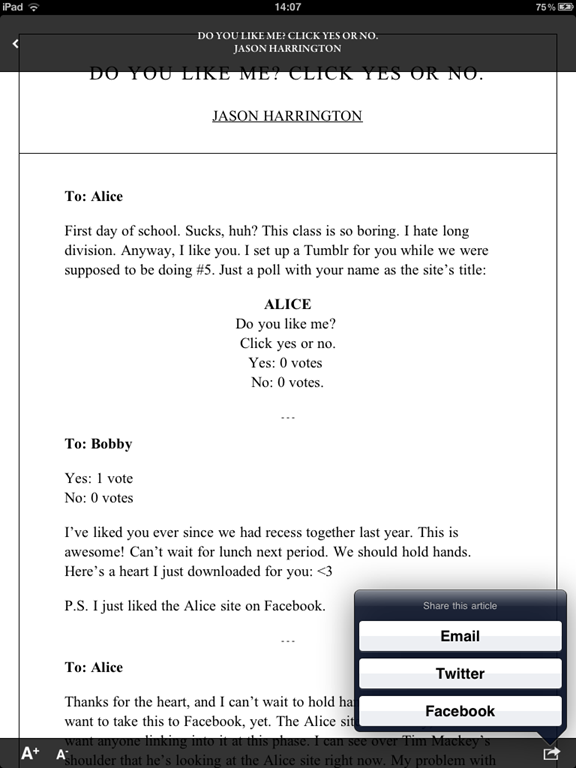
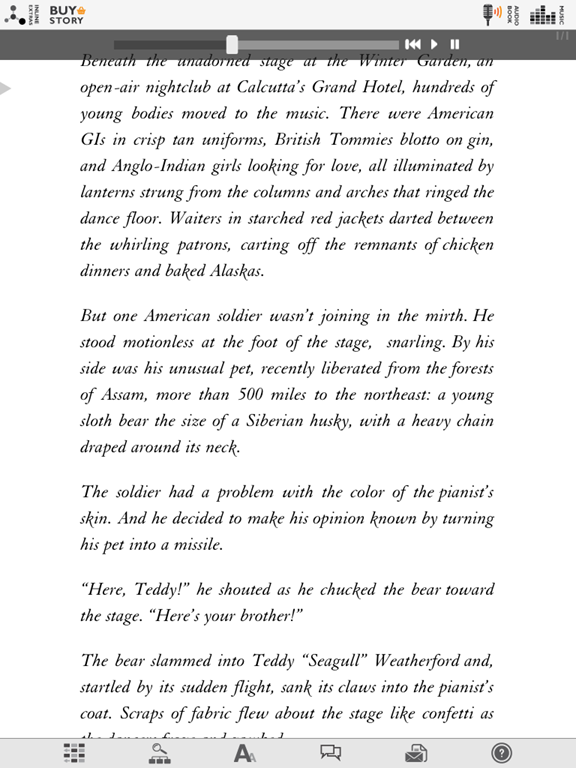
The main difference between Internet Tendency and Small Chair content (besides the fact that one is free online and the other is accessible only from the app) is the formatting. The Internet Tendency articles are shareable (which makes sense since they’re already online), have variable font size, and scroll top to bottom. The Small Chair articles are paginated, not shareable (which also makes sense since they’re custom content for the app), allow the reader to set bookmarks and do not have alterable font sizes. Internet Tendency articles online rarely have images, so they don’t in the app either, but the Small Chair articles often have a full page image or two to start the story, similar to the opening pages in The Atavist stories.
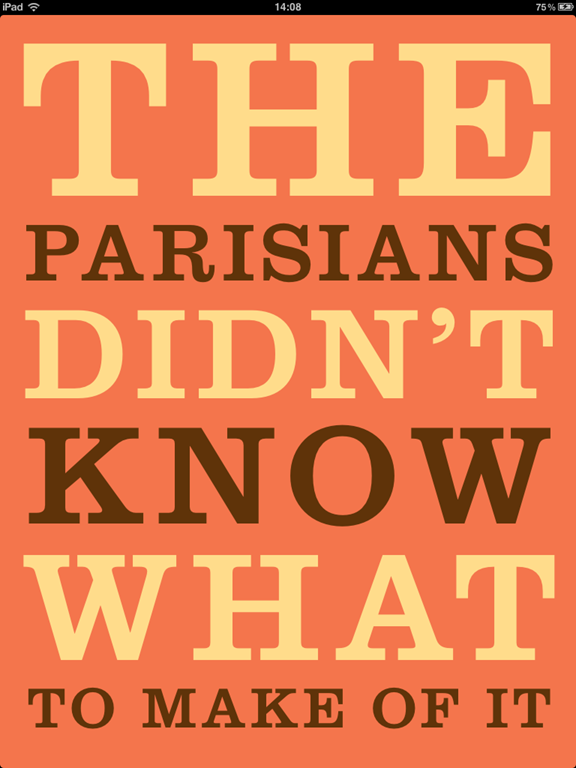
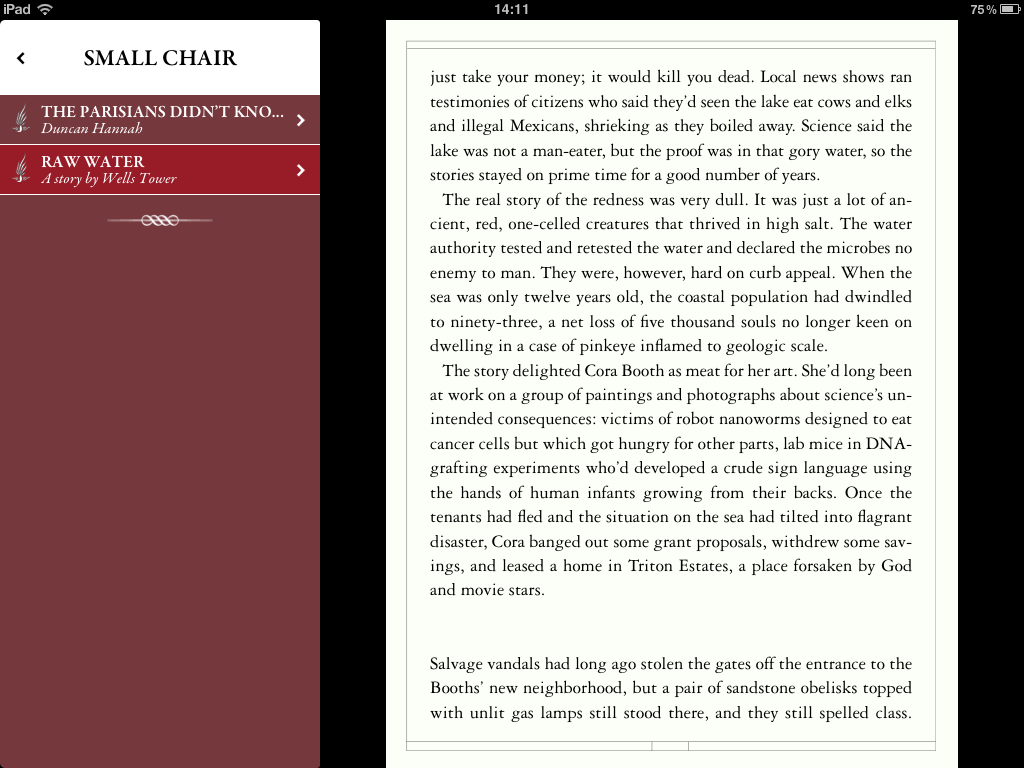
Having both scrolling and paginated styles is interesting because the two reading styles are hotly contested. It’s a bit of a religious war, and there is very little actual proof that one is better than the other. I talked about this in my Content Strategy Forum workshop last week, and I’ll do a blog post on it later. I wanted to mention it simply because I haven’t seen many apps that do both; generally a designer feels strongly about one over the other and that’s the style used.
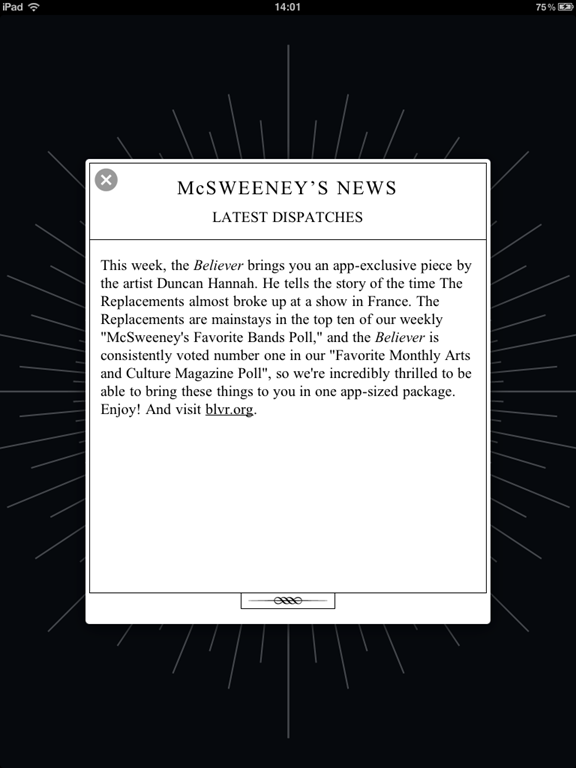
The main menu contains a link to a store where you can purchase additional reading material specially formatted for your device, extend your subscription (your purchase of the app includes a six-month subscription to weekly Small Chair content), or view content you’ve downloaded. There is also a small News section at the bottom to tell you what’s included in the latest content.
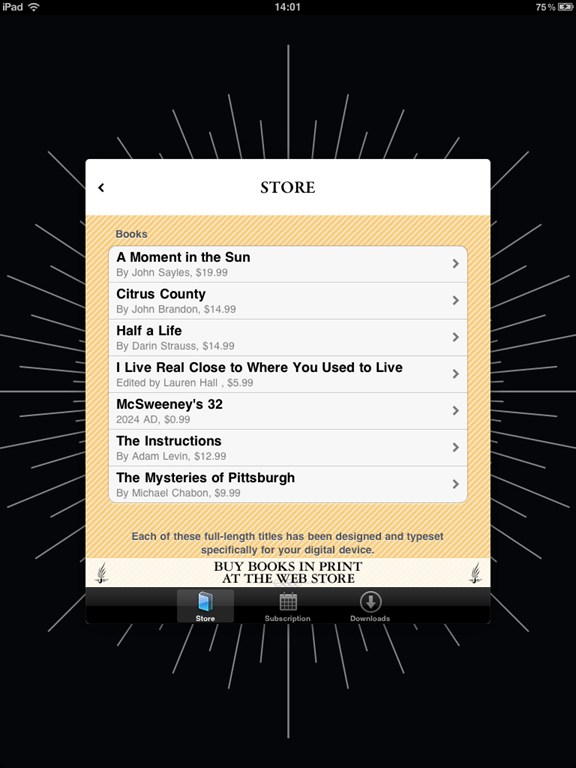
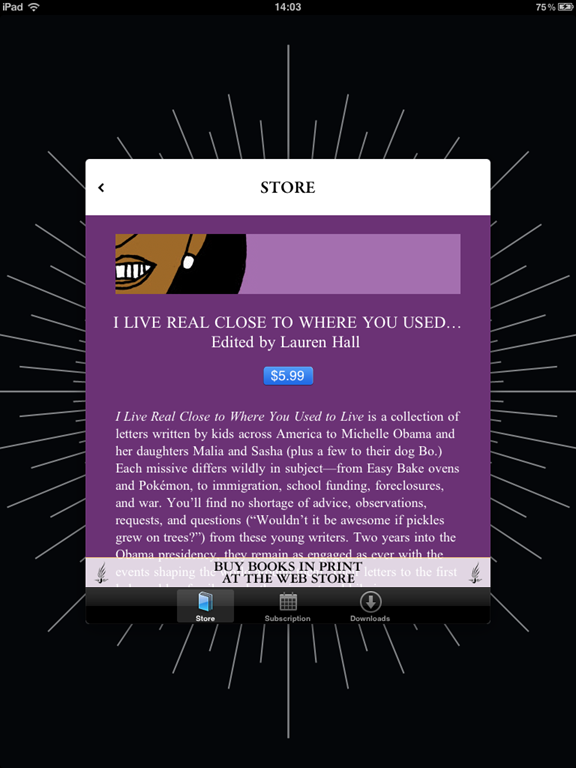
The McSweeney’s app is utterly charming. It’s well-designed and has several animations and transitions that will make you smile as you use it. $5.99 might sound pricey for an app which contains a lot of content that is free on their website, but the additional surprise writing and videos are excellent and it’s definitely worth trying out. McSweeney’s is the type of company who will try anything and see what sticks, so I’m sure they’ll have more interesting, useful and of course funny updates later as well.
ONE LAST THING
Seth Godin wrote a short, interesting piece a couple of weeks ago called “Should the New Yorker change?” In it, he says that for the first time, the editors at The New Yorker know which articles are being read and who is reading them. I noticed that in the McSweeney’s app, they also take a lot of feedback from reader activity. The question is, should this dictate what the publishers create and produce?
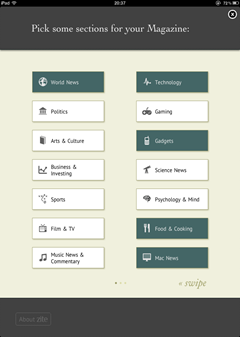
It’s one thing when the app is curating content it serves you from many different sources like Zite does. But letting the reader activity and behaviour change what gets written or investigated seems like one step too far somehow. It makes me think of Eli Pariser’s TED talk about filter bubbles, and how so many articles I’ve loved in The New Yorker were interesting to me because I knew nothing about them. If my current knowledgebase and interests dictate what I read and learn about in the future, I suspect I would slowly grow bored of reading. Unthinkable! Reader feedback is great for UI, UX, design, but I rely a lot on great editors, journalists and authors to find unique and interesting stories to tell.









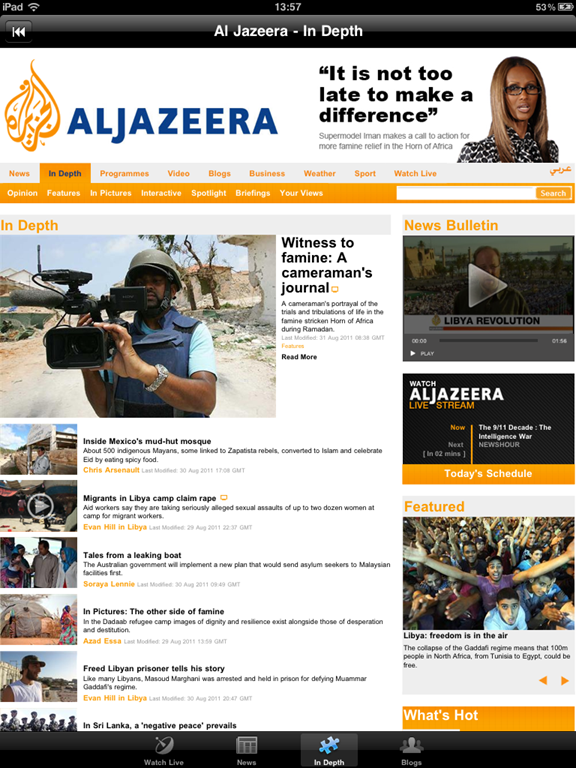














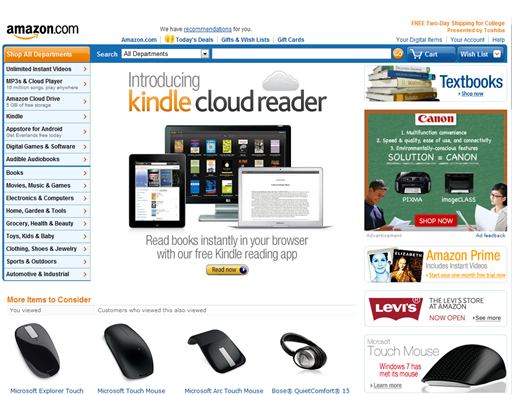
 as carefully as the print magazines I read do. If the advertisements online were as good as they are in print, I’d likely click or interact with them more. As an example, in the

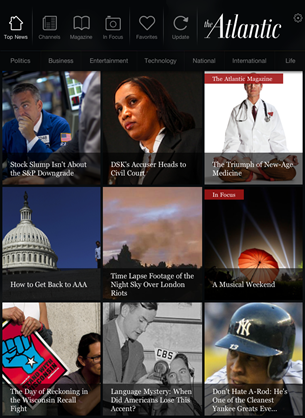
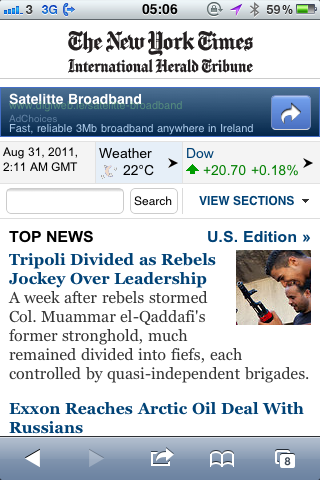
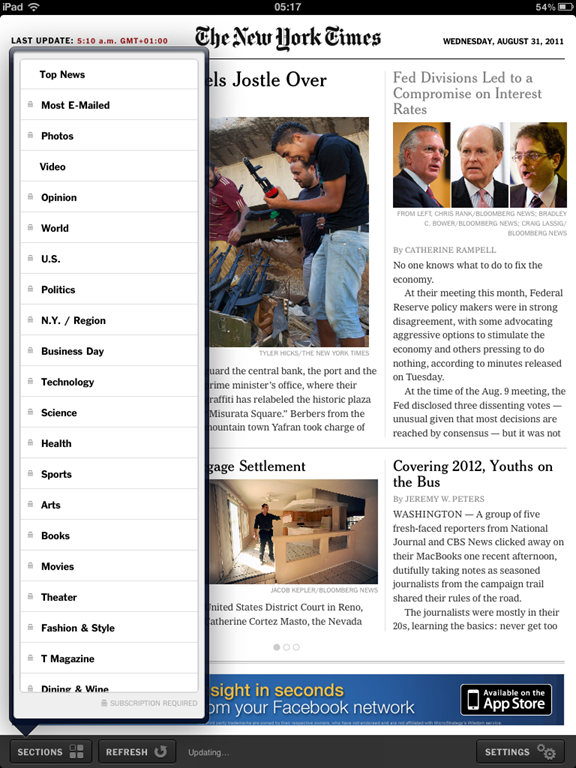
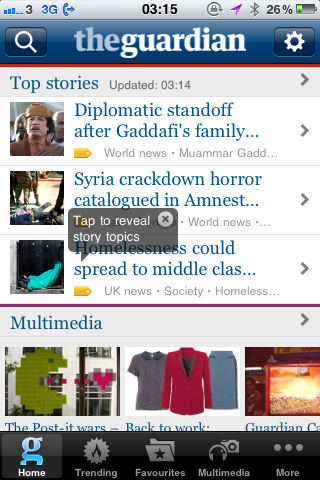
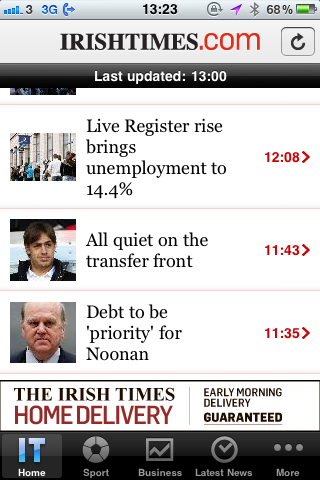
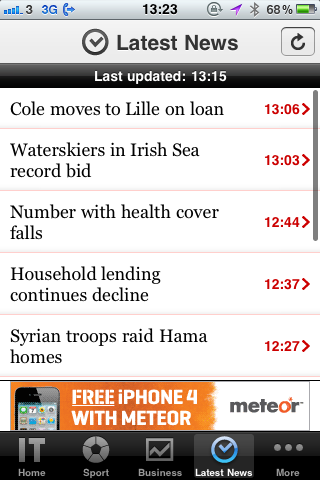
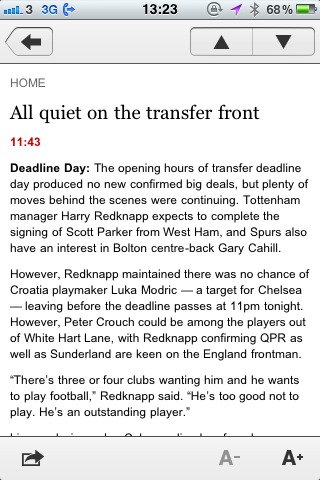
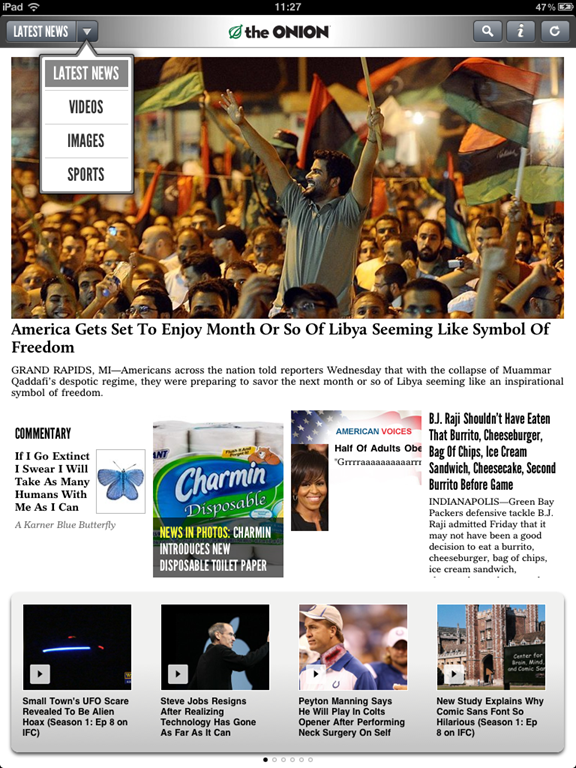
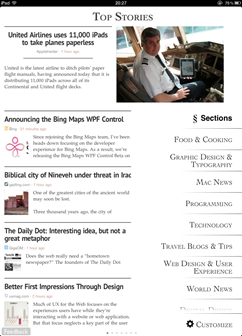
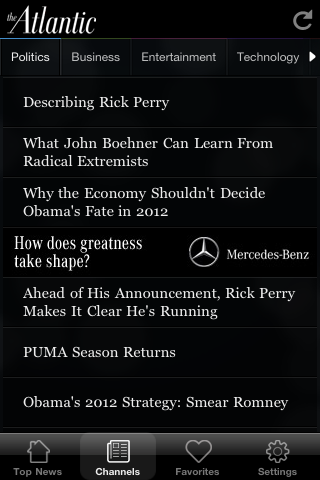
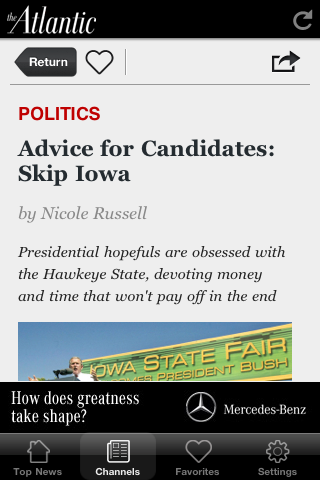
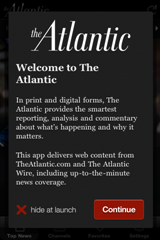 The experience on the iPad is slightly different from that of the smaller devices. On the iPhone, there is no option to subscribe, so the content is all from the web. It’s a well-designed experience for a compact screen. Instead of trying to cram in the rows of image boxes, it has a nice sliding panel with the eight top stories of the moment, so you can swipe through the top stories and see larger pictures before you decide which one you want to read. The navigation is mostly the same with the category titles at the top. Clicking on the individual articles puts in sort of a frame-within-a-frame. I found this to feel a bit “squished” since the menu and ad below take up a good amount of vertical space. It would be nice to take this to a full-screen view to get a bit more space.
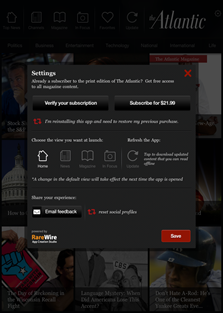
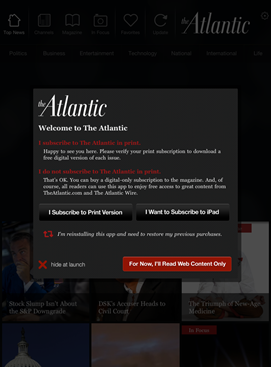 Opening the app looks good, the design is nice and the navigation is very intuitive. Upon launching the app you get an option to connect your already-purchased subscription with the app, subscribe, or just read the free content. The app updates the content with live feeds which takes a very short amount of time. Almost instantly you have an ad in front of you which you can easily close.
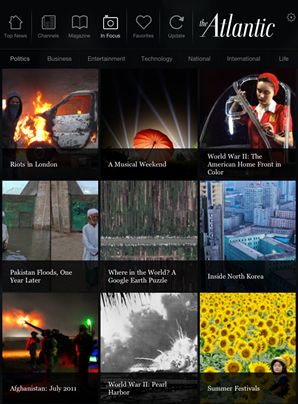

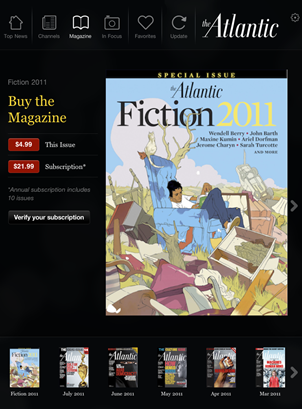

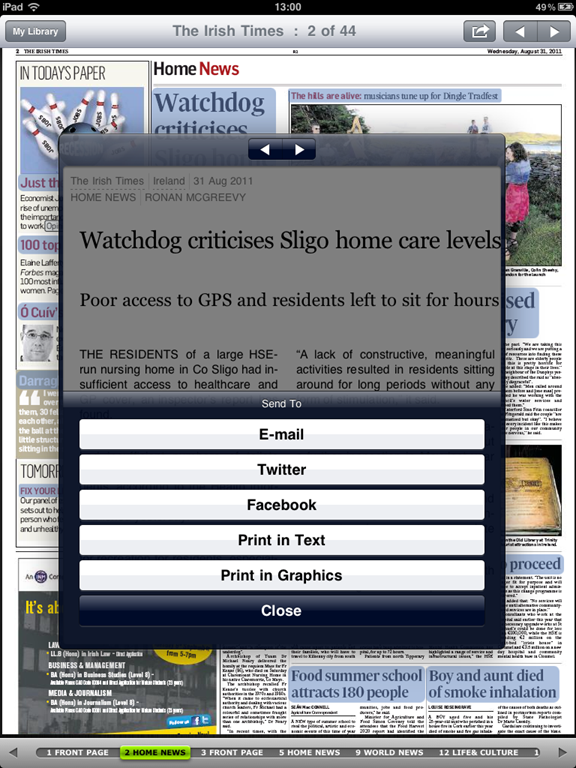
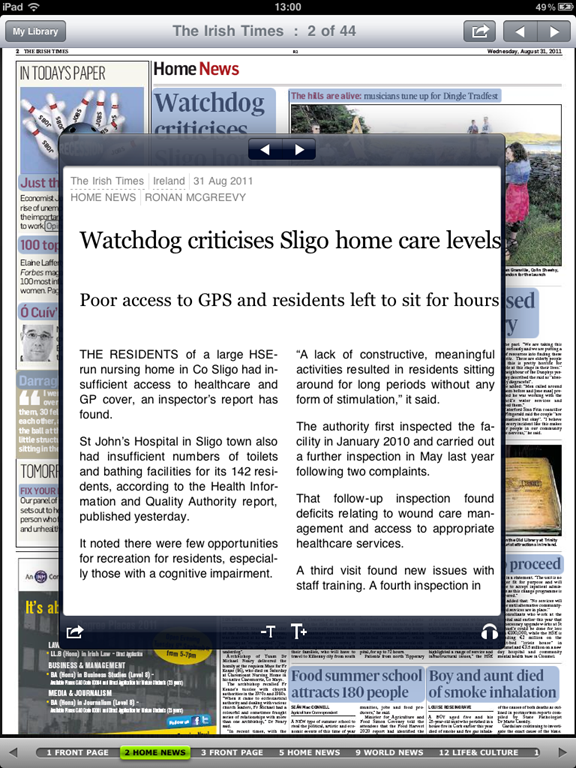
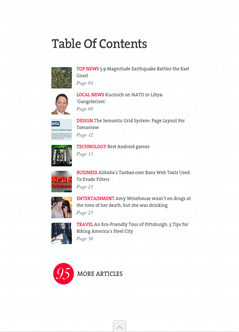
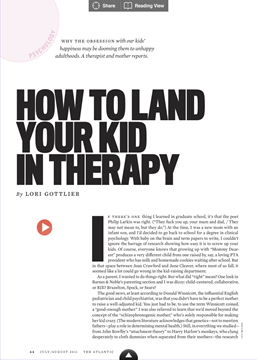
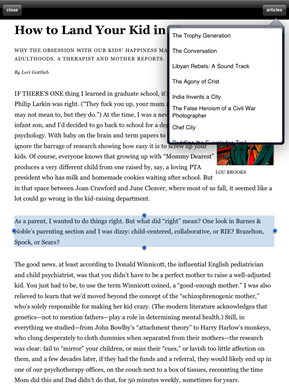 I want to discuss the reading experience in the magazine versus the free content. In the magazine, each page is fairly static and you can pinch and zoom to increase text size or image size. There are some videos but I couldn’t get any to play very long without crashing. However clicking the “Reading View” button at the top was a very nice experience. The chrome was gone, and I was left with no distractions in my reading: just a small picture and the article text. In this view, you can also click an “articles” button at the top right to view other articles in the issue in the same way. You can select and copy text (not an option in most magazines), pinch and zoom and scroll vertically through the article. I loved this reading experience and it’s something I would definitely pay for: the lack of distractions. I did feel as if I were missing out on some of the art of the articles, and I went back to several articles to page through them after reading them in the reading view, just to see the images. In most of the articles, I hadn’t actually missed out on anything but ads.
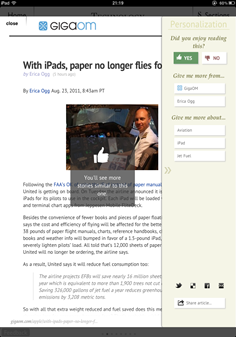
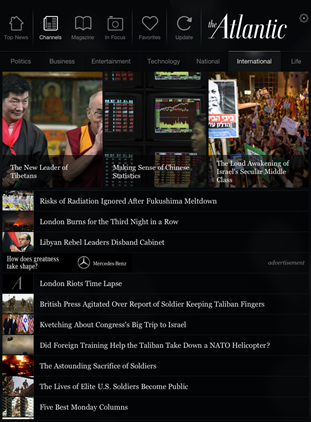
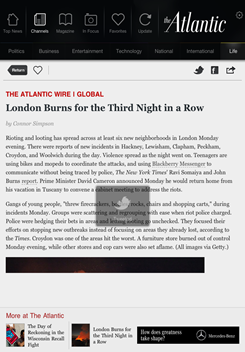
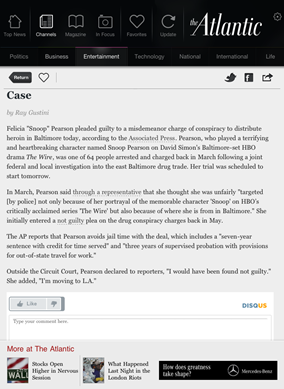 Contrast that with the reading experience of the free content in the app. Clicking on an article in one of the news channels gives you the article with photos and text, but there’s chrome around the article and no reading view. Clicking the “Like” button added a less-than arrow in the article nav bar, but I never figured out what it was for. Clicking the heart icon adds the article to your favourites section, but I couldn’t find a way to remove articles from there. So there are a few odd UI things. The disqus comments embedded at the bottom seem like a good idea, but they contribute to the reader feeling he or she is on the web anyway and not in an app designed for reading. Plus the login mechanism is separate again so you have to also log in to disqus to post anything. The magazine reader in me wishes that stuff stayed on the website. The good thing about reading the web content however is that it works fine in both portrait and landscape, whereas the magazine doesn’t seem to adjust (and usually crashed when I tried).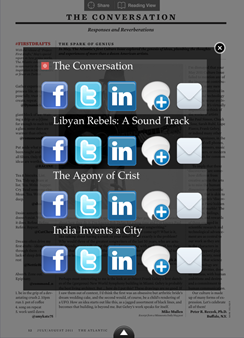
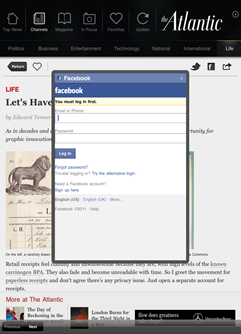
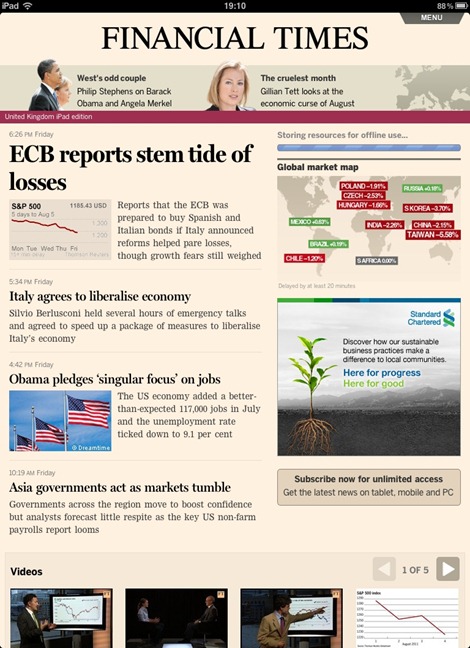

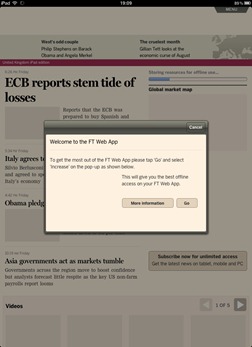
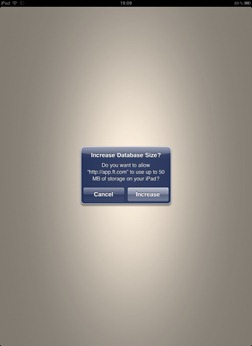
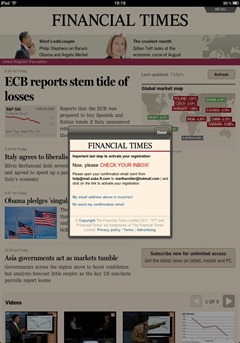
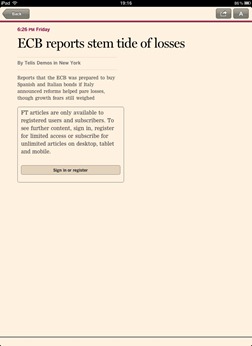
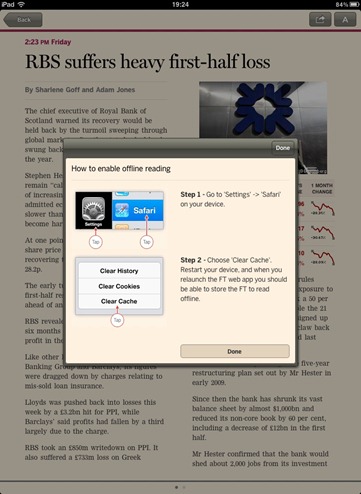
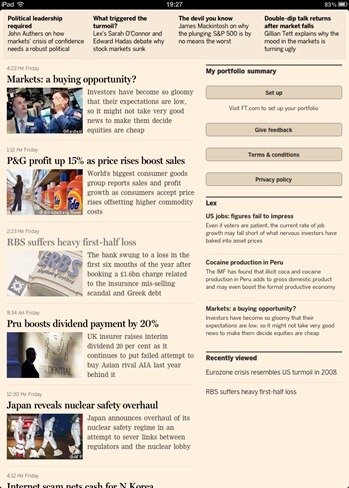


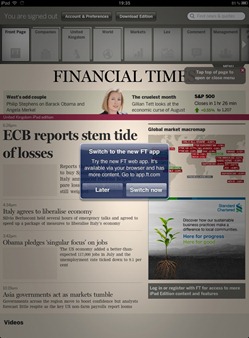 After I finished taking a look at the web app, I launched the native app and thought it was funny to see a message box letting me know I could use their new web app instead. I find very little difference between the two versions. The images, ads and videos load slightly faster initially on the native app, but as I mentioned above, perhaps this will become a non-issue when iOS 5 comes around to boost web app speed.